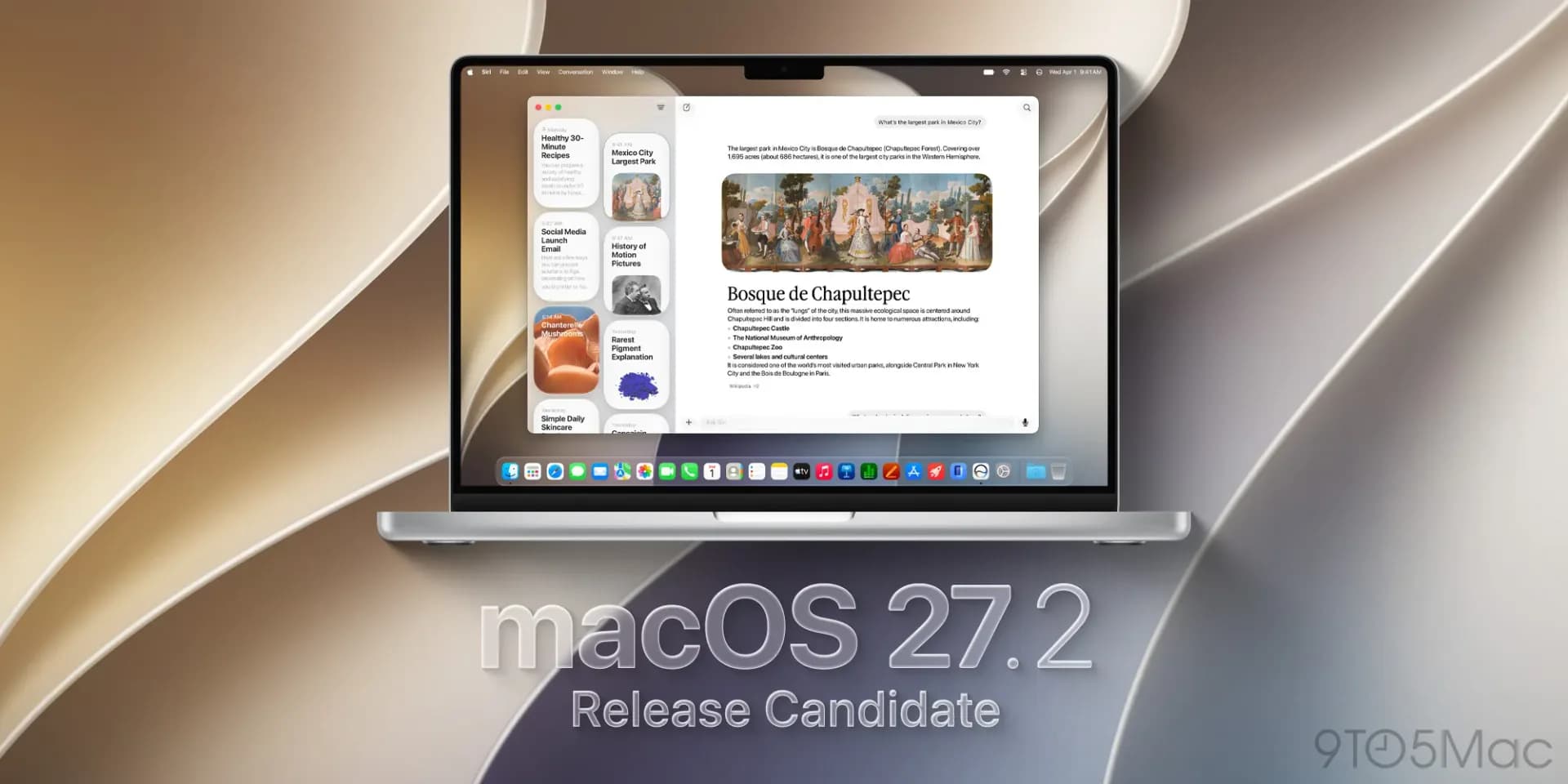
Apple pushed out macOS 27.2 Golden Gate on Monday, and the update carries more than the usual bug fixes. Buried in its code are references to new gesture-recognition capabilities inside Photos, Notes and Safari, first spotted in beta builds and flagged again by Ars Technica in its coverage of the release.
Those references line up with unconfirmed reports that Apple is preparing a MacBook Pro refresh with touch support, possibly to be shown off at a hardware event scheduled for this Wednesday. Apple hasn't said anything official about a touchscreen Mac, and gesture code sitting in an operating system build is not the same thing as a product announcement. Treat it as a strong hint, not a confirmation.
What macOS 27.2 actually does
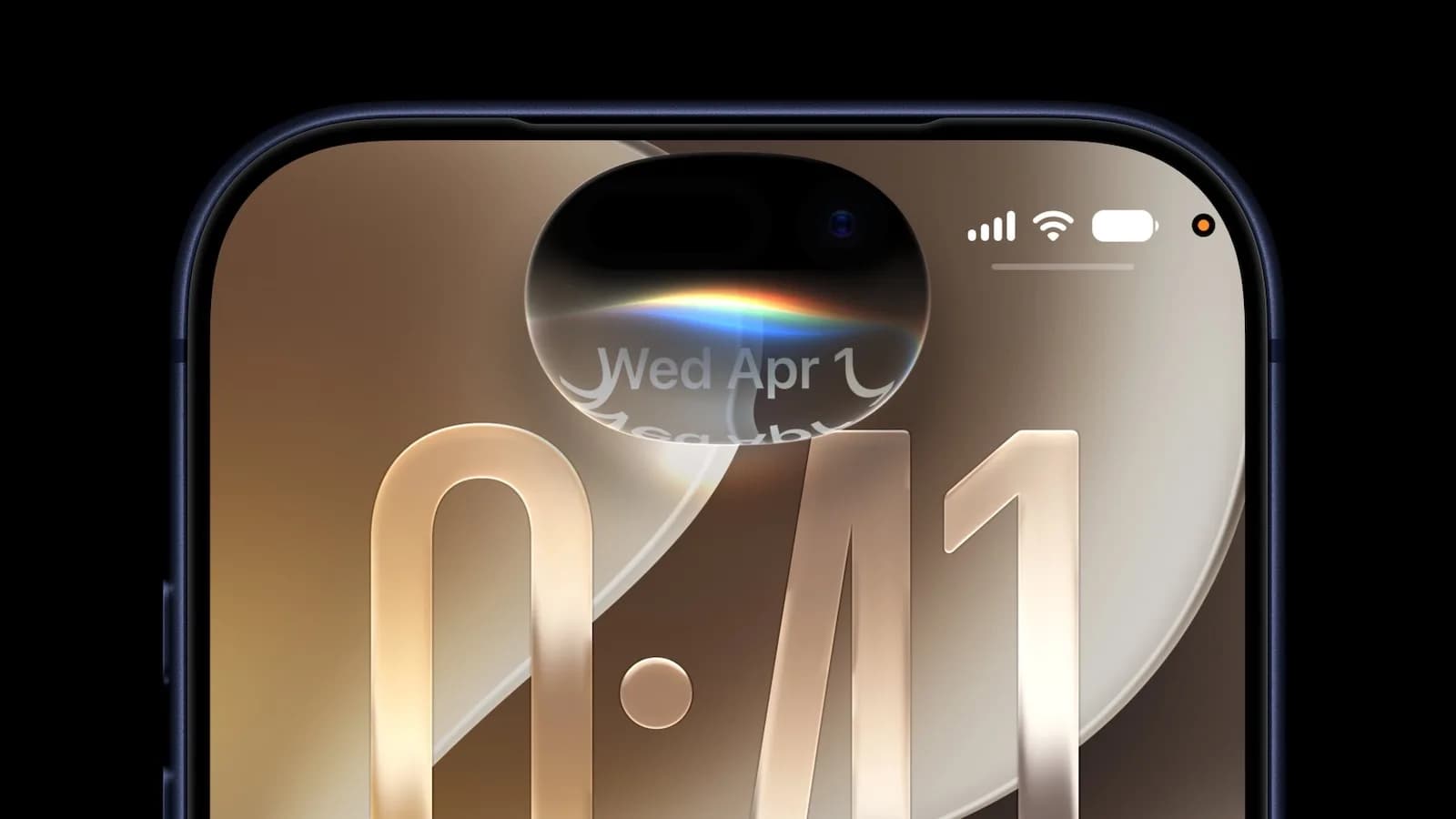
Outside the speculation, the update's confirmed changes mirror what landed in iOS 27.2 the same day. Siri AI on the Mac now gets contextual memory, letting it reference earlier conversations instead of treating every request as a blank slate. It also picks up the same expanded language support rolling out across Apple's platforms, plus whatever unspecified bug fixes Apple bundled in alongside security patches.
Apple's release notes describe the Siri changes as giving the assistant "the ability to retain useful context from previous Siri interactions as well as draw from a wider range of personal context," alongside new in-app Suggestions that turn conversational context into quick actions in Calendar and Reminders. That Suggestions feature, along with a new Excluded Apps setting that lets people choose which apps Siri, Search and suggestions can read from, shipped across macOS, iOS, watchOS and visionOS at the same time.
MacOS also picks up Apple's new Music branding, the same icon refresh that landed in the Apple TV app and visionOS 27.2 this week. It's a cosmetic change, not a functional one, but it's the kind of detail that shows up in every build going out this cycle.
What's missing, and what's next
Siri AI's memory feature and the new languages still don't reach users in the European Union or mainland China, a restriction Apple hasn't explained beyond prior references to regulatory requirements in the EU. Apple also hasn't said when, or whether, that will change.
The more interesting question is what happens Wednesday. If Apple does show a touch-enabled MacBook Pro, the gesture code already sitting in macOS 27.2 would make sense as groundwork laid ahead of a launch rather than a coincidence. If nothing touch-related appears, the references in the build will just be unused code Apple shipped early, which happens more often than people assume.
Either way, macOS 27.2 is already rolling out to compatible Macs through Software Update, with the Siri AI memory feature requiring the same hardware restrictions Apple set for iOS, meaning iPhone 16 models and later, plus iPhone 15 Pro and Pro Max, carry the equivalent feature on the phone side.
CDFiled by The Computing Desk
Laptops, desktops, processors, graphics cards and the operating systems that run on them.
More from this desk →
Be the first to comment
Join the argument. No password, just your email or a passkey.