Microsoft is patching one of the weirder omissions in its default desktop setup. If your webcam lacks built-in optical or sensor-level magnification, the stock Windows 11 Camera app simply wouldn't let you adjust the framing. That changes with the latest build rolling out to testers.
The updated Camera app introduces software-based digital cropping whenever dedicated hardware zoom is missing. Microsoft started testing wider camera compatibility back in June, and this latest push fills the gap for basic USB webcams and budget laptop sensors that cannot adjust their field of view on their own.
The build also addresses basic file-handling friction. Microsoft added a dedicated "Copy path" button to the viewer interface, letting users grab the exact file directory of a fresh recording or photo without digging through File Explorer. Clipboard handling received a tune-up as well, making it cleaner to paste captured clips directly into chat windows, presentations or open documents.
Those utilities might sound minor, but anyone who uses the default client to grab quick whiteboard snaps or record quick training videos knows the hassle of hunting down the saved media folder.
The timing fits a broader cleanup of Microsoft's built-in media tools. The company just showed off a redesigned Photos app for Windows 11, meant to streamline local library browsing. Polishing the capture side alongside the viewing side makes practical sense, especially as video calls remain central to remote work routines.
All of these Camera app tweaks started out in early October. Microsoft initially pushed them on October 2 to Insiders enrolled in the Experimental, Experimental (26H1), and Experimental (Future Platforms) rings. Over the past few days, the package moved downstream into both the Beta and Release Preview channels.
Moving into Release Preview typically marks the final test gate before general availability. Assuming no nasty crash bugs crop up among testers, the updated Camera app should land on production PCs through regular Microsoft Store updates in the coming weeks.
CDFiled by The Computing Desk
Laptops, desktops, processors, graphics cards and the operating systems that run on them.
More from this desk →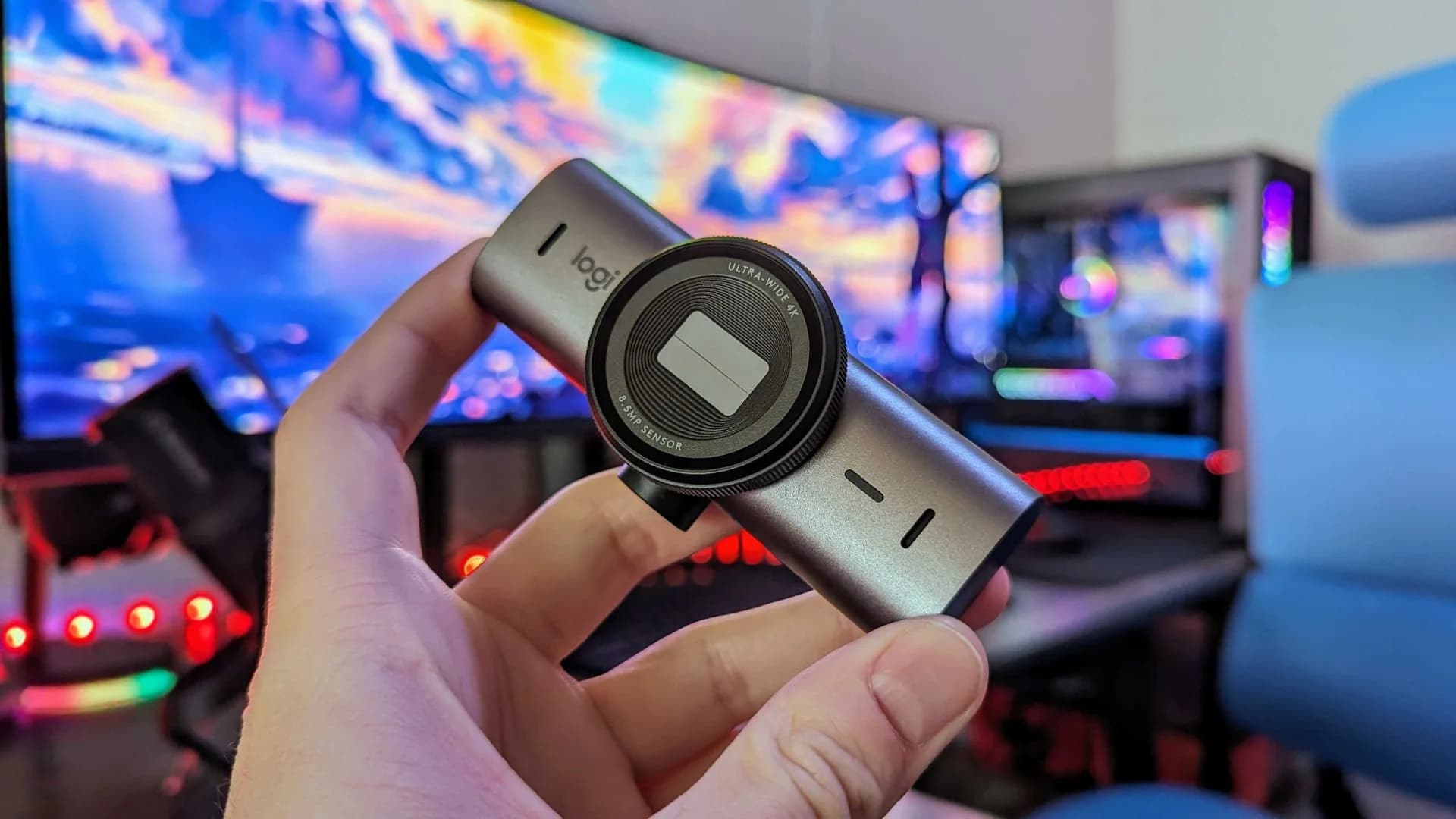
Be the first to comment
Join the argument. No password, just your email or a passkey.