Microsoft has quietly built the version of Windows 11 a lot of people have wanted for years: one without the Start menu tips, the account nags, the recommended files nobody asked for. The catch is you almost certainly can't run it.
The project is called Zenith, and Microsoft first announced it in early September 2026 as a "ready-to-code" configuration aimed squarely at developers, according to How-To Geek. It's not a new edition of Windows 11 the way Home and Pro are. It's a specific setup that ships preloaded on machines meeting fairly steep hardware requirements: at least 64GB of unified memory and memory bandwidth of 250GB/s or higher.
In practice that means Project Zenith will only show up on developer PCs built around AMD's Ryzen AI Max+ chips, including the Ryzen AI Halo, or Nvidia's RTX Spark silicon, both paired with at least 64GB of RAM. On those systems, the RAM doubles as unified memory shared between the CPU and GPU, which is what unlocks the configuration in the first place. Buy a regular laptop or desktop, no matter how powerful, and Zenith isn't an option.
What you get on a Zenith machine is a Windows 11 install with a lot of the ambient noise switched off by default. Start menu tips, account notifications, sync provider tips and the recently-used files list are all disabled out of the box. Command Palette is turned on in Search and Start, and PowerToys comes preinstalled. File Explorer ships with hidden files visible, full file paths in the title bar, file extensions showing, the details pane open and long-path support enabled, the kind of settings power users usually have to dig for. Windows Terminal and VS Code get pinned to the taskbar automatically.
The developer tooling goes deeper than cosmetics. Zenith PCs arrive with VS Code, GitHub Copilot, Microsoft's Windows App Development CLI, assorted programming languages and runtimes, and Windows Subsystem for Linux (WSL) all preinstalled, ready on first boot.
The workaround isn't a real debloat
For anyone without a Ryzen AI Max+ or RTX Spark rig, Microsoft offers a consolation prize called Windows Developer Config, an open-source project on GitHub that applies most of the same tweaks through a single PowerShell command. There's a standard script, which brings the developer tools, PowerShell 7, WSL with Ubuntu, dark theme and Do Not Disturb mode, and disables Search suggestions and Start recommendations. There's also a full script that layers on Developer Mode, Sudo support, Remote Desktop, and turns off widgets and Edge's first-run sign-in prompt.
How-To Geek's review of the scripts makes a pointed caveat: this isn't debloating in the way most people mean it. Alongside disabling clutter, the scripts also install VS Code, GitHub Copilot CLI and runtimes like Python and Node.js, which is dead weight for anyone who doesn't code. The outlet's recommendation for non-developers is to skip Microsoft's script entirely and reach for a third-party tool like WinUtil, which offers similar toggles, including telemetry and BitLocker controls the Microsoft scripts don't touch, without bundling developer software nobody but a developer wants.
Microsoft hasn't said whether any version of Zenith's cleaner defaults will ever reach ordinary Windows 11 Home or Pro installs outside of specialized developer hardware.
CDFiled by The Computing Desk
Laptops, desktops, processors, graphics cards and the operating systems that run on them.
More from this desk →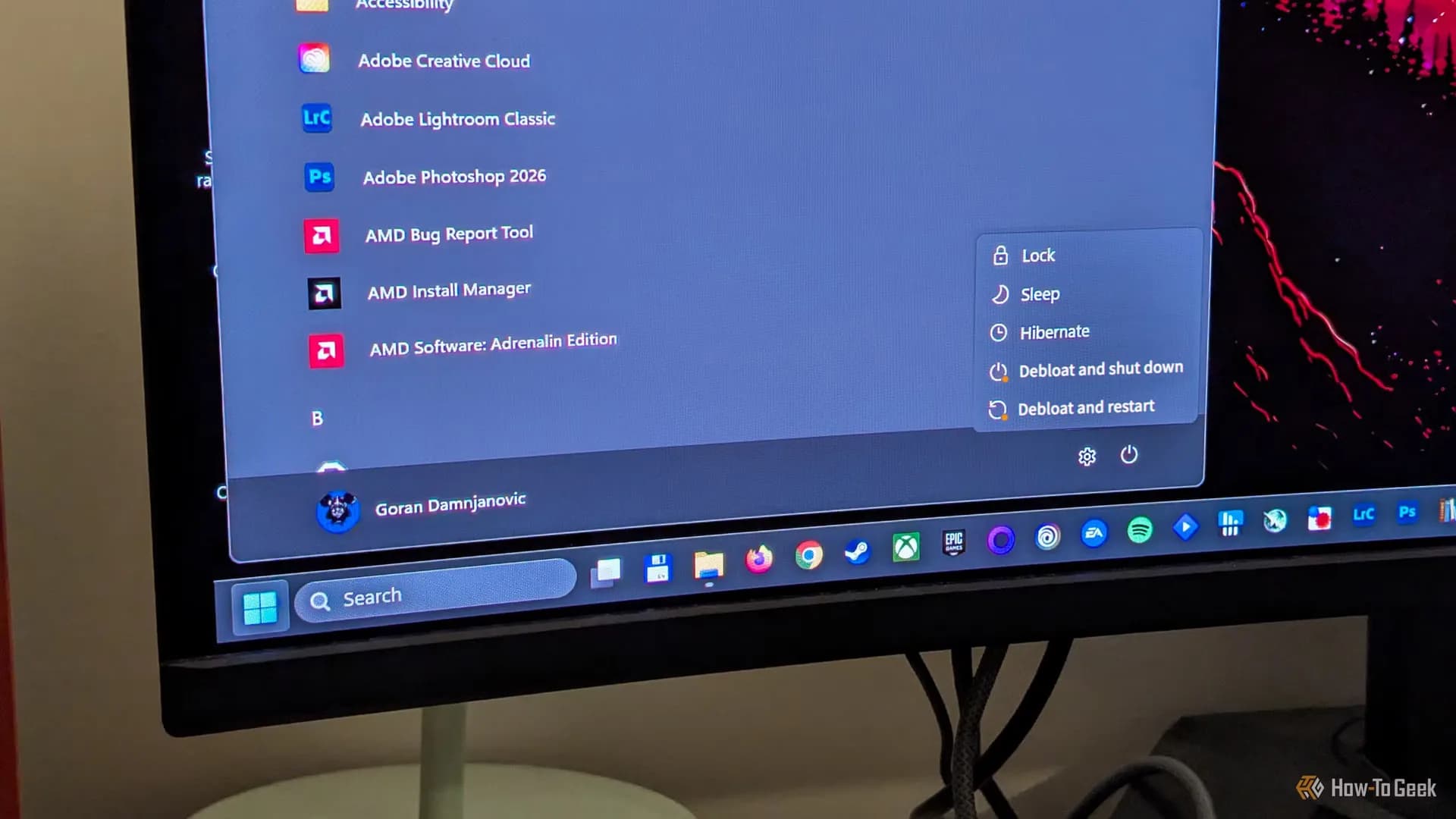

Be the first to comment
Join the argument. No password, just your email or a passkey.