Buying a dedicated network-attached storage box used to be the default first move for anyone setting up a home server. Prebuilt units from Synology, QNAP, and Asustor bundled hot-swap bays with turnkey software that handled backups right out of the box. Today, compact desktop hardware has upended that calculation.
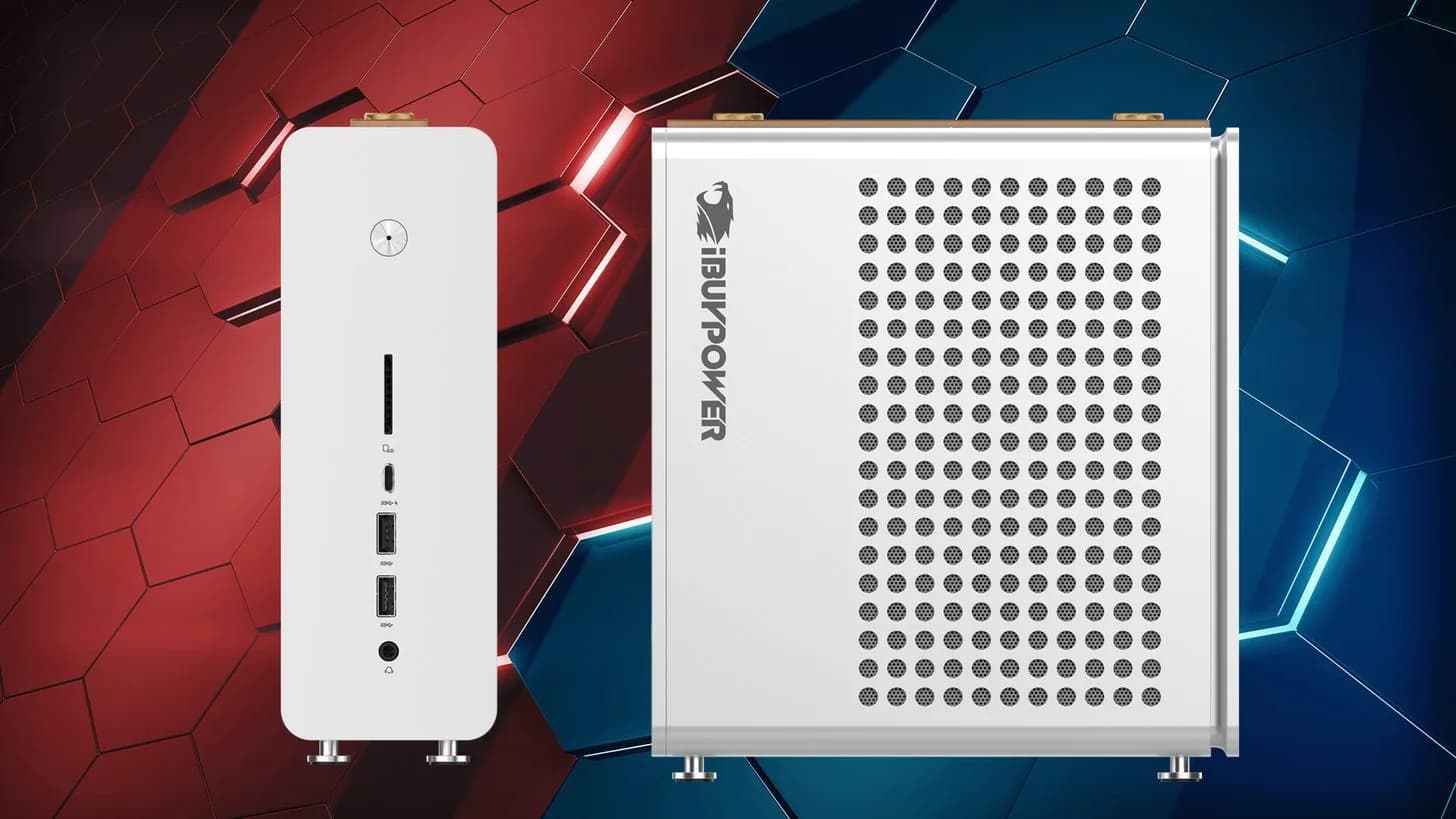
Modern consumer mini PCs have squeezed into territory once dominated by surplus office gear like the HP EliteDesk 705 and thin clients such as the HP T630. A starter mini PC build now routinely delivers 2.5GbE networking, multiple M.2 slots, and enough x86 processor headroom to run full hypervisors while sitting hidden behind a desk monitor.
That hardware jump shifts what a beginner can actually build. Rather than locking into proprietary network storage firmware, a mini PC can boot Linux, BSD, Windows, or Proxmox VE directly. Users can deploy lightweight LXC containers, host isolated Docker stacks, stand up a local DNS resolver, run Home Assistant, or test Kubernetes clusters on a single physical machine. When an experiment corrupts an installation, hypervisor snapshots let you wipe the environment and restart in seconds.
The drive bay dilemma
Where the mini PC formula stumbles is drive density. Multi-bay network storage appliances remain uncontested when the goal is pooling large spinning disks. A four, six, or eight-bay enclosure gives you room to expand drive capacity as your media libraries or system image archives swell.
By contrast, a typical mini desktop relies on one or two M.2 slots, occasionally paired with a single 2.5-inch SATA drive bracket. While TrueNAS requires only two matched drives to build a redundant mirrored pool, physical expansion hits a wall immediately after that initial pair is installed.
Internal lane allocation creates another hurdle for redundant storage pools. Even when a chassis advertises dual M.2 connectors, motherboard vendors often wire the primary socket for PCIe 4.0 x4 speeds while choking the secondary port down to PCIe 3.0 x2 bandwidth. Under sustained disk-intensive workloads, that mismatch can throttle a mirrored ZFS pool at the hardware level before filesystem optimizations can help.
Upfront costs still favor the tiny computer. A competent mini desktop can sell around $200, whereas multi-bay network appliances routinely command $500 or more before factoring in disk purchases. For newcomers wanting to learn network administration and container hosting rather than hoarding tens of terabytes, the compact desktop is winning the bench.
CDFiled by The Computing Desk
Laptops, desktops, processors, graphics cards and the operating systems that run on them.
More from this desk →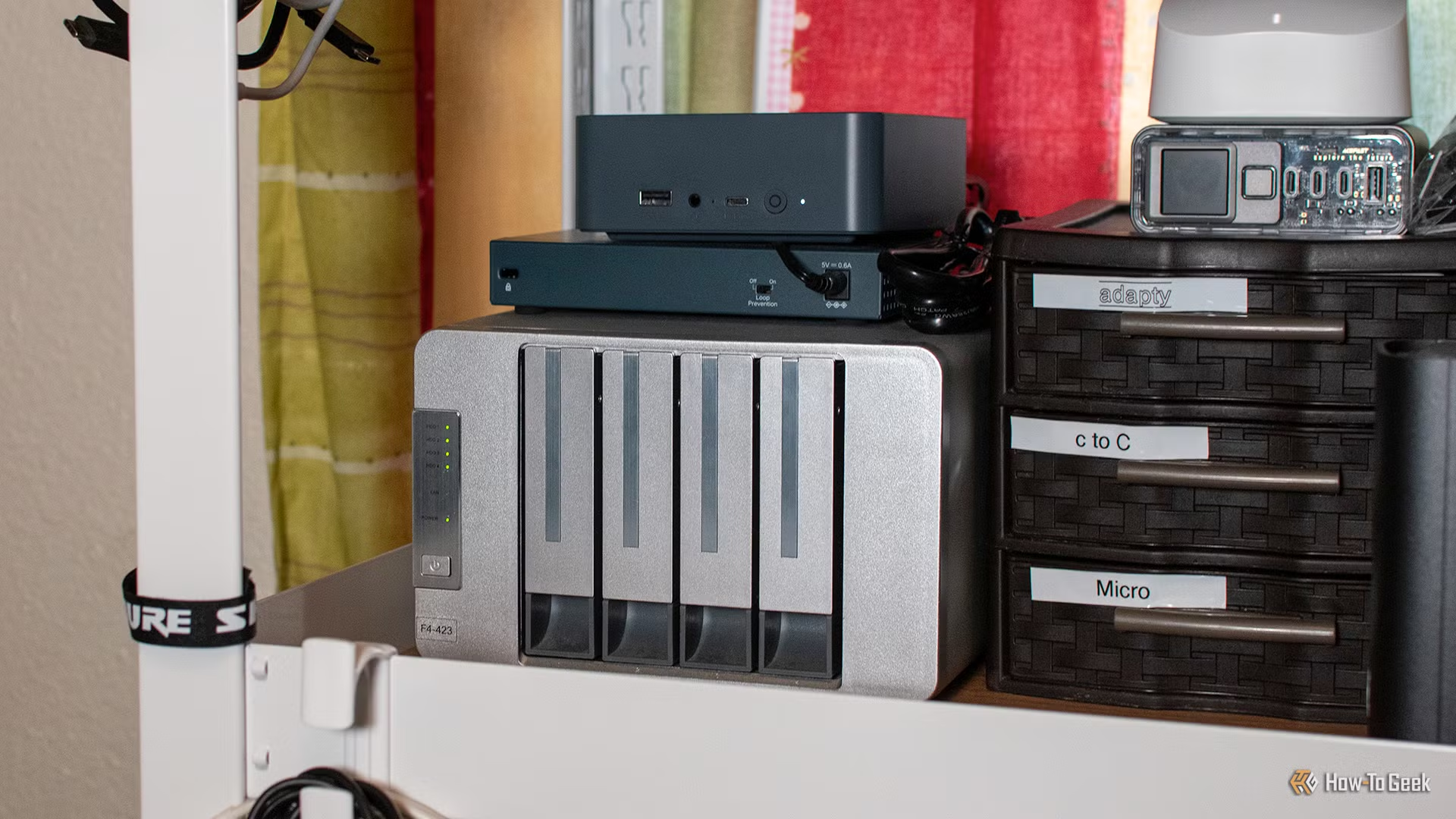
Be the first to comment
Join the argument. No password, just your email or a passkey.