Windows 11 23H2 Enterprise, Education, and IoT Enterprise editions lose security updates on November 10, 2026 — the final patch day for that version across all remaining supported SKUs. Microsoft confirmed the cutoff in a Windows Message Center notice, calling the November 2026 update “the last update available” for those editions.
After that, no more monthly security fixes. No exceptions. No extensions. Just silence, and growing exposure to unpatched vulnerabilities.
That date closes the book on 23H2 entirely: Home and Pro versions already ended support in November 2025. Now only the business, education, and embedded variants remain. And they expire together, next Monday. The replacement is Windows 11 26H2, officially named the Windows 11 2026 Update.
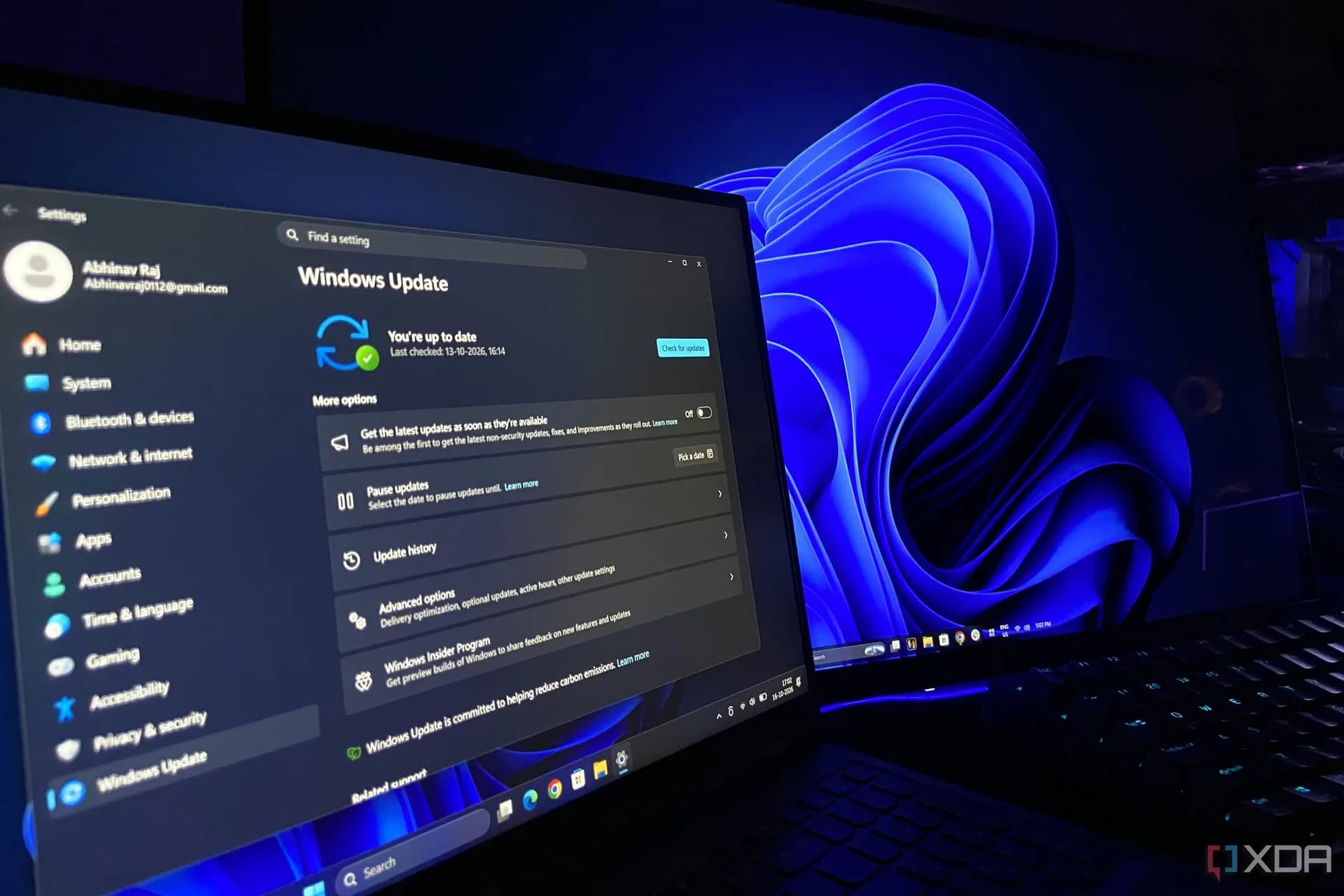
It launched in September 2026 as an enablement package, not a full reinstall, and is now rolling out in waves to eligible devices with automatic updates enabled. One restart. That’s it. For IT admins, Microsoft’s Lifecycle Policy search tool and Windows lifecycle FAQ page list exact end dates per edition.
Right now, that means: 24H2 Home and Pro stop getting updates this week. 24H2 Enterprise and Education continue through October 2027. And Windows Server 2022 shifts to extended support on October 13. Microsoft also issued a broader warning last week: after 2027, Windows Update certificates expire. Devices on unsupported builds.
Including older Windows 11 versions or Windows 10, will stop receiving updates even if they try, because the infrastructure itself will reject them. Home users still on Windows 10 aren’t stranded yet: Microsoft extended free Extended Security Updates (ESU) for home editions until October 2027. But that’s a temporary bridge.
Not a path forward. So: November 10 isn’t just another Patch Tuesday. It’s the hard stop for 23H2 in enterprise environments. And for anyone still running it, the clock is down to single digits.
CDFiled by The Computing Desk
Laptops, desktops, processors, graphics cards and the operating systems that run on them.
More from this desk →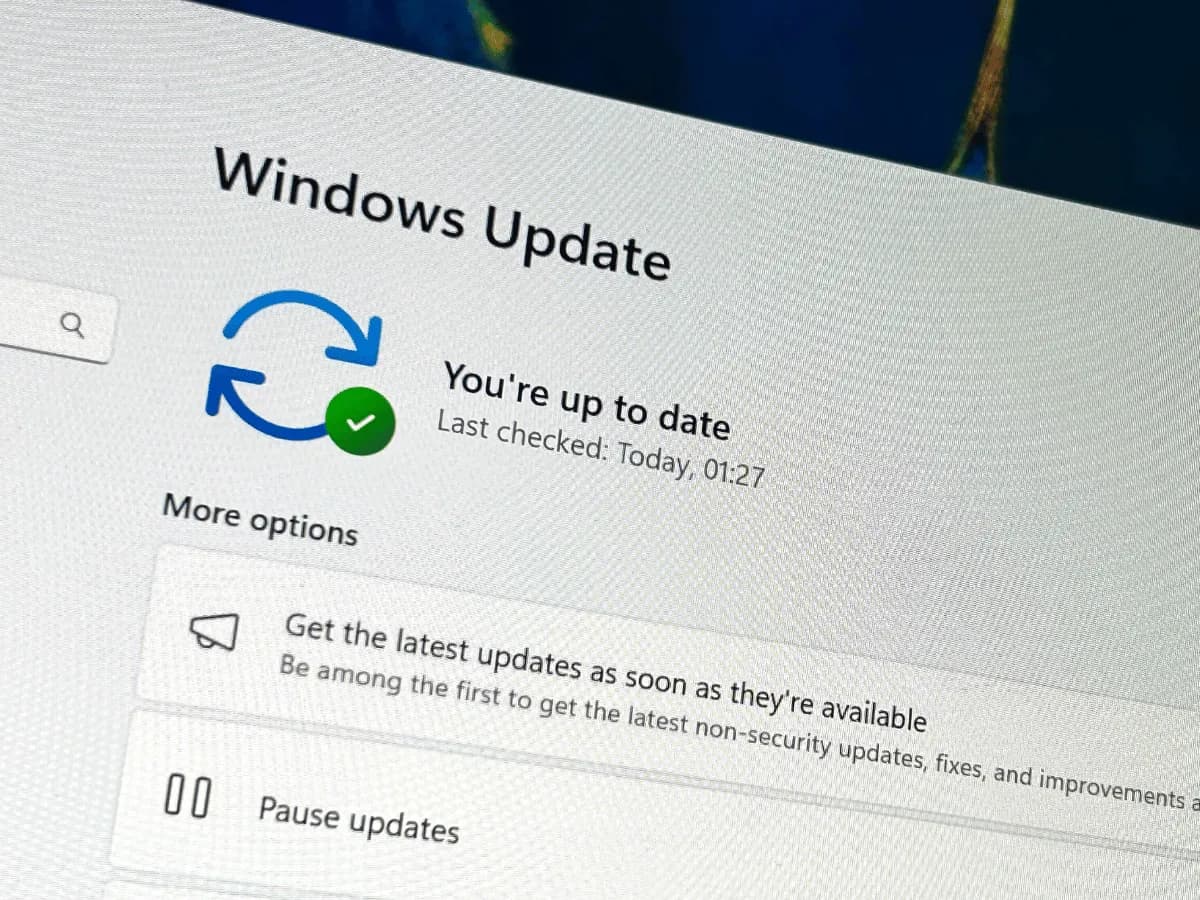

Be the first to comment
Join the argument. No password, just your email or a passkey.