Windows 11 26H2 Insider builds add FIDO2 passkey deletion and Remote Lock
Windows 11 26H2 Insider builds drop ahead of Ignite — FIDO2 passkey deletion, Remote Lock, and BitLocker PIN for standard users land in Beta and Experimental channels.
Topic
Windows 11 26H2 brings performance improvements, including faster Start, reduced idle RAM usage, and quicker app launches. It also introduces new features like FIDO2 passkey deletion, Remote Lock for Intune, a navigation bar in Xbox Mode, and customizable File Explorer right-click menus.

Windows 11 26H2 Insider builds drop ahead of Ignite — FIDO2 passkey deletion, Remote Lock, and BitLocker PIN for standard users land in Beta and Experimental channels.

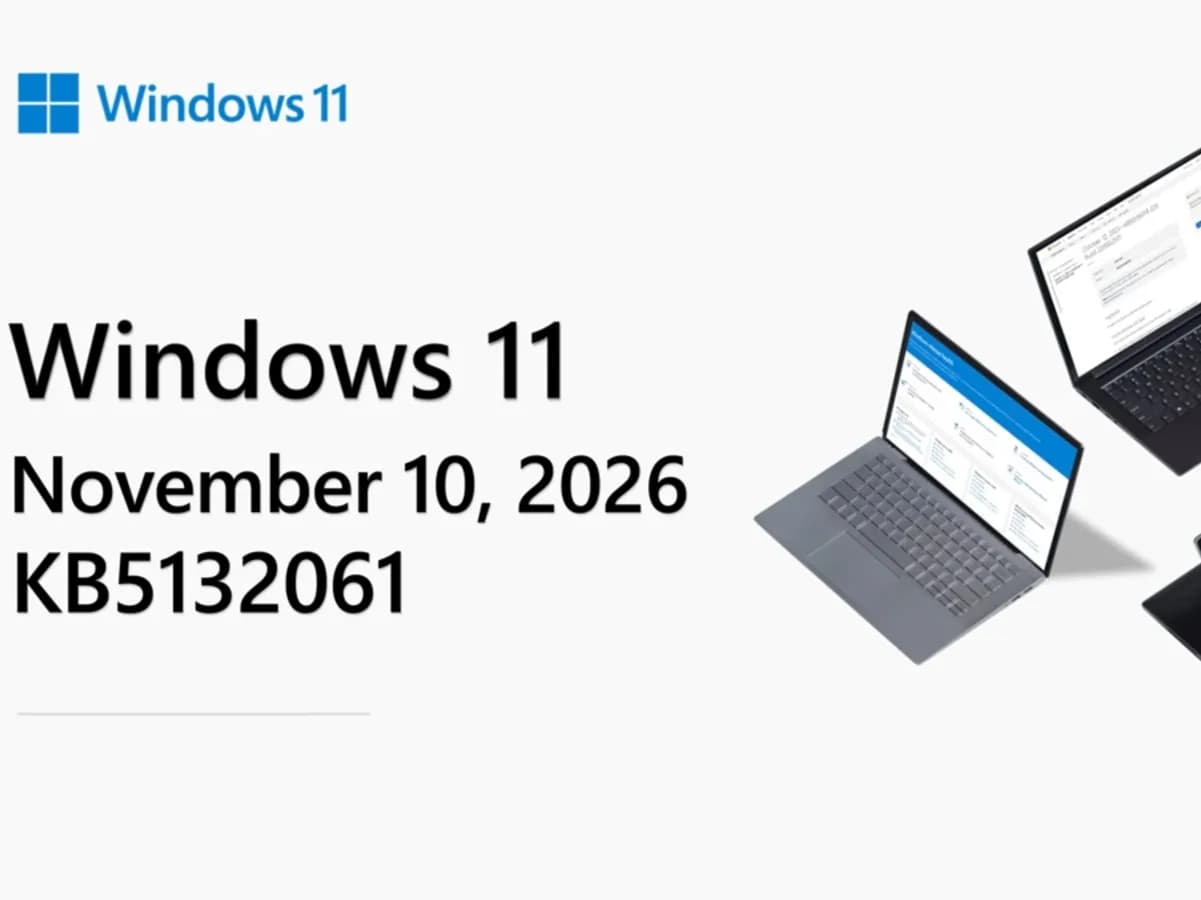
Windows 11 26H2 and 25H2 now ship KB5132061 — the November 2026 Patch Tuesday update — with File Explorer right-click menu customization, Cloud Rebuild, and Xbox mode refinements. It’s live globally as of November 10, 2026.

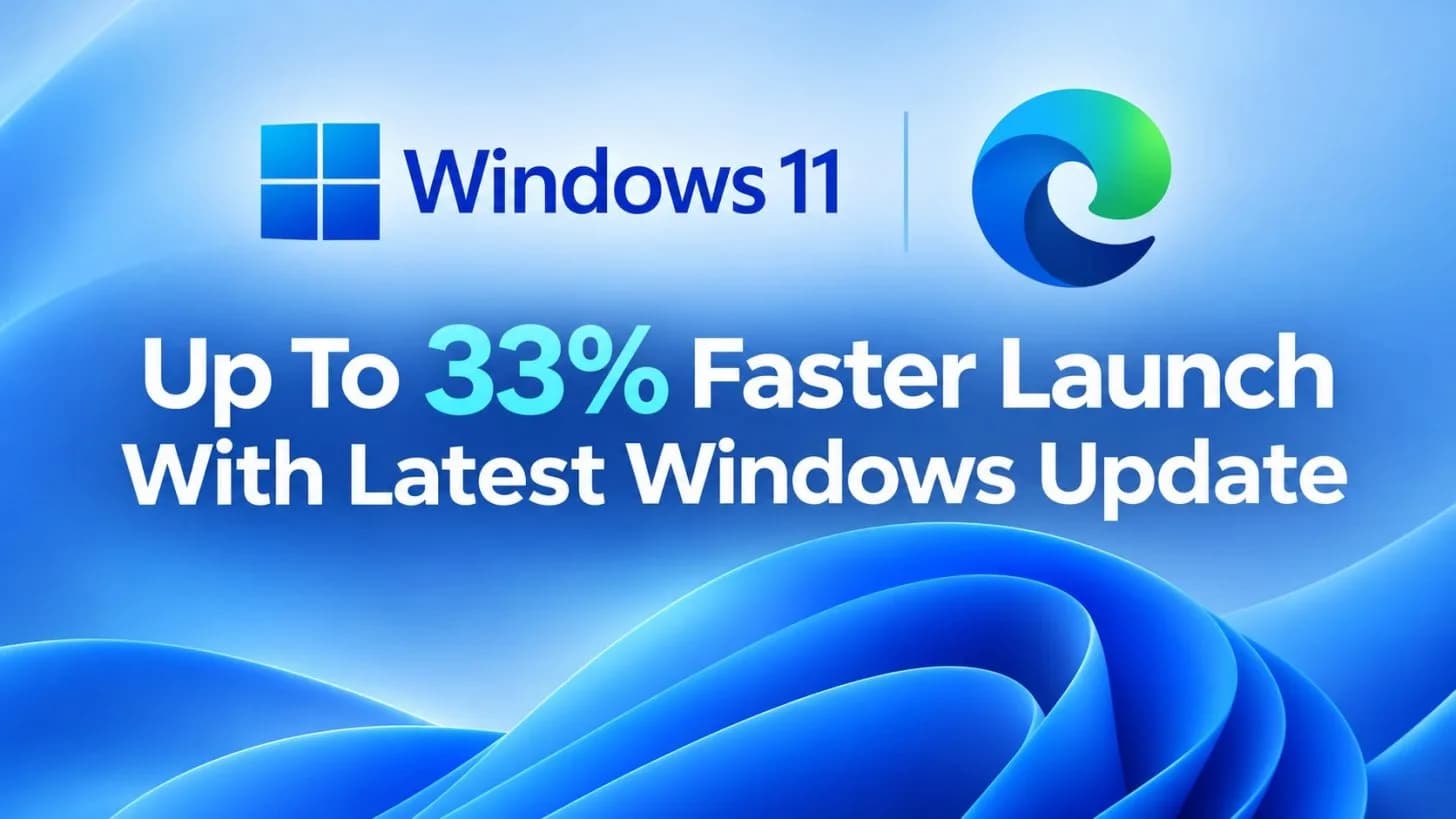
Windows 11’s Accelerated App Launch cuts Edge warm-launch times by up to 33%, rolling out via KB5127936 for 25H2, 26H1, and 26H2. Edge 150+ required. No settings. No cost. Just faster routing — if the browser is already alive.

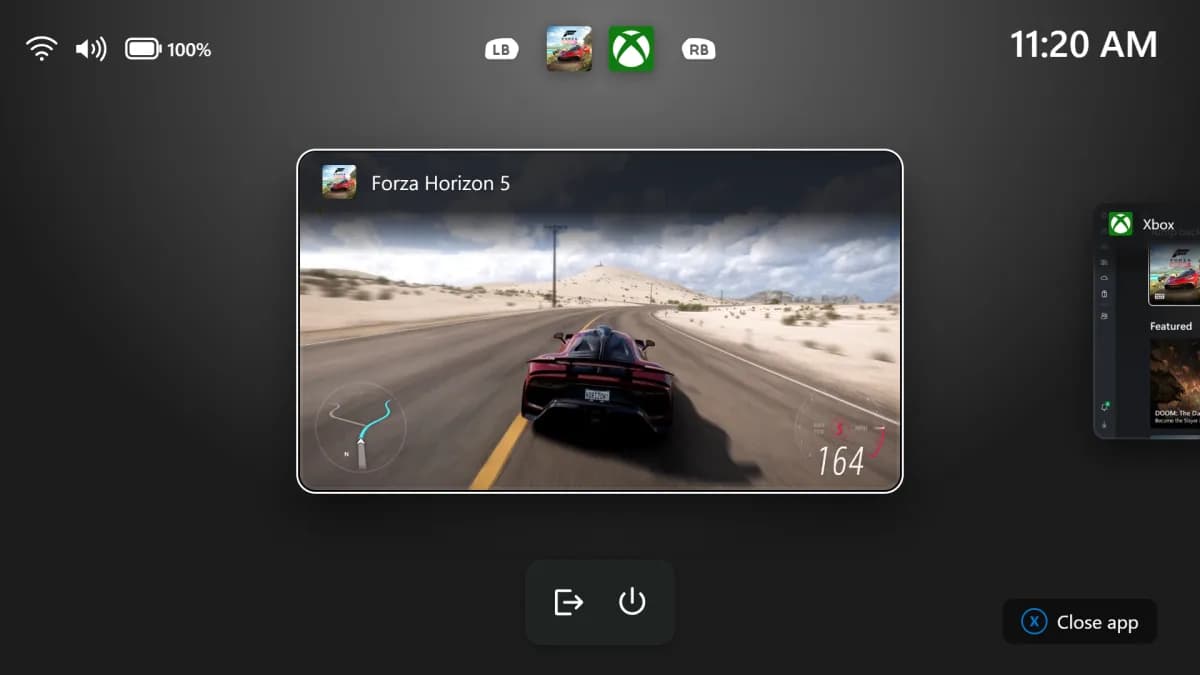
Microsoft has added a persistent navigation bar to Xbox Mode in Windows 11 Insider builds for 25H2 and 26H2. It includes direct shortcuts to Exit to Desktop and Power Options — replacing the Win + F11 keyboard shortcut that excluded controller-only players.

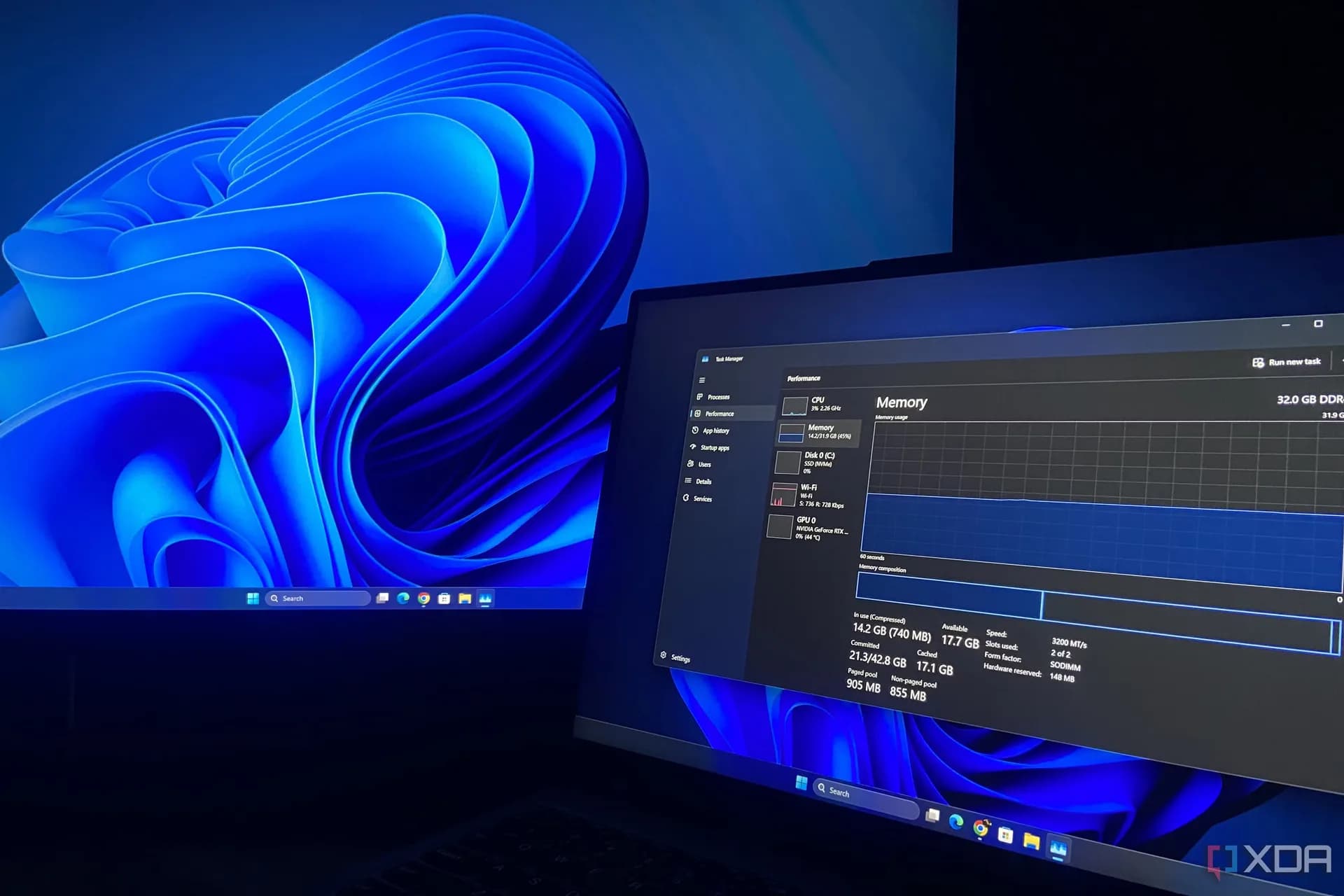
The RAM usage update is live, but the 20% responsiveness claim is Microsoft’s internal best-case figure—and doesn’t hold up on all 8GB PCs.

Windows 11 26H2 is live globally as a free, automatic update. It enables the Low Latency Profile system-wide—cutting UI lag by up to 70%, speeding app launches by ~40%, and dropping idle RAM usage by up to 3GB on common configurations. No Pro key, no extra cost, no manual tuning required.

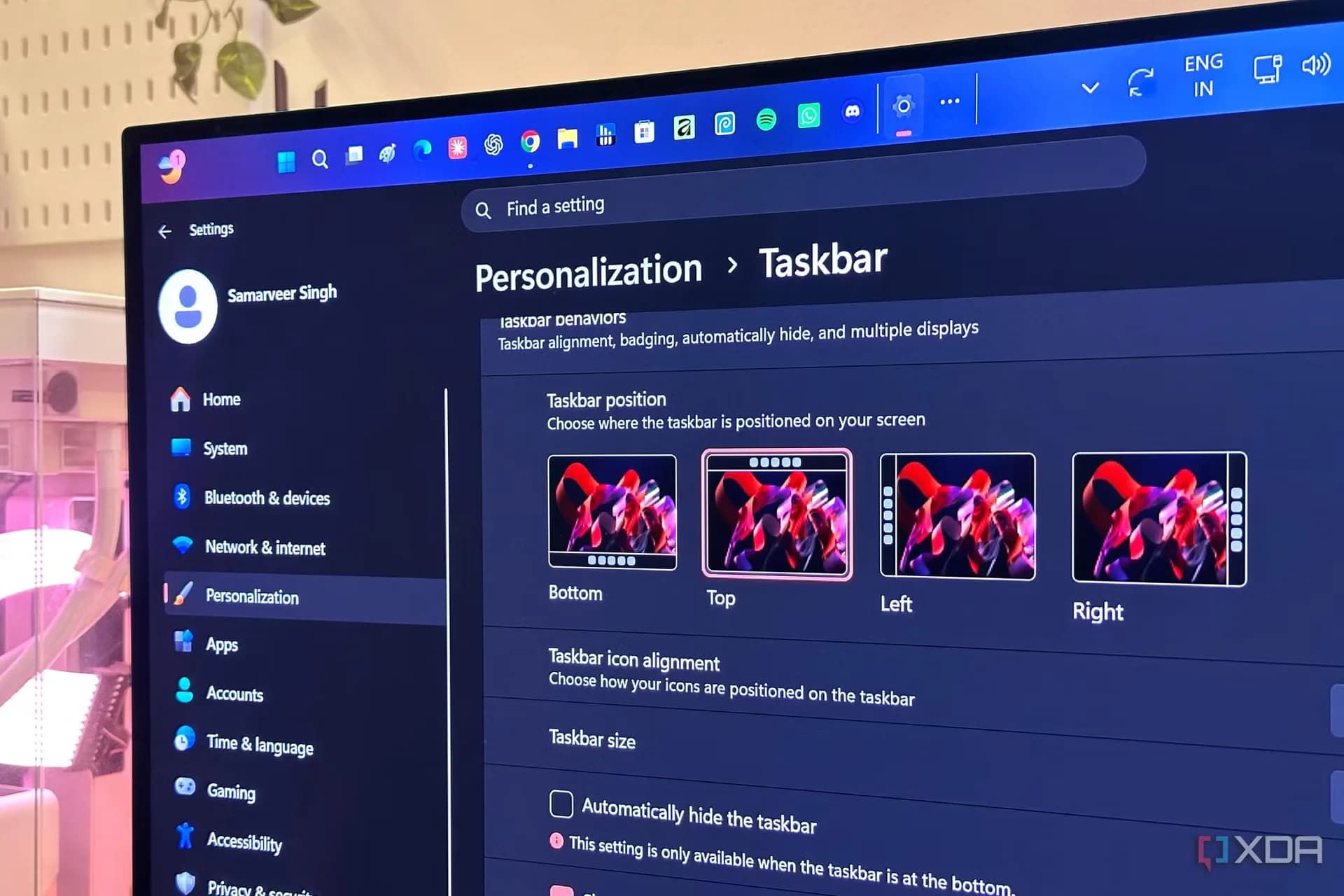
Windows 11 26H2 is live globally, but the left-aligned taskbar is rolling out gradually — not with the update itself. Mikhail Parakhin, ex-CEO of Microsoft Advertising, confirmed he doesn’t have it yet, calling the experience 'not usable yet'.

Microsoft has confirmed and patched a Windows 11 bug causing mouse stutter in games. The fix is in KB5127648, released October 13, 2026, for Windows 11 24H2, 25H2, and 26H2. It does not solve all mouse issues—just one specific OS-level regression.

Windows 11 26H2 is live. It saves up to 3GB of RAM on high-memory PCs — but leaves 8GB systems untouched. Microsoft confirmed memory optimization as a 2026 goal, yet the gains skip the official minimum spec entirely.

KB5127648 is the final update for Windows 11 24H2 Home and Pro editions. It fixes mouse stutter in games, adds Copilot key remapping, restores File Explorer previews, and patches two zero-days — including one actively exploited in the wild. Support for 24H2 Home and Pro ends October 13, 2026.

Microsoft has silently removed the 'Learn more' link workaround in Windows 11’s setup, making forced Microsoft account sign-in harder to avoid — even for users with no technical expertise.

Windows 11 23H2 Enterprise, Education, and IoT Enterprise editions lose security updates on November 10, 2026 — the final patch day for that version across all remaining supported SKUs.

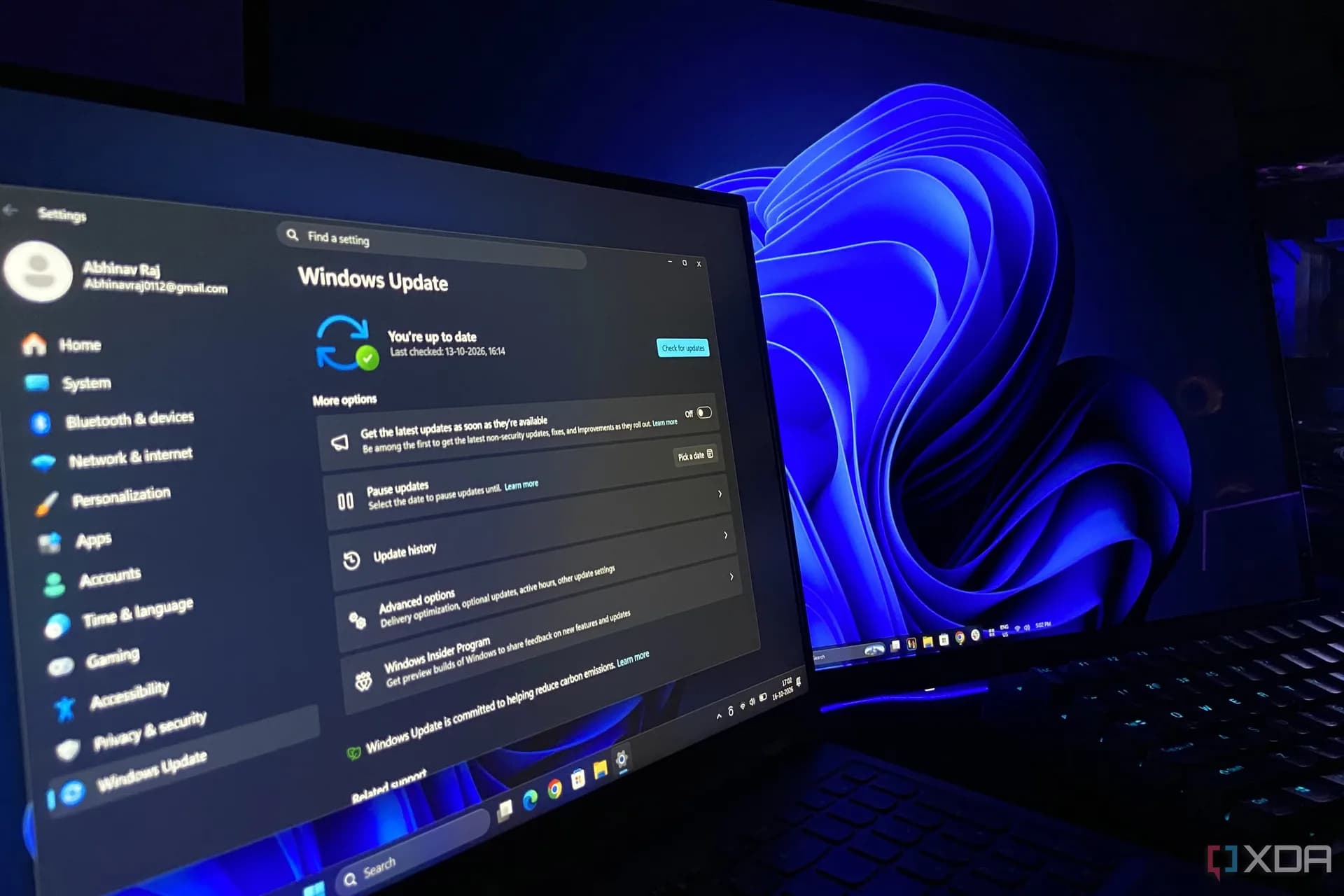
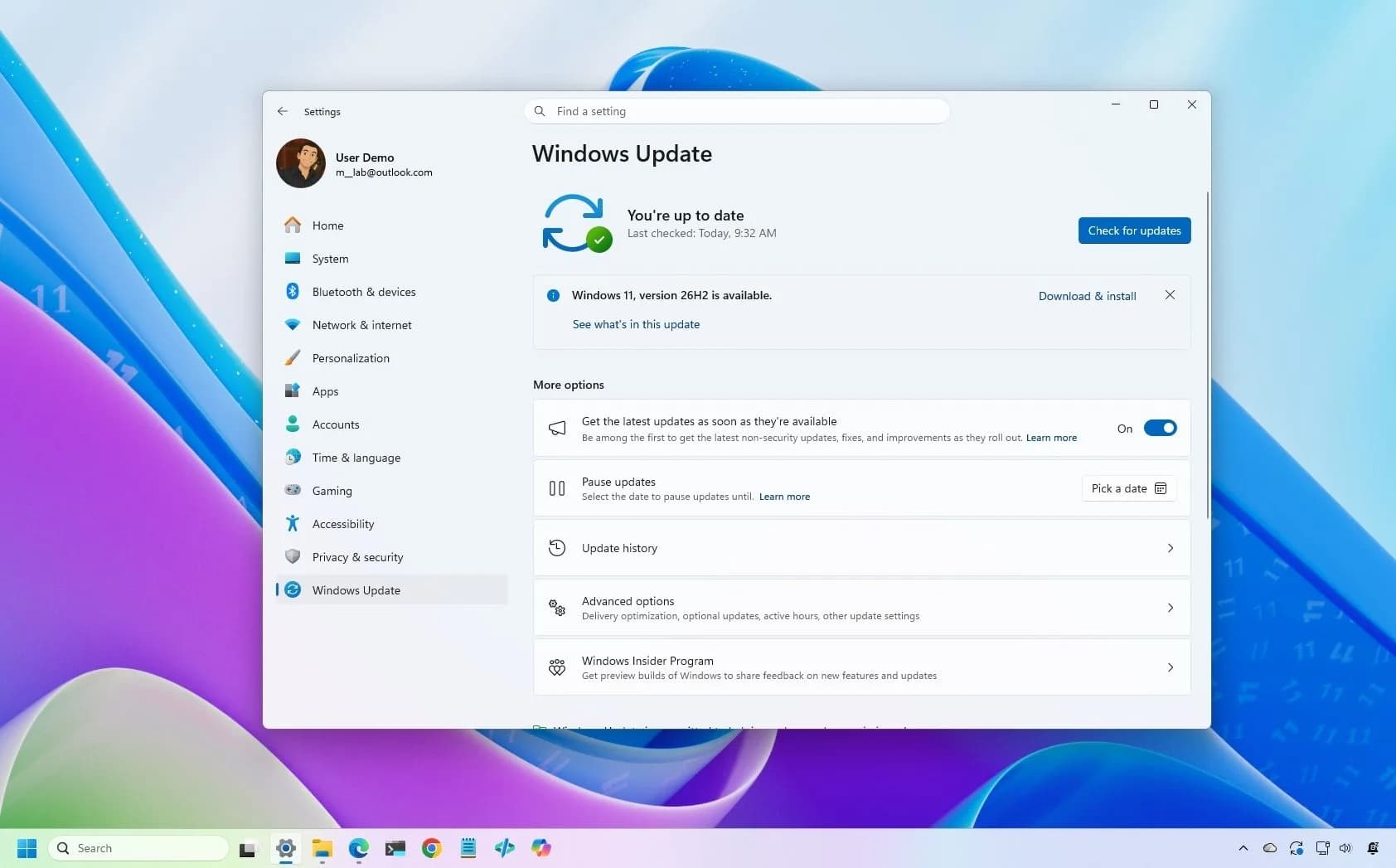
Windows 11 version 26H2 is rolling out now as an optional, phased update. You can install it manually via Windows Update, the Installation Assistant, the Media Creation Tool, or the official ISO — but the method matters depending on your current version.