Windows 11 26H2 now officially supports 8GB laptops without a Windows 11 key — and Microsoft says it’s up to 40% more efficient at multitasking on them. The claim isn’t new, but the scope is: Microsoft has expanded its responsiveness pitch beyond “up to 20% faster” to include specific gains across app launch, memory compression, and background tab management, all landing in build 26300.9818 or later of Windows 11 26H2.
No product key required. No Pro upgrade needed. Just an update. 8GB machines get the same treatment as higher-spec devices, at least on paper. And Microsoft is betting real money on that message.
RAM prices remain high in 2026. OEMs still ship entry-level Windows laptops with 8GB soldered in. So pushing ‘8GB is enough’ isn’t optimism. It’s infrastructure strategy.
The changes are surgical. Edge now puts inactive tabs to sleep after 15 minutes, down from two hours, saving up to 900MB of memory in Microsoft’s internal tests. File Explorer and Start Menu open up to 20% faster. Edge itself launches up to 33% quicker.
Video playback stutters less. App switching feels smoother. All because Windows now compresses memory more aggressively and reduces how often it offloads data to slower storage, effectively adding ~2GB of usable headroom without adding RAM. These aren’t theoretical tweaks.
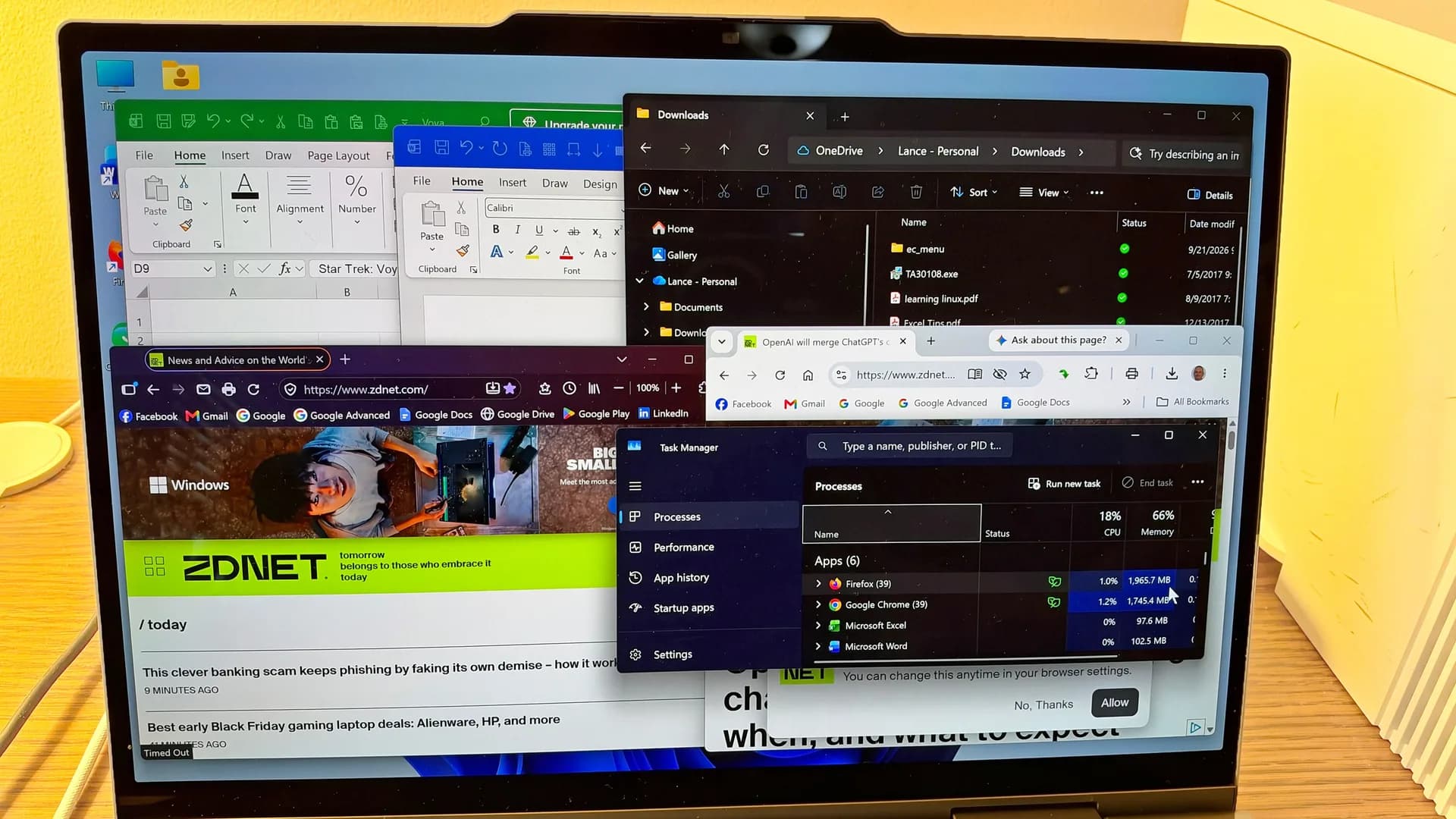
They’re baked into 26H2’s core memory manager and process scheduler. But real-world impact varies. Windows Latest tested the same optimizations on a 16GB laptop and saw 2GB of RAM freed. On an 8GB machine?
No change in observed memory usage. That gap matters. A claimed 40% multitasking boost doesn’t vanish if RAM isn’t actually freed, but it does mean the benefit may show up only when memory pressure hits hard: during heavy browser use, multiple Office apps open, or background syncs running alongside video calls.
Microsoft says more is coming. Windows Search, OneDrive, Photos, Paint, Notepad, and File Explorer are all flagged for further memory-use reductions. None of those updates have shipped yet. But their inclusion signals where the pressure points lie: not in gaming or creative workloads, but in the baseline tasks people do every day, opening a doc, searching a folder, cropping a photo, pasting text.
You’ll need Windows 11 26H2, build 26300.9818 or newer. Check Settings > Windows Update. If you’re on 26H2 but haven’t updated since early November 2026, you’re likely missing it. This isn’t about convincing power users to downgrade.
It’s about keeping the 8GB Windows laptop, long treated as a compromise, viable through software, not hardware. And it arrives just as Intel’s Arrow Lake and AMD’s Strix Point chips begin shipping in budget systems. Those chips support LPDDR5x, but many OEMs won’t use it. They’ll stick with cheaper 8GB DDR5.
Microsoft’s job now is to make sure that choice doesn’t feel like a penalty.
CDFiled by The Computing Desk
Laptops, desktops, processors, graphics cards and the operating systems that run on them.
More from this desk →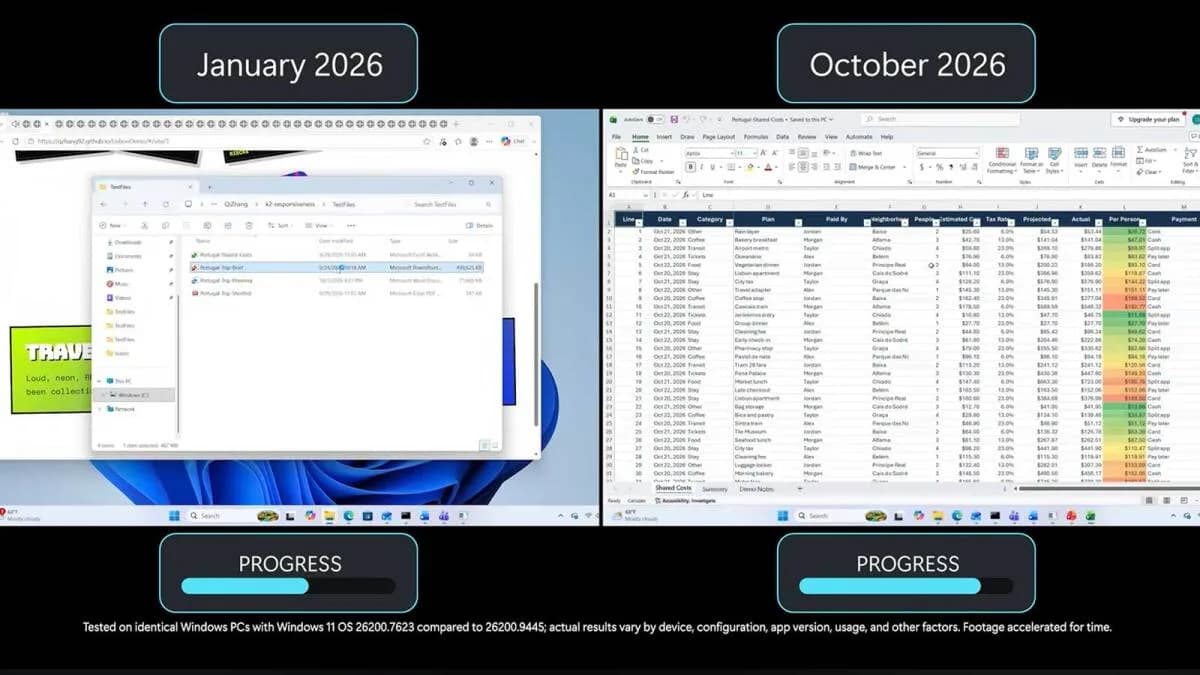


Be the first to comment
Join the argument. No password, just your email or a passkey.