Windows 11 26H2 is rolling out globally as a cumulative enablement update — not a new OS, but the final switch that activates performance work Microsoft has been shipping incrementally since early 2026. It’s live now for all supported Windows 11 devices, with no opt-in, no registry edits, and no reboot required beyond the standard post-install restart.
The change is immediate: Start menu opens faster, Search responds quicker, apps launch without the half-second hesitation users have tolerated since 2021. And yes, idle RAM usage drops, sometimes by 3GB or more on mid-range systems. A Lenovo Legion 5 Pro user saw idle memory fall from 8.5–9GB to 6.7GB.
Others report drops from 10GB down to 7GB. Or lower, on identical hardware running 25H2 before the update. That’s not a tweak. It’s baked in.
The core enabler is the Low Latency Profile, first introduced in KB5094126 (June 2026) and expanded in August to cover app launches. 26H2 flips it on system-wide. When you click Start or double-click an icon, Windows briefly pushes the CPU near its max clock for one to three seconds. Just long enough to render the UI or window.
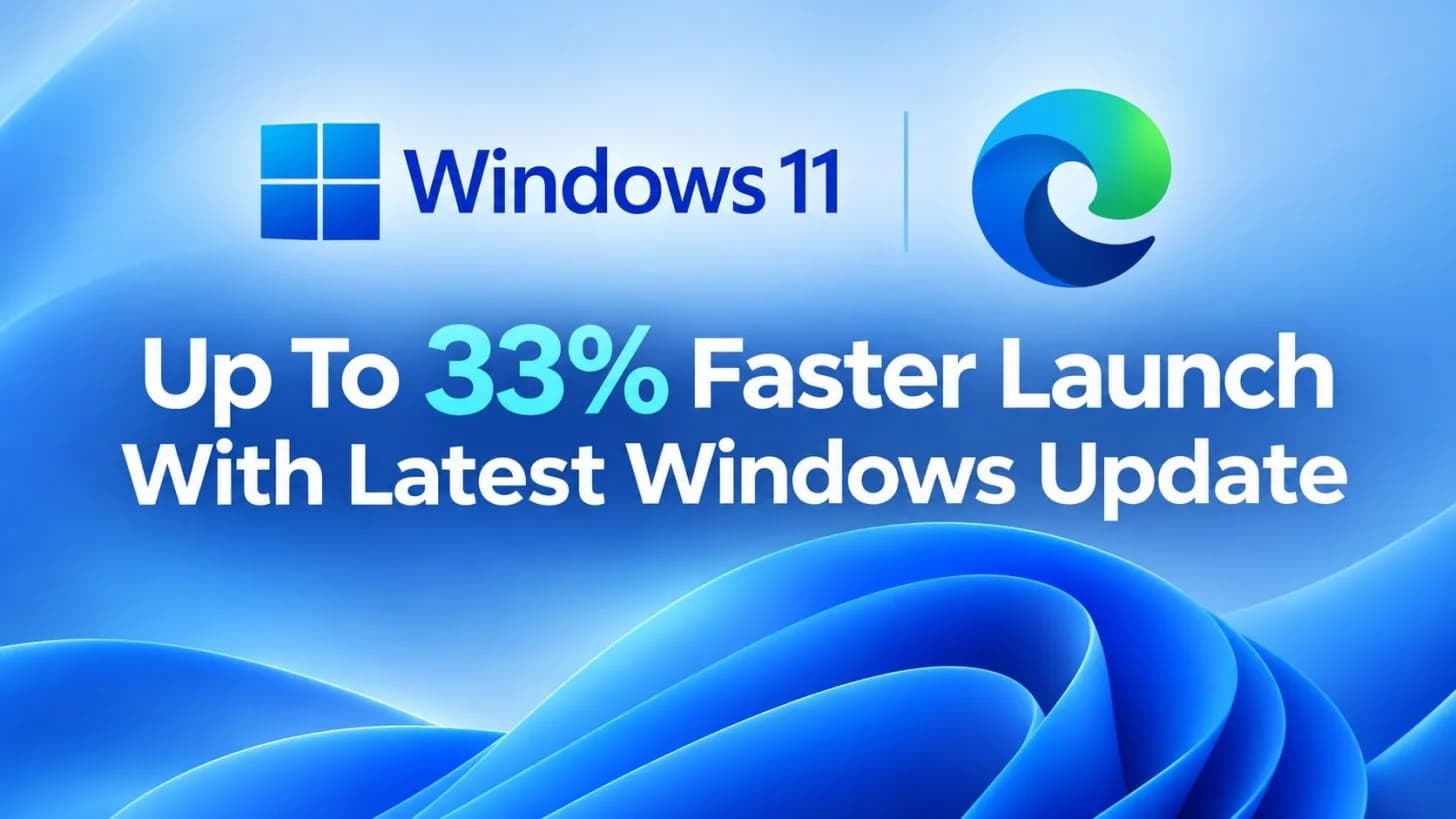
No settings changed. No drivers rolled back. No third-party tools. Reviewers at Windows Latest measured up to 70% faster UI response and ~40% faster native app launches (Edge, Outlook).
Gaming performance holds steady. Stability? So far, no widespread reports of regressions, no broken peripherals, no display glitches, no audio dropouts. That’s notable.
Patch Tuesday this year has been rough. This isn’t. Microsoft hasn’t announced pricing because there isn’t any: 26H2 is free for all Windows 11 users on supported hardware. No Pro key required. No upgrade fee.
No regional variation. It arrives via Windows Update, same as any other feature update. And unlike past releases, it doesn’t demand a clean install or force a reconfiguration of settings. The update ships on the same servicing branch as 24H2 and 25H2, meaning it’s leaner, more tested, and less disruptive than a full-stack rebuild.
Memory optimization is part of a broader effort Microsoft confirmed months ago: tightening the OS footprint across WebView2, WinUI, and the memory manager. With DDR5 prices still elevated, a 2–3GB idle reduction isn’t just a number, it’s headroom for multitaskers, creators, and anyone running VMs or browsers with 50 tabs.
The rollout is global and automatic. If your device is eligible and set to receive updates, 26H2 will land within days. Not weeks. Microsoft hasn’t published a hard cutoff date for 25H2 support, but history suggests mainstream servicing for the prior version ends six months after 26H2’s general availability.
Expect that timeline to hold.
CDFiled by The Computing Desk
Laptops, desktops, processors, graphics cards and the operating systems that run on them.
More from this desk →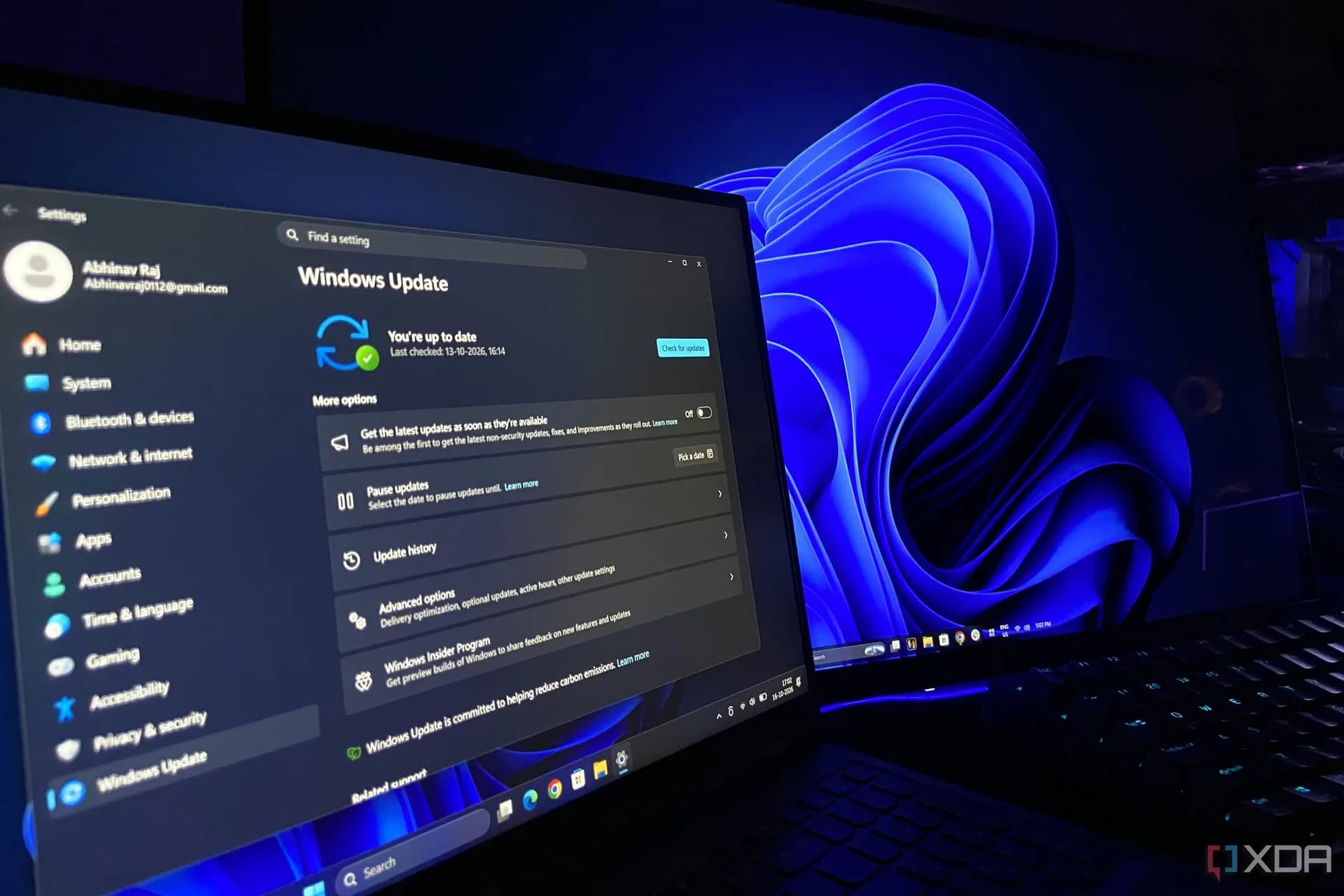

Be the first to comment
Join the argument. No password, just your email or a passkey.