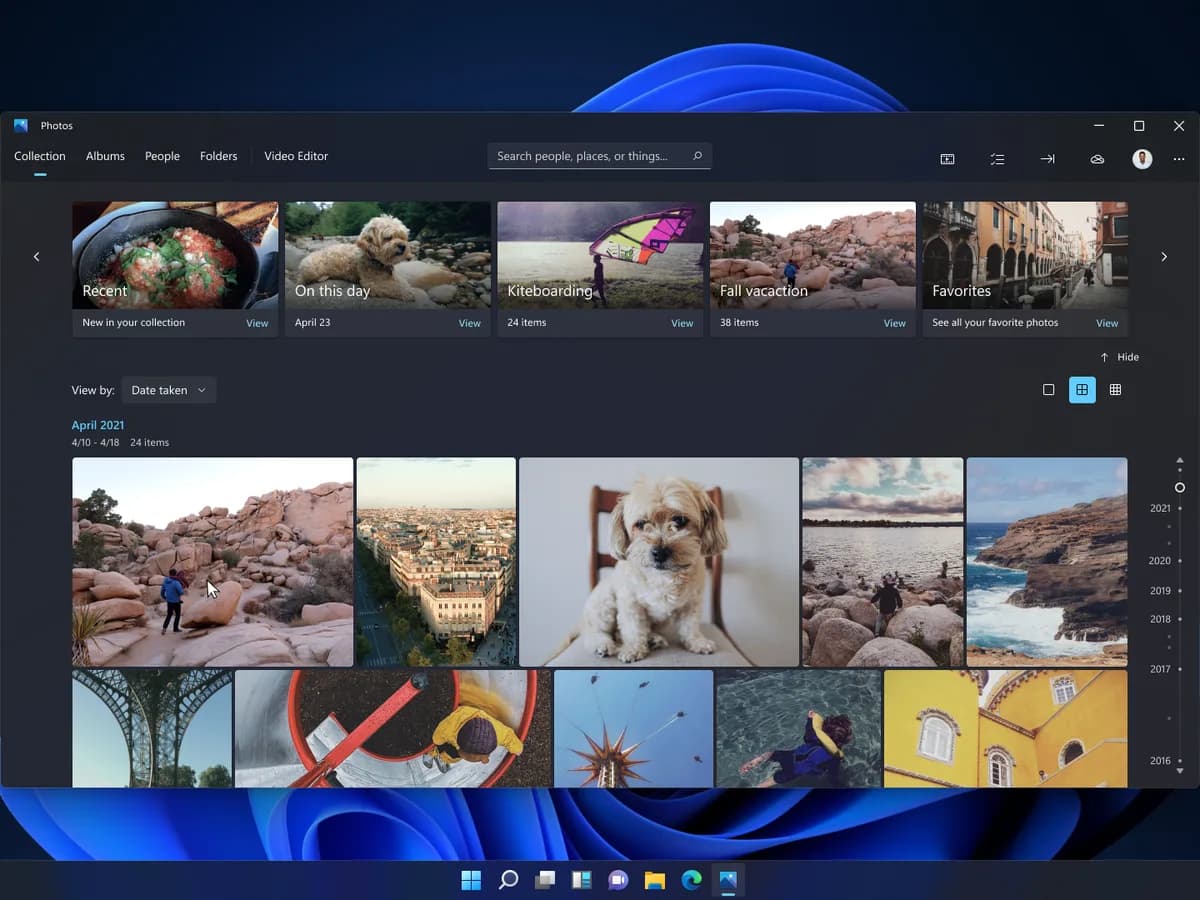
Microsoft has rolled out a redesigned Windows 11 Photos app that merges local files, OneDrive, and iCloud content into a single gallery — and it’s live for Windows Insiders as of October 19, 2026. The update replaces the gallery, editor, and viewer all at once, with Microsoft promising faster launch times, smoother scrolling, and native HEIC and WebP editing support. It will reach all Windows 11 users later this year, though no exact date is given beyond “later in 2026.” The rollout is global, and the app works the same way in the US and India, no regional pricing or feature splits are mentioned. It does not require a Windows 11 key to use. It ships with the OS and updates via the Microsoft Store. No new subscription tier or paid upgrade is involved. This is a free, built-in app refresh. Not a standalone purchase. The redesign doesn’t change how Windows 11 keys work, nor does it affect activation. It’s a UI and backend overhaul, not a licensing shift. So if you’re searching for a Windows 11 key, this update won’t help you find one, but it will change how your photos look, load, and behave inside the OS. The new Gallery shows everything in one feed: files on your PC, synced OneDrive folders, and iCloud photos (provided iCloud for Windows is installed and running). You can filter by source. “Local only,” “OneDrive only,” or “iCloud only”, and favorites, dates, people, and albums still work across all three. Offline access remains intact for device-stored images. Signing into OneDrive isn’t required to see local or iCloud content. Search now accepts natural-language prompts like “a family picnic by the lake.” That capability depends on hardware support, file type, and language. And currently only covers photos in the local Pictures Library, not iCloud or OneDrive cloud content. OneDrive-specific features include Moments (auto-grouped themed memories), seasonal recaps, slideshows, video exports, and an “On this day” view. ICloud Shared Albums remain outside the Photos app entirely, they’re still handled by Apple’s separate iCloud Shared Albums app. The rebuilt editor uses WinUI 3 and loads ~25% faster than version 2026.11060 in Microsoft’s internal tests. Results vary by device. HEIC and WebP edits now save in their original formats instead of converting to JPEG. The viewer starts ~15% faster on average, up to 30% faster for HEIC files. It adds arrow-key navigation, a unified menu, SVG support, better HDR rendering, and an info panel showing filename, date, camera model, location map (if geotagged), color histogram, and visual search. Opening an image from File Explorer now launches this viewer by default. Relight, Microsoft’s AI-powered lighting adjustment tool. Is still rolling out to all Windows 11 devices and isn’t yet universally available. Windows Insiders can get the update now through the Microsoft Store. Non-Insiders wait for the broader release, expected before year-end, but unconfirmed.
Windows 11 Photos app unified gallery
A single gallery for local files, OneDrive, and iCloud — plus faster loading, HEIC/WebP editing, and natural-language search. No Windows 11 key required.
By Patch Notes
The Software Desk · (3 hours ago)
Reported from
How this story was made
Written by the Hitechreports desk from the reporting credited above, with facts attributed to their original publishers. We do not test devices ourselves; anything about performance, battery life or cameras comes from the outlets that did. Prices are as reported at the time of writing. Editorial policy · Report an error
Filed by The Software Desk
Apps, platforms, operating system releases, security fixes and the features arriving in them.
More from this desk →Read next
More Apps & Software →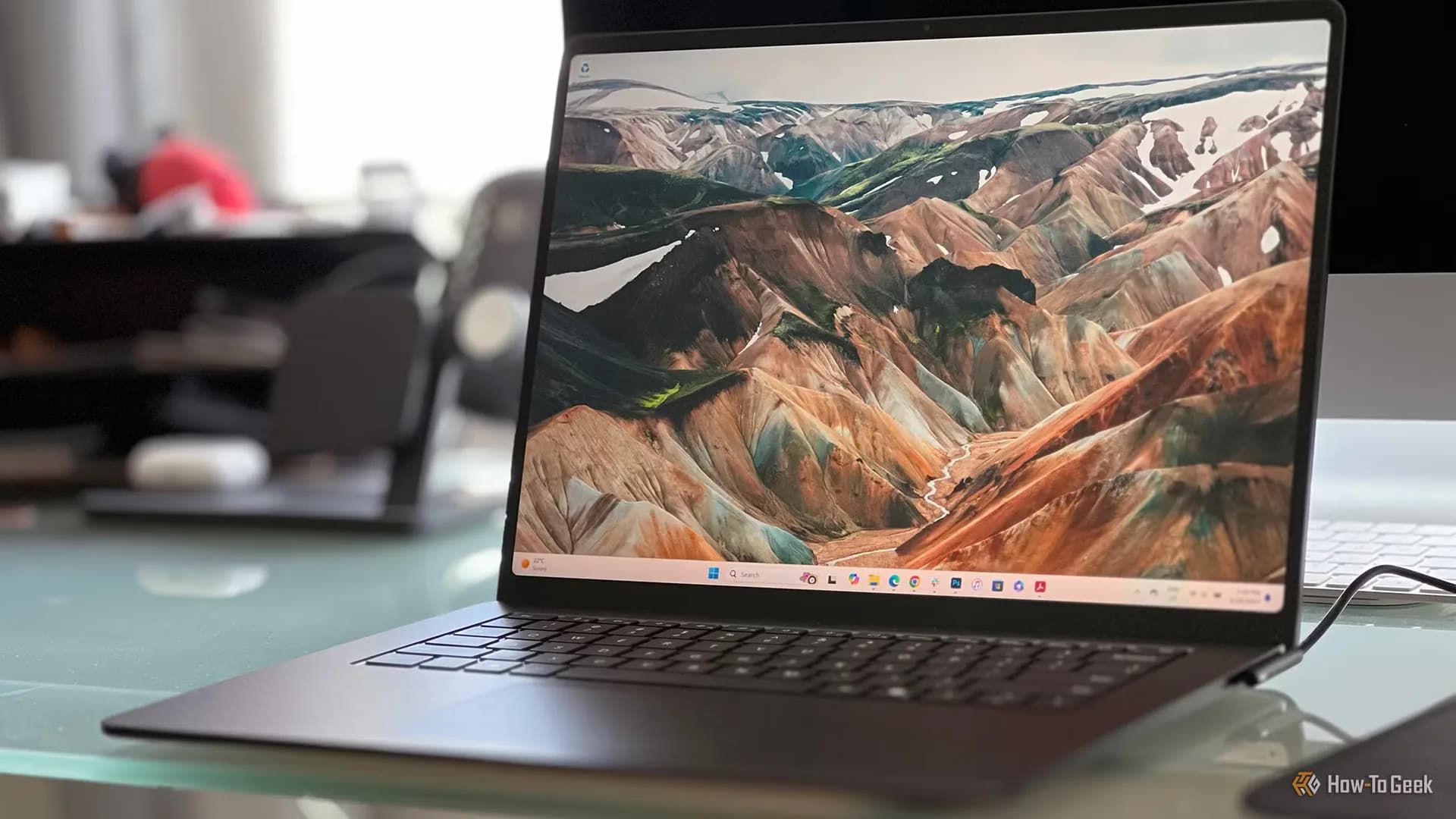
Windows 11 26H2: What’s new in the October 2026 update
Windows 11 26H2 delivers six major customizations users demanded for years: taskbar repositioning, Copilot key remapping, one-finger touchpad scroll, taskbar ungrouping, Start Menu editing, and Windows Search web-result toggling — all native, Settings-driven, and rolling out now.
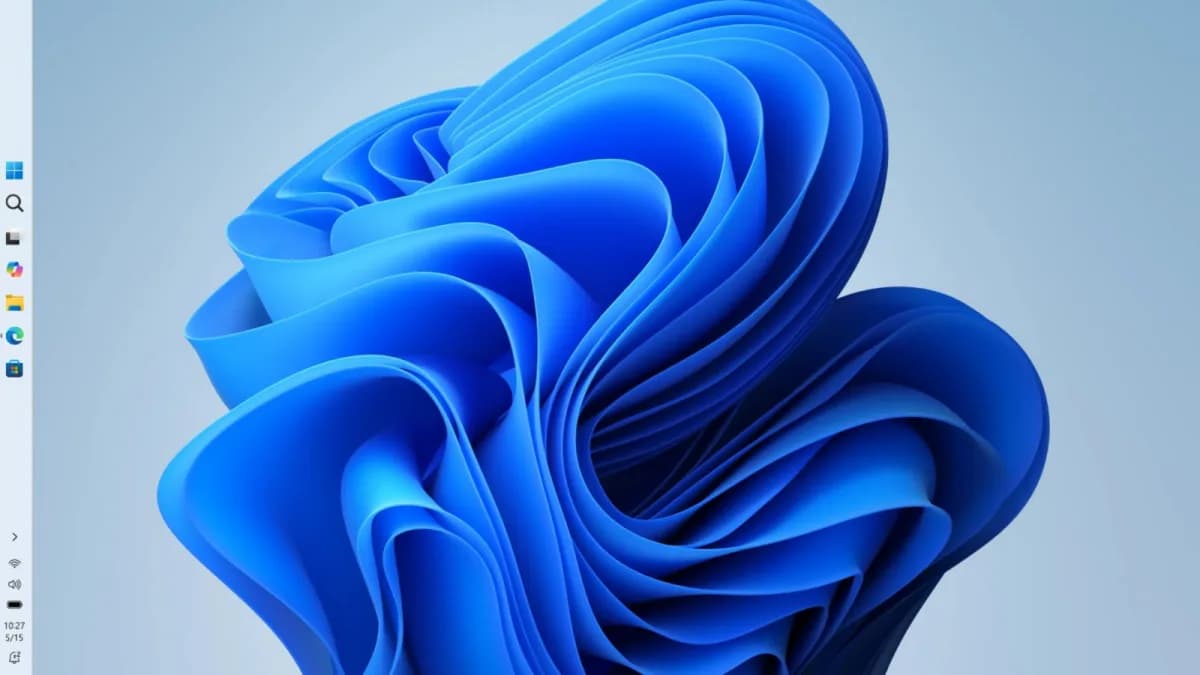
Windows 11 Pro RAM usage update is live
The RAM usage update is live, but the 20% responsiveness claim is Microsoft’s internal best-case figure—and doesn’t hold up on all 8GB PCs.
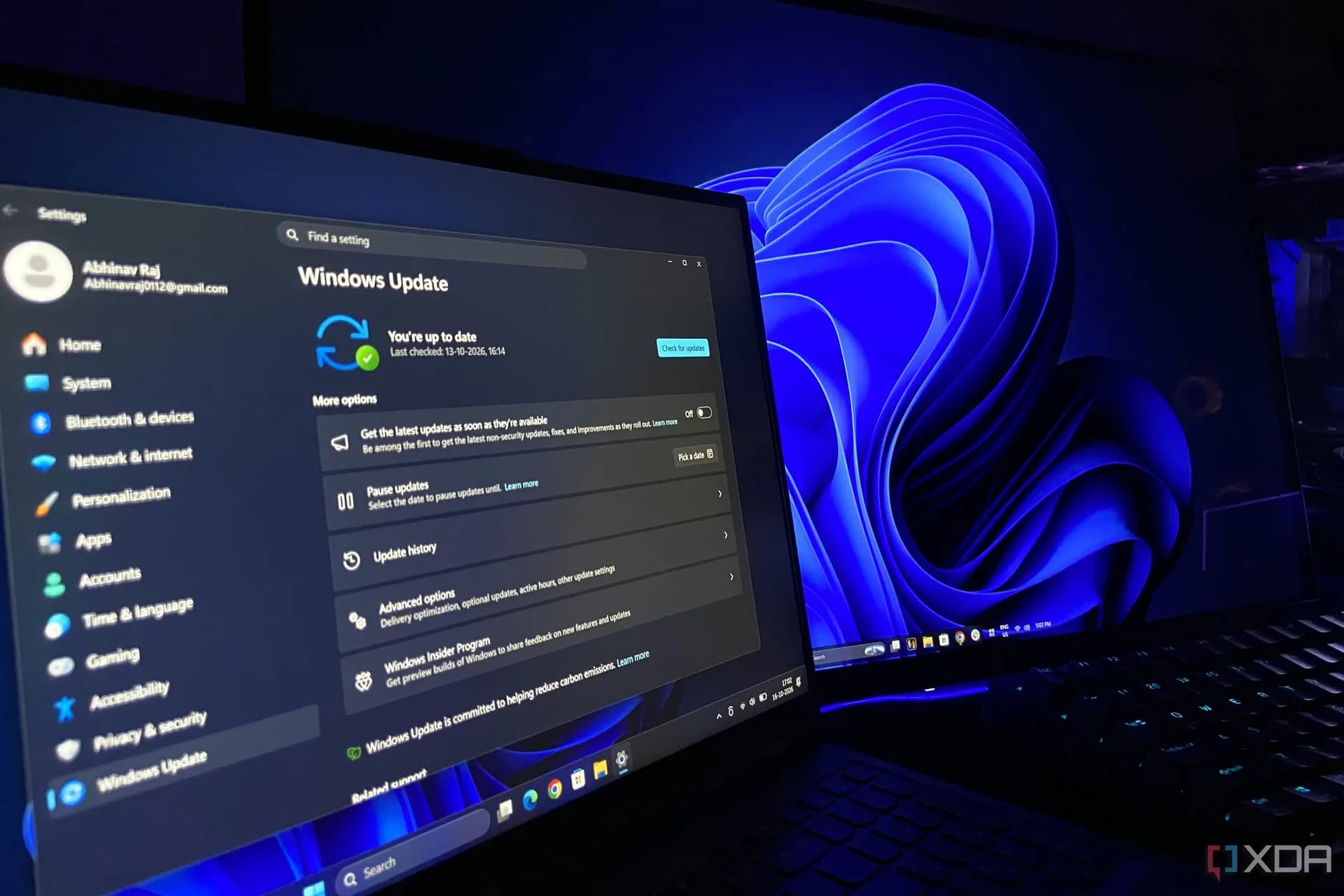
Windows 11 26H2 is live: faster Start, lower RAM, no settings changed
Windows 11 26H2 is live globally as a free, automatic update. It enables the Low Latency Profile system-wide—cutting UI lag by up to 70%, speeding app launches by ~40%, and dropping idle RAM usage by up to 3GB on common configurations. No Pro key, no extra cost, no manual tuning required.
Be the first to comment
Join the argument. No password, just your email or a passkey.