Microsoft has quietly rewired how Windows 11 runs Linux containers, and Docker Desktop is no longer required to do it.
The change arrived with WSL 3.0.1, the Windows Subsystem for Linux update that shipped a little over a month ago. It adds a new command, wslc, that can pull container images, run them, map network ports and even build images from a Containerfile, all from PowerShell or CMD. Microsoft's own WSL container tutorial on Microsoft Learn has already swapped its Docker Desktop instructions for wslc ones, according to a report from XDA Developers, which tried the new setup on a PC running a Ryzen 5 7600X and an RTX 4070 Ti Super.
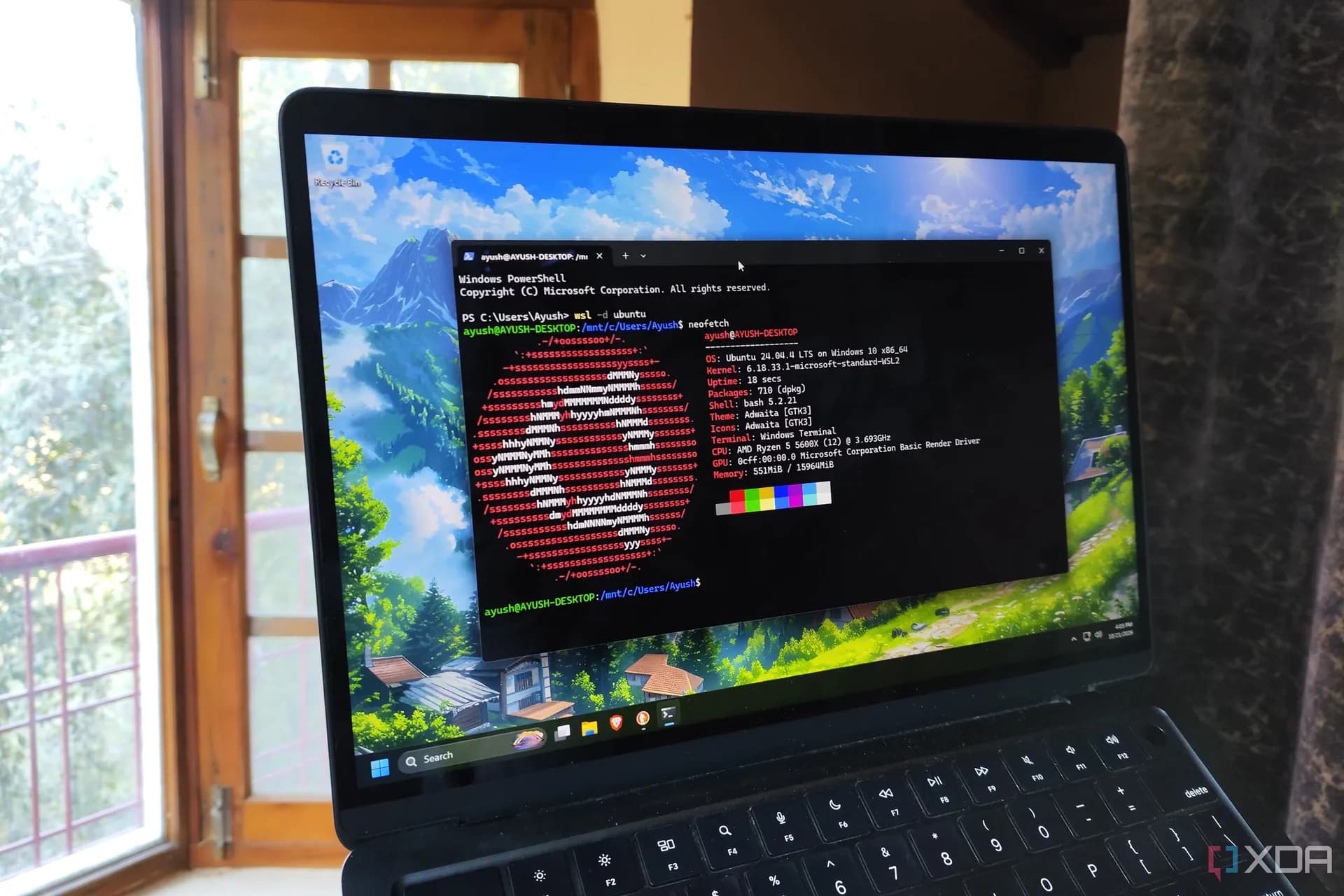
Getting it running takes almost no effort. Anyone already on WSL 3.0.1 or later just runs wsl --update, and that single command is the entire install. A fresh Windows 11 machine needs wsl --install first. After that, wslc version confirms the command is live, and wslc run --rm hello-world pulls a small test image and prints a greeting from inside a Linux container.
XDA's writer reported the first container printing its greeting in under 10 seconds, image download included, with no sign-in, reboot or license prompt anywhere in the process.
The more interesting test involved GPU access, which matters a lot for anyone running local AI models. WSL has handed Nvidia GPUs to Linux workloads for years through the same driver Windows already uses, so wslc inherits that for free. It accepts the familiar --gpus all flag that Docker users already know, and in XDA's test it correctly detected the RTX 4070 Ti Super and its 16GB of VRAM, reporting the same 617.14 driver version Windows itself shows. No separate Nvidia Container Toolkit install was needed, something that is normally required on a standalone Linux box.
To check the real-world cost of containerizing, XDA ran llama.cpp's official CUDA image against a Gemma 4 E4B model using Q4_K_M quantization, full GPU offload and a 128K context window, generating a 256-token reply. Native llama.cpp produced between 128 and 132 tokens per second across two runs. The containerized version hit 124 tokens per second on both runs, a gap small enough that XDA's writer called it unnoticeable in practice.
What's still missing
Wslc doesn't yet support compose, the tool that lets Docker spin up multiple linked containers from a single file. Microsoft has acknowledged compose as the most requested wslc feature and said it's working on letting existing compose files run unchanged, per XDA's report, but there's no timeline attached.
Docker Desktop still has a few things going for it beyond compose. It can run Windows containers, not just Linux ones, which wslc currently can't do, and it remains free for individual users, with paid plans only required at larger organizations. For anyone who needs compose right now but wants to skip Docker Desktop entirely, Podman Desktop and Rancher Desktop are free, open-source options that already handle compose files on top of WSL.
For single containers, GPU-backed workloads and quick local tests, though, wslc looks like the simplest path yet to running Linux containers on a Windows 11 machine, no extra download required.
CDFiled by The Computing Desk
Laptops, desktops, processors, graphics cards and the operating systems that run on them.
More from this desk →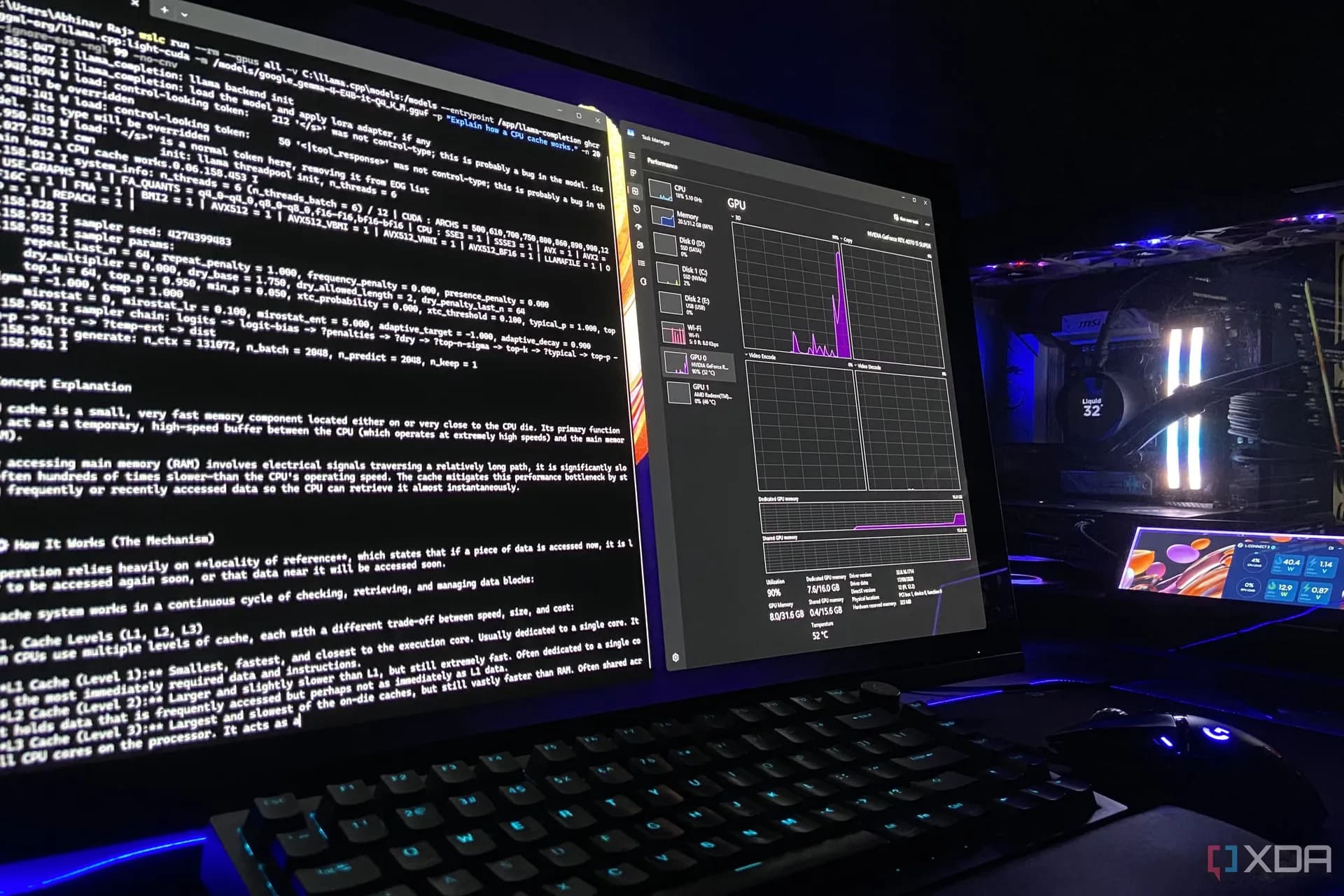


Be the first to comment
Join the argument. No password, just your email or a passkey.