Google AI Core, My Pixel, Google Health, YouTube Music, Google TV, and Google Password Manager are all removable from Pixel phones — and one XDA Developers contributor found no functional impact after uninstalling them all. The report, published 24 hours before this story, documents a deliberate, non-rooted cleanup of six pre-installed Google apps on a Pixel device running standard Android.
None were system-critical. None broke core functionality. And none were missed in daily use. This isn’t a mod guide or a developer deep dive.
It’s a quiet confirmation that much of what ships on Pixel phones isn’t required, just bundled. And users can shed it without penalty. Not with ADB commands that risk stability. Not by disabling system services.
Just by tapping ‘Uninstall’ in Settings > Apps. The same way you’d remove anything else. That option exists for these six, and only these six, as of the author’s testing. Others, like Google Play Services, Google Messages, or the Play Store.
Remain uninstallable only via ADB or remain fully locked down. But these six? They’re gone. Cleanly.
Permanently. Without side effects. The author kept Bitwarden as their password manager and Spotify as their music app, and confirmed both continued to autofill and play without interference after removing Google Password Manager and YouTube Music. They didn’t need Google Health for step tracking (they use a wearable), didn’t consult My Pixel for tips (they knew their way around), and didn’t stream via Google TV (they use Chromecast from other apps).
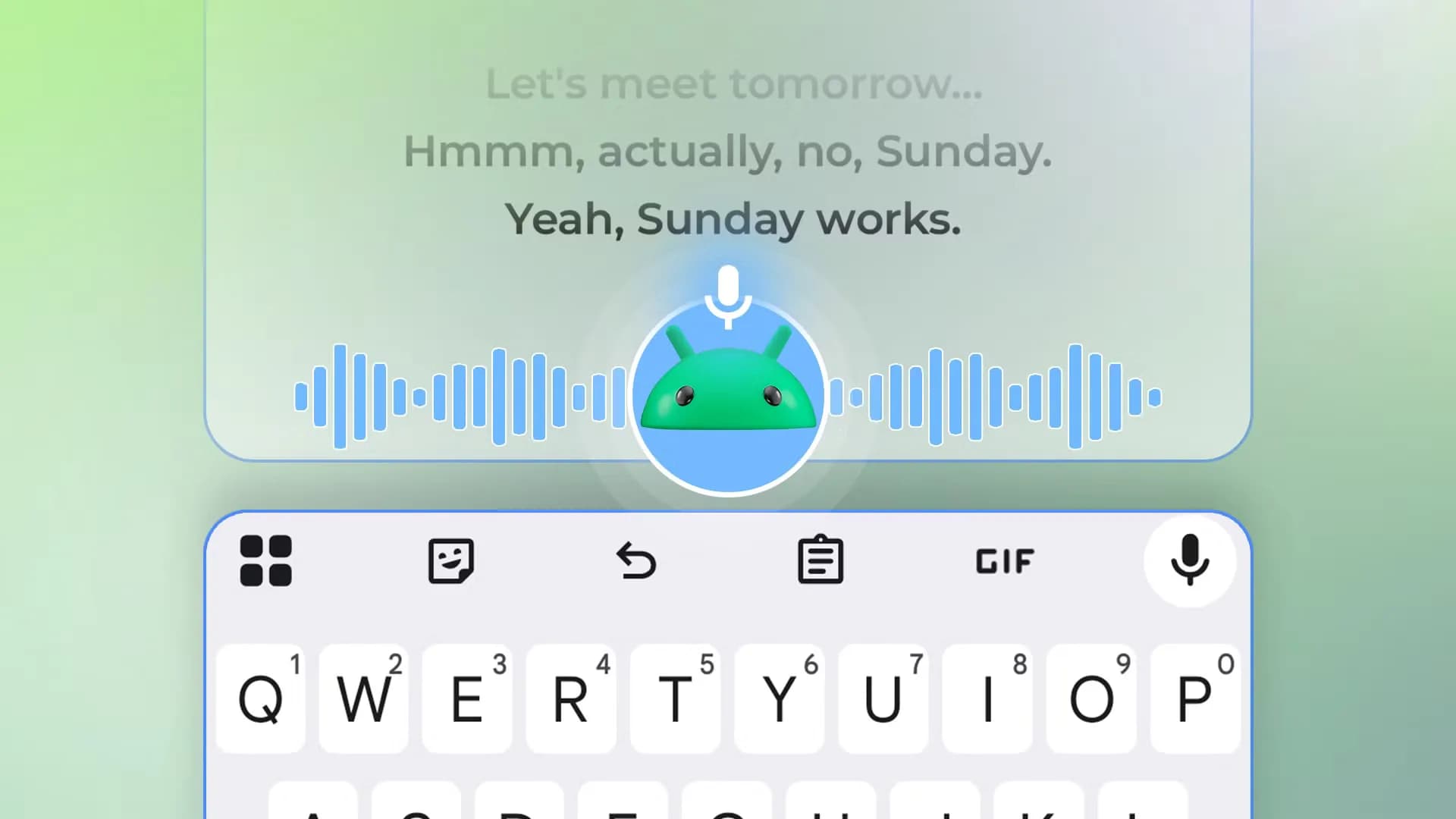
AI Core. The most technically opaque of the six, ran silently in the background until removed. Its absence triggered no error, no missing feature, no degraded performance in Gemini interactions, camera processing, or voice typing. That’s notable.
Because ‘AI Core’ sounds foundational. It isn’t. At least not for the average user’s current workflow. This isn’t about killing Google’s AI ambitions. It’s about the gap between what’s marketed as essential infrastructure and what’s actually required to make a Pixel work the way most people use it.
The Pixel 9 series launched with heavy emphasis on on-device AI, but the reality, per this test, is that large parts of that stack sit idle unless actively invoked, and even then, many features don’t depend on the standalone AI Core app. So why ship it? Why ship My Pixel.
A tutorial layer most users outgrow in under two weeks? Why ship Google Health when Fitbit and Wear OS already handle health data, and Google’s own Health Connect API lets third-party apps access it without a dedicated front-end? The answer lies in distribution, not dependency. These apps are distribution vehicles, for tips, for subscriptions, for recommendations, for ad-supported content discovery.
They’re not plumbing. They’re signage. And signage can be taken down. The removals described cost nothing.
Took under five minutes. Required no developer mode toggle. No factory reset. No reboot.
Just Settings > Apps > [Name] > Uninstall. That simplicity matters. Because it shifts the power balance. Slightly, quietly, from ‘what Google decides you need’ to ‘what you actually use’.
It won’t make your phone faster in benchmarks. But it does reduce visual noise, cut down on background telemetry triggers, and eliminate redundant prompts. Like My Pixel nudging you toward features you’ve already mastered. For users managing accessibility tools like TalkBack, where screen reader navigation benefits from predictable, minimal UIs.
Fewer pre-installed apps means fewer unexpected focus stops, fewer irrelevant announcements, less cognitive load. That’s not theoretical. It’s operational. And it’s available now, on any Pixel running Android 14 or 15, as long as the apps haven’t been reclassified as system-essential in a later update.
Google hasn’t commented on the removability of these apps. Nor has it announced plans to change it. For now, they remain uninstallable, and, per this report, safely so.
MDFiled by The Mobile Desk
Phones from leak to launch to price cut: what was announced, what it costs where, and when it goes on sale. Indian launches and prices included, not appended.
More from this desk →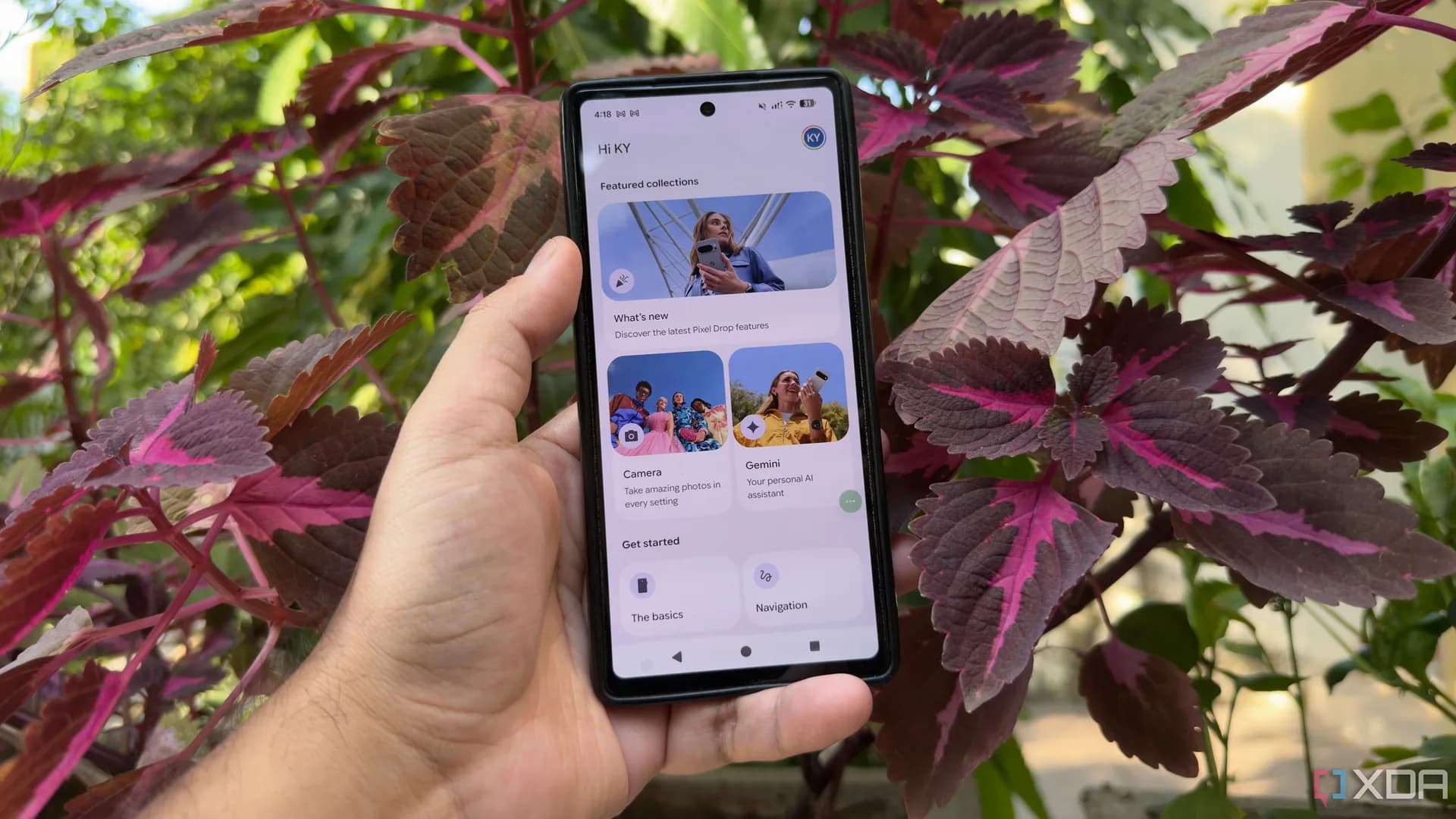
Be the first to comment
Join the argument. No password, just your email or a passkey.