Samsung Galaxy phones now block juice-jacking attacks by default on new devices — but only if you’re running One UI 6.1.1 or later, and only if you’ve manually enabled it on older models. The feature is called Auto Blocker, and it’s been quietly active since July 2024 for newly shipped Galaxy phones.
It’s not a new launch. It’s not a firmware update rolling out this week. It’s a security toggle that’s been sitting in Settings for years, and most people haven’t turned it on. Yet it stops a real threat: malicious charging ports that siphon data or inject malware over USB while you think you’re just topping up your battery.
Juice jacking isn’t widespread, but it’s documented, and it works. Auto Blocker shuts it down at the kernel level, no app required. It also blocks APKs from outside the Galaxy Store and Google Play Store, including F-Droid downloads, unless you disable the restriction. That’s the trade-off: tighter security, less sideloading flexibility.
On devices with One UI 6.1.1 or newer, there’s also a ‘Maximum restrictions’ mode, optional, buried at the bottom of the Auto Blocker page, that adds virus scanning, admin permission blocking, hyperlink disabling in Messages, location scrubbing on photo shares, 2G network blocking, and automatic disconnection from open Wi-Fi. None of those are on by default.
None require a reboot. All live under one menu. Samsung didn’t announce this as a headline feature. It shipped as part of routine platform hardening.
But for anyone plugging into airport kiosks, rental car docks, or hotel desks, flipping that single toggle in Settings > Security and privacy > Auto Blocker takes five seconds, and changes what your phone lets through its USB port. If you own a Galaxy S23 or newer and haven’t checked, do it now.
The setting won’t auto-enable on your existing device, even after updating to One UI 7 or 8. You have to turn it on yourself.
MDFiled by The Mobile Desk
Phones from leak to launch to price cut: what was announced, what it costs where, and when it goes on sale. Indian launches and prices included, not appended.
More from this desk →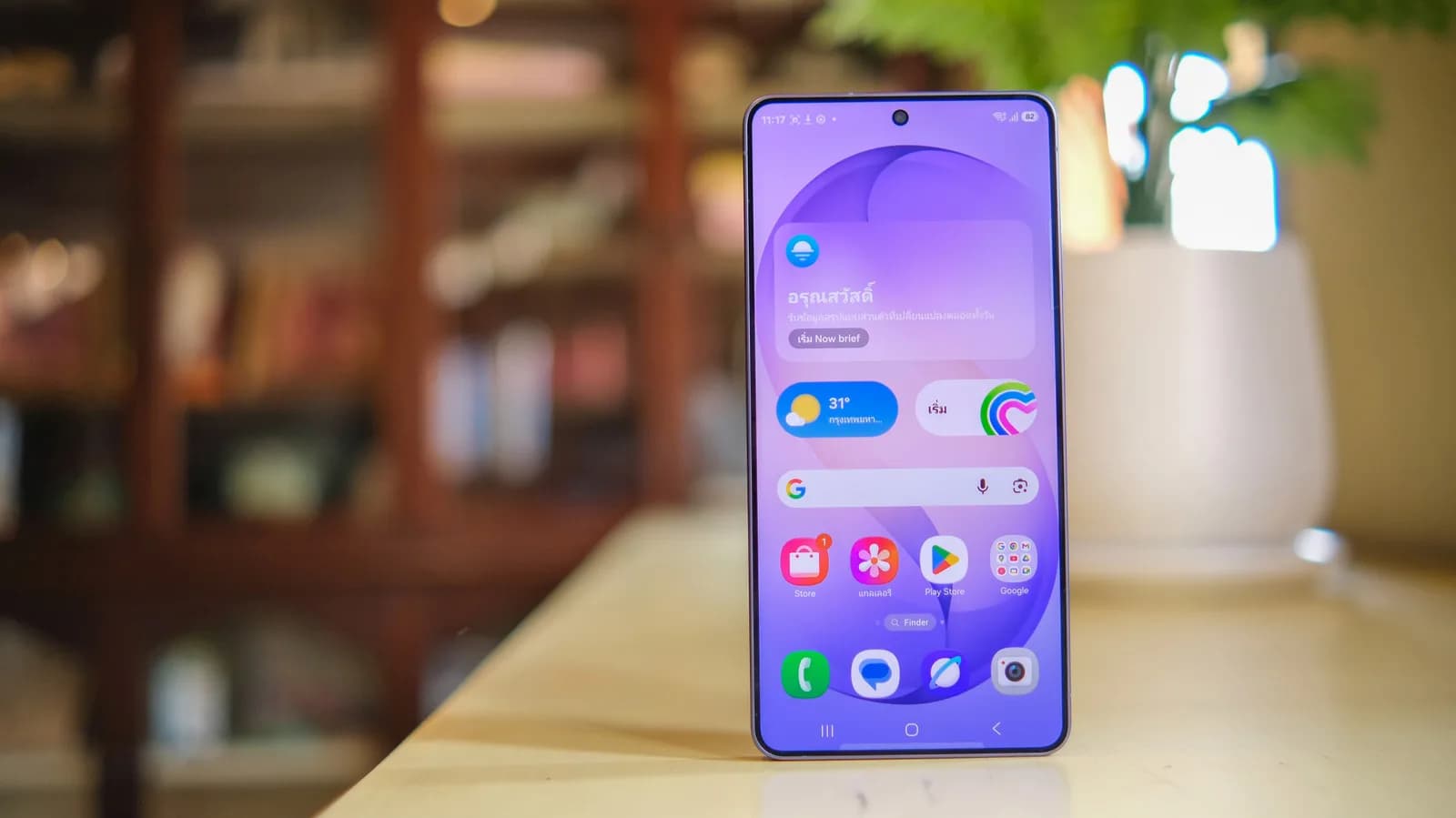
Be the first to comment
Join the argument. No password, just your email or a passkey.