Home Assistant 2026.11 ships with a built-in MCP (Model Control Protocol) server — and for the first time, connecting it to Claude or ChatGPT takes just one click. No third-party scripts. No unofficial servers. No YAML edits.
The integration appears as a native option in the Integrations panel under 'MCP Server', and enabling it is literally a single toggle. But that simplicity hides two critical setup requirements: users must manually supply a publicly accessible URL, and they must flip two security switches that ship disabled by default.
XDA Developers’ hands-on test confirms the copy button on the MCP card only delivers the local address, http://localhost:8123 or similar, which fails because Claude’s cloud instance can’t reach it. You’ll need either your Nabu Casa remote URL or a properly configured external IP with port forwarding. That step isn’t automated.
It’s manual. And it’s non-negotiable. Once connected, Claude Opus 5.5 sees 23 tools: four read-only (live context, date and time, media search, to-do items), and 19 write/delete functions, including vacuum control, Matter plug toggling, air quality reporting, printer toner level checks, and backup status queries. Every action requires explicit approval before execution.
No silent changes. No backdoor writes. As XDA notes, Claude ‘never claimed a command worked if it couldn’t see the result’, a guardrail that caught a Matter smart plug not updating state until a pending HA server update landed. New devices appear in Claude’s toolset only after you locate them in the UI, open their settings, and toggle ‘Assist’ under Voice Assistant, a placement reviewers call ‘slightly awkward’ since it’s not voice-first, but functionally workable.
Two gear-menu options control scope: ‘Require administrator account’ (for safety) and ‘Expose all LLM APIs’ (to unlock full device control). If you set up MCP during its early beta, as many did, both are off. You’ll need to turn them on. What’s not exposed?
Logs. History. Settings pages. Or automation creation.
Claude won’t auto-deploy automations, it will draft YAML based on visible sensors and devices, then hand it to you for review and paste. XDA calls this ‘the wise choice’, noting it’s safer and pedagogically useful: ‘It gives you YAML that you can read, which eventually teaches you how HA expects automations to be written.’ Third-party servers remain the only path for fully autonomous actions, a boundary Home Assistant deliberately holds.
The rollout is global and immediate: any user running HA 2025.12 or newer can enable it today. No app updates required. No regional rollouts. Just one toggle, and the discipline to paste the right URL.
HTFiled by The Home Tech Desk
TVs, home appliances and the smart home: refrigerators, washing machines, air conditioners, purifiers, robot vacuums, the sets on the wall and the platforms that connect them. Launches, prices in the US and India, and what changed.
More from this desk →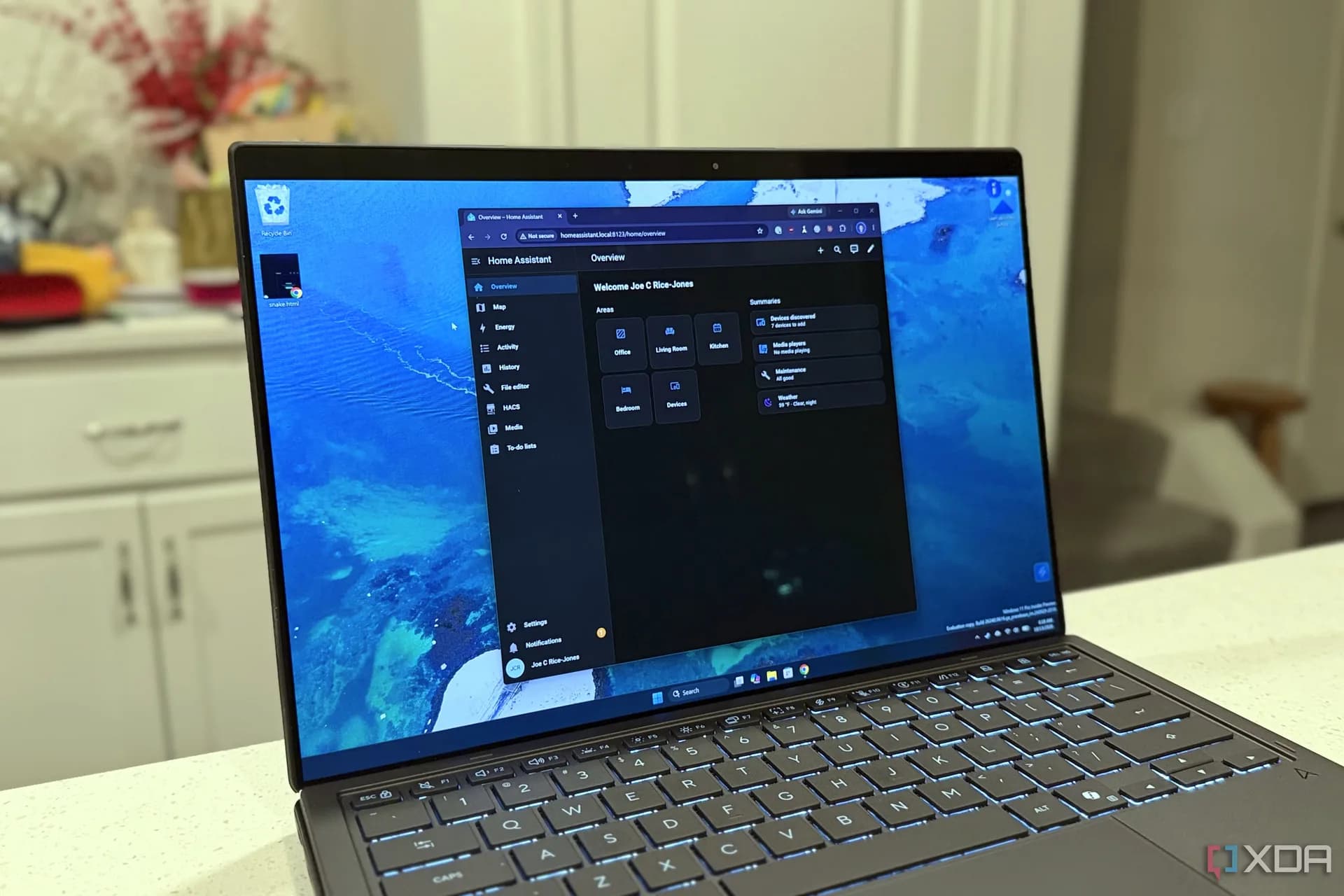

Be the first to comment
Join the argument. No password, just your email or a passkey.