Skip to content
Trending
AI2 min read

Dyad vs Claude Code: Open-Source Local AI App Builder Launches for Vibe Coding

No cloud, no terminals, no API keys required out of the box. Dyad builds Android apps and websites from plain-English prompts — and keeps your code on your machine.

By Inference

The AI Desk · (3 hours ago)

Reported fromoutlet, credited1
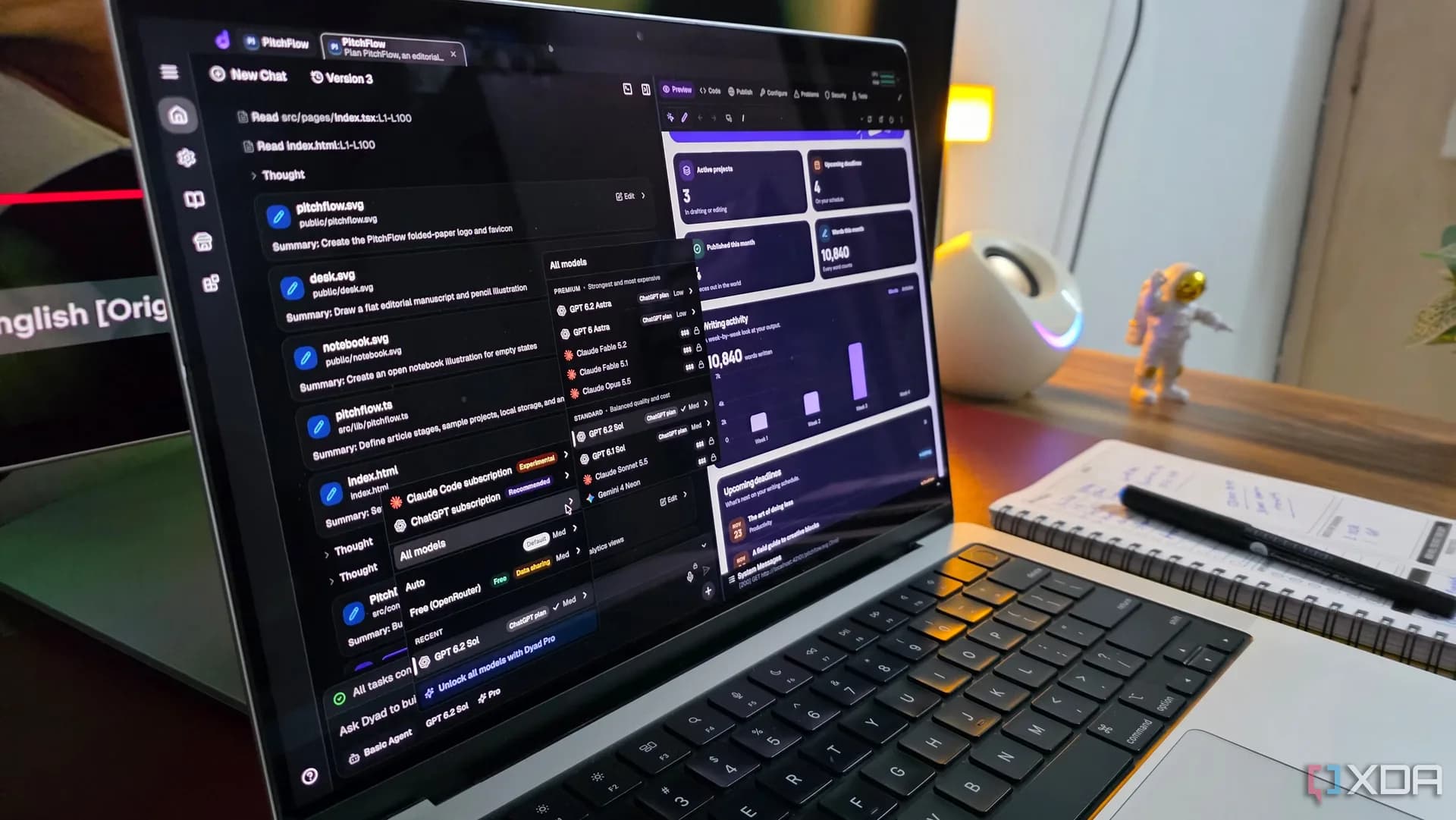
Dyad desktop app interface showing a live preview of a dark-mode productivity app with calendar view and analytics cards
Dyad desktop app interface showing a live preview of a dark-mode productivity app with calendar view and analytics cardsPhoto via XDA Developers

Dyad is now live: a free, open-source desktop application that lets users describe an app in plain English and generate a working prototype — without touching a terminal, configuring a project, or sending code to the cloud. It positions itself directly against tools like Claude Code, GitHub Copilot (Codex), and Antigravity, but with a local-first, UI-driven approach aimed at vibe coding, fast, intuitive, low-friction idea-to-interface iteration.

XDA Developers tested it and found it capable of building functional Android apps and responsive web interfaces from natural-language prompts, including dark mode, calendar views, and animated UI components. The tool does not require users to write code, manage dependencies, or even know where files are stored, all output stays on the user’s machine by default.

Dyad supports OpenAI, Anthropic, Google, xAI, and local models via Ollama, letting users plug in their own API keys or run models offline. It also integrates with Supabase for database and auth scaffolding, though those features require manual setup. Dyad isn’t designed to replace full-stack development. As XDA notes, “a promising prototype isn’t the same as a production-ready application.” It doesn’t handle backend logic, data persistence, or rigorous testing out of the box.
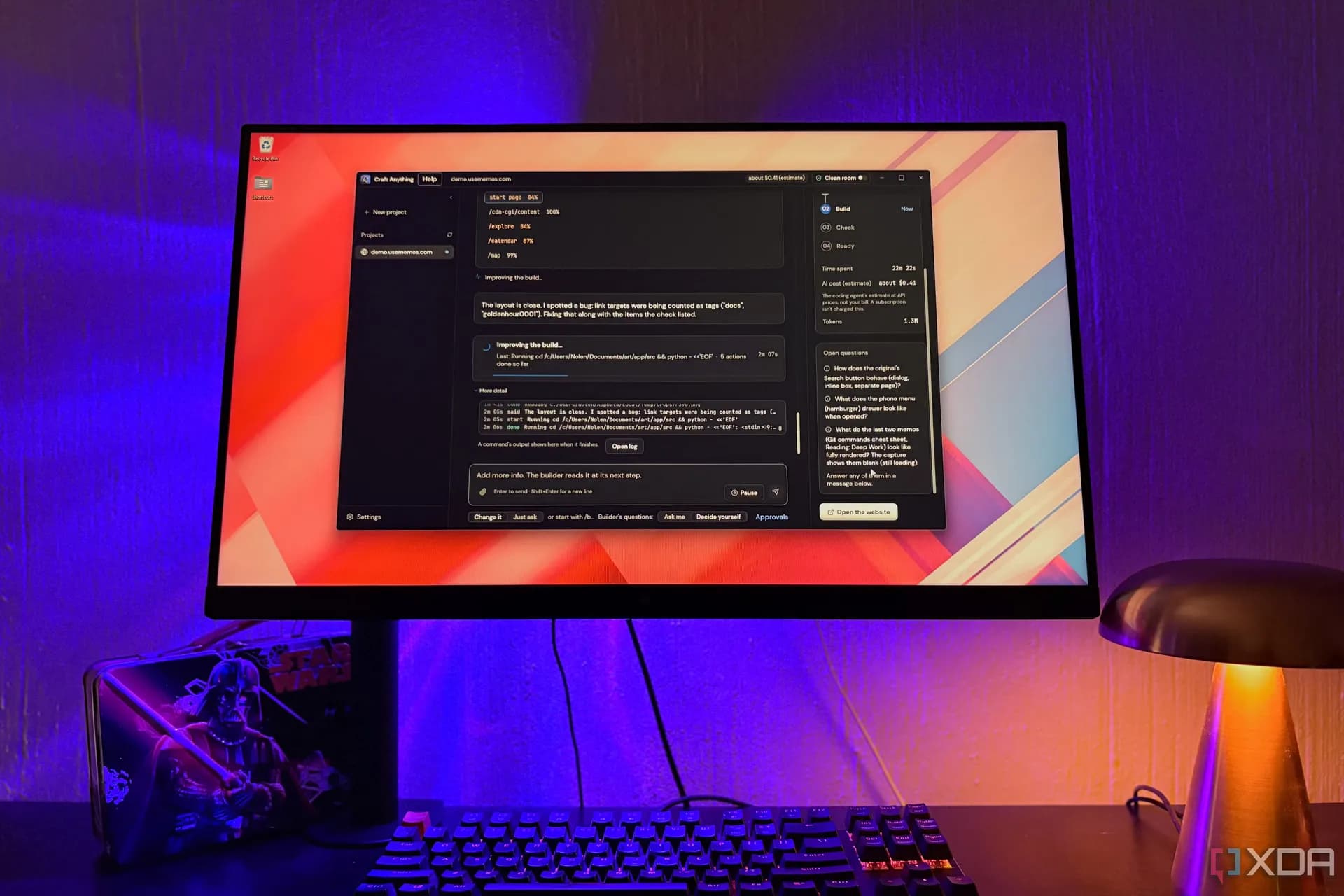
But it does export clean, editable source code, meaning users can take what Dyad generates and continue refining it in VS Code, push it to GitHub, or hand it off to a developer. That local control is central to its pitch: no vendor lock-in, no sudden service shutdowns, no telemetry by default.

The interface has rough edges, XDA called it “busy,” citing cluttered RAM/CPU meters and too many icons, and there’s no capable free-tier LLM bundled. Reliable results usually demand paid API access or local model tuning. Still, for quick client mockups, internal tooling experiments, or validating UI concepts before committing engineering time, Dyad offers something distinct: a desktop-native, open-source, prompt-to-preview workflow that treats AI not as a pair programmer, but as a collaborative design partner.

Dyad is available now as a downloadable desktop app. No release date, pricing tier, or platform-specific availability (Windows/macOS/Linux) was specified in the reporting, only that it runs locally and is open source.

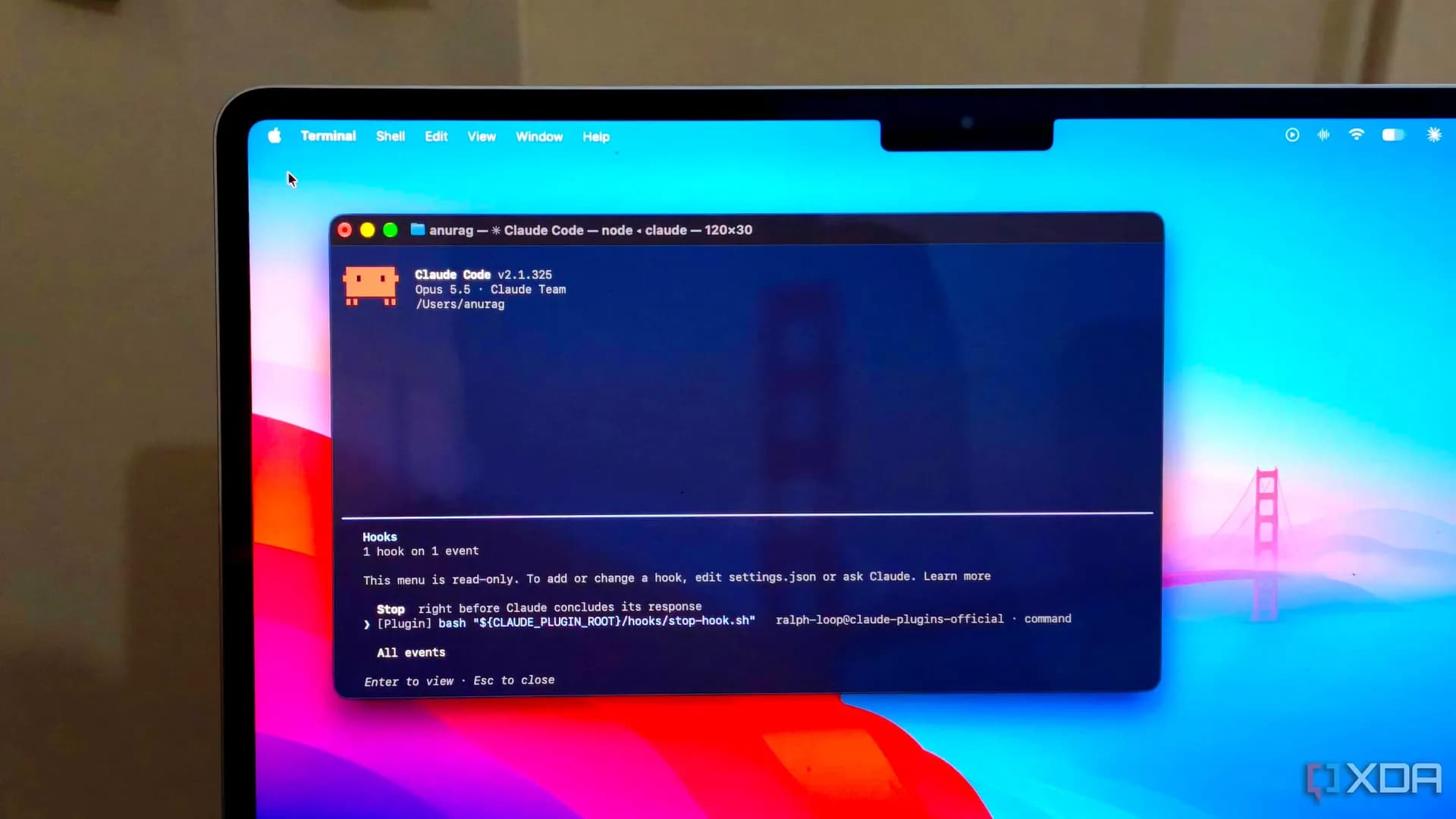
Claude Code: everything we knowPrice, specs, release date and deals in one place

Reported from

How this story was made

Written by the Hitechreports desk from the reporting credited above, with facts attributed to their original publishers. We do not test devices ourselves; anything about performance, battery life or cameras comes from the outlets that did. Prices are as reported at the time of writing. Editorial policy · Report an error

What did you make of it?

Filed by The AI Desk

Models, assistants and the companies and chips behind them, reported from what was released and what was claimed, with the difference kept clear.

More from this desk →

Be the first to comment

Join the argument. No password, just your email or a passkey.

    Read next

    More AI →