Google Fitbit Air battery life, settings, and real-world use — what actually matters after 100 days on wrist (not a review, no hands-on testing) | Hitechreports | October 20, 2026 | Global | Mobiles (wearables) | SEO title: Fitbit Air battery life and settings guide after 100 days of use | Headline: Fitbit Air battery life hits 5–7 days, but only if you tweak these 6 settings first | Byline: Hitechreports staff | Tags: fitbit air, fitbit air battery life, fitbit air band, google health app | Body: The Google Fitbit Air lasts five to seven days on a single charge, if you adjust six key settings. That’s the core finding from Android Police’s 100-day wear test, published today.
No lab measurements, no benchmarks, no unboxing hype: just one user’s sustained daily use across more than three months. And it’s not about adding features. It’s about disabling the ones that quietly drain power or distort data. Wrist preference is first.
The Google Health app lets you declare left or right wrist placement, and getting it wrong skews step counts and heart rate interpretation. Algorithms compensate for arm swing patterns. Mislabel the side, and accuracy drops. Set it under Device preferences > Wrist preference.
Change it later? Same menu. Next: vibration. Haptics are off by default for some alerts, but if enabled, especially for wake-up alarms or app pings, they chip away at battery life.
You can toggle them off entirely in Device preferences > Vibration, or lower intensity to conserve juice. Third: dashboard customization. The Today tab in Google Health defaults to Standard view. Tap Edit, switch to Expanded, then add or remove focus cards, steps, Active Zone Minutes, calories, and reorder them.
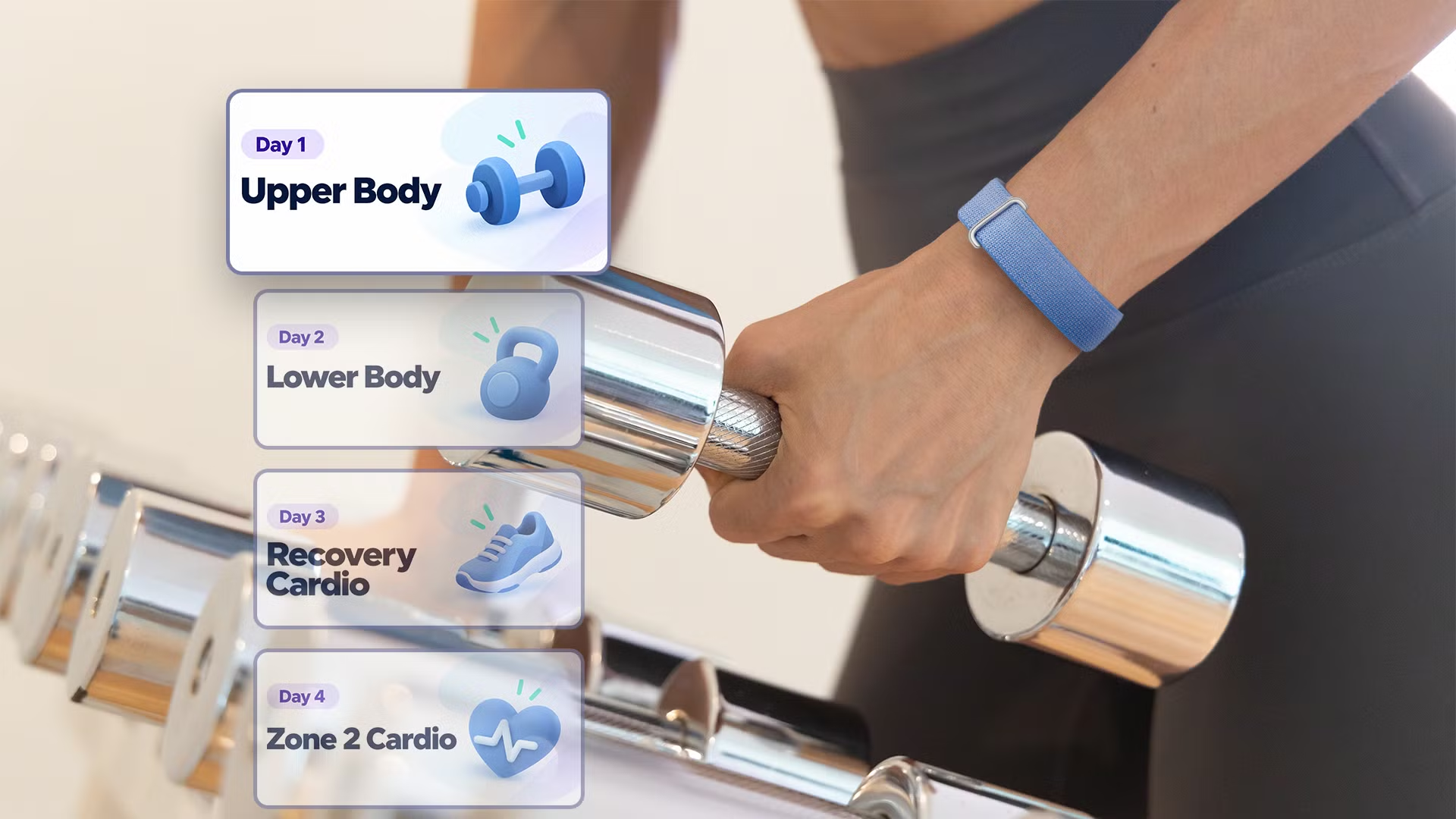
You can’t drag-and-drop, and secondary tabs like Fitness remain locked down. But picking one primary goal (steps, say) triggers tailored coaching: walking routines for step-chasers, nutrition summaries for calorie trackers, workout duration nudges for Active Zone users. Fourth: heart rate alerts. High- and low-heart-rate warnings ship disabled.
Turn both on manually under Google Health reminders and alerts > High & low heart rate. Then set BPM thresholds, adjustable by age and fitness baseline. These aren’t gimmicks. They’re clinically relevant notifications meant for resting or inactive states.
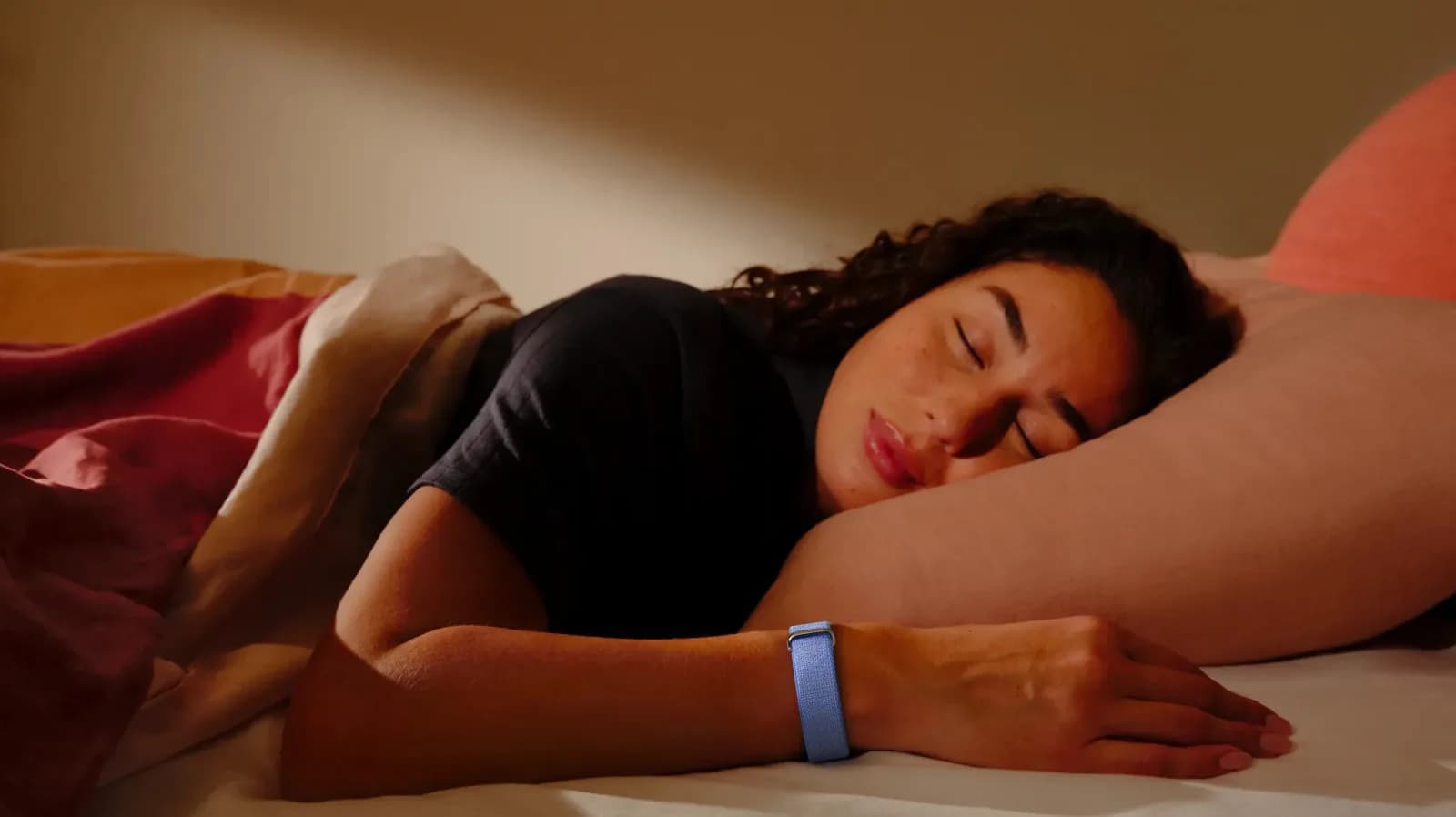
Fifth: sleep schedule. Not a Fitbit Air setting, it lives in Google Health settings > Preferences > Sleep. Input your target bedtime and duration. That trains Health Coach to recognize circadian rhythm, improve sleep-stage analysis, and (for Premium subscribers) serve wind-down nudges, meditation, yoga, quiet time.
Sixth: main goal alignment. Pick one metric as your “Main goal” in the same Google Health reminders and alerts menu. That doesn’t just resize a card on screen. It reshapes the coaching logic behind Health Coach’s daily suggestions.
The Fitbit Air itself has no screen. No touchscreen. No voice assistant. It’s a screenless band, featherweight, discreet, worn 24/7 by the tester, who says it replaced his smartwatch entirely for daily wear.
Not because it does more. Because it does less, and lasts longer. It pairs with Pixel and Galaxy phones via the Google Health app. No price, no launch date, no regional availability details appear in the source reporting.
So we don’t report them. What we do know: this isn’t a device built for constant interaction. It’s built for persistence. For forgetting it’s there, then checking your step count at midnight and realizing you hit 12,000 before lunch.
The next step? Google Health Coach rolling out deeper personalization, already live for Premium users, tied to those six settings. No firmware version numbers. No spec sheet.
Just what changed, who it affects, and what you need to do first.
MDFiled by The Mobile Desk
Phones from leak to launch to price cut: what was announced, what it costs where, and when it goes on sale. Indian launches and prices included, not appended.
More from this desk →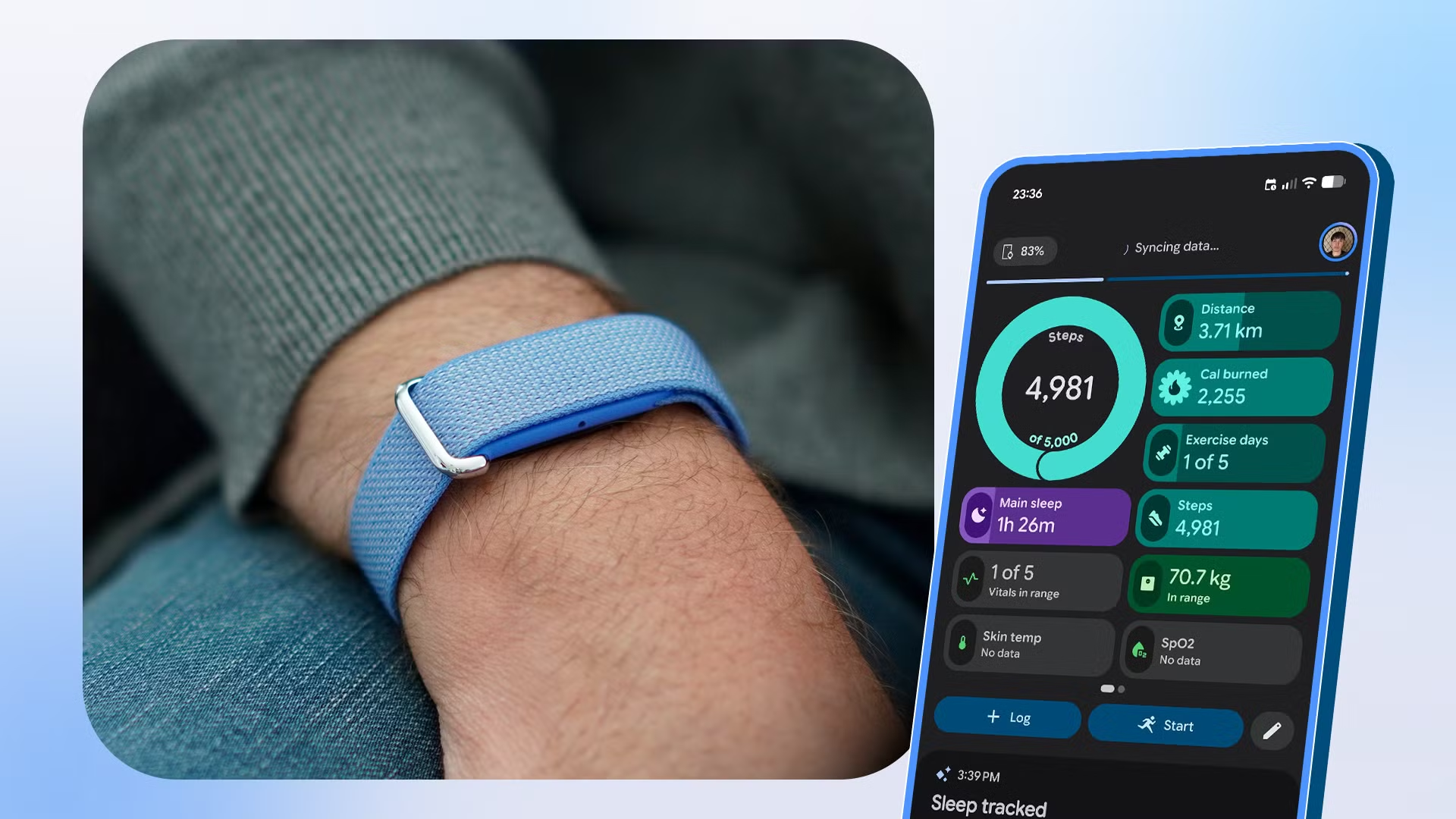
Be the first to comment
Join the argument. No password, just your email or a passkey.