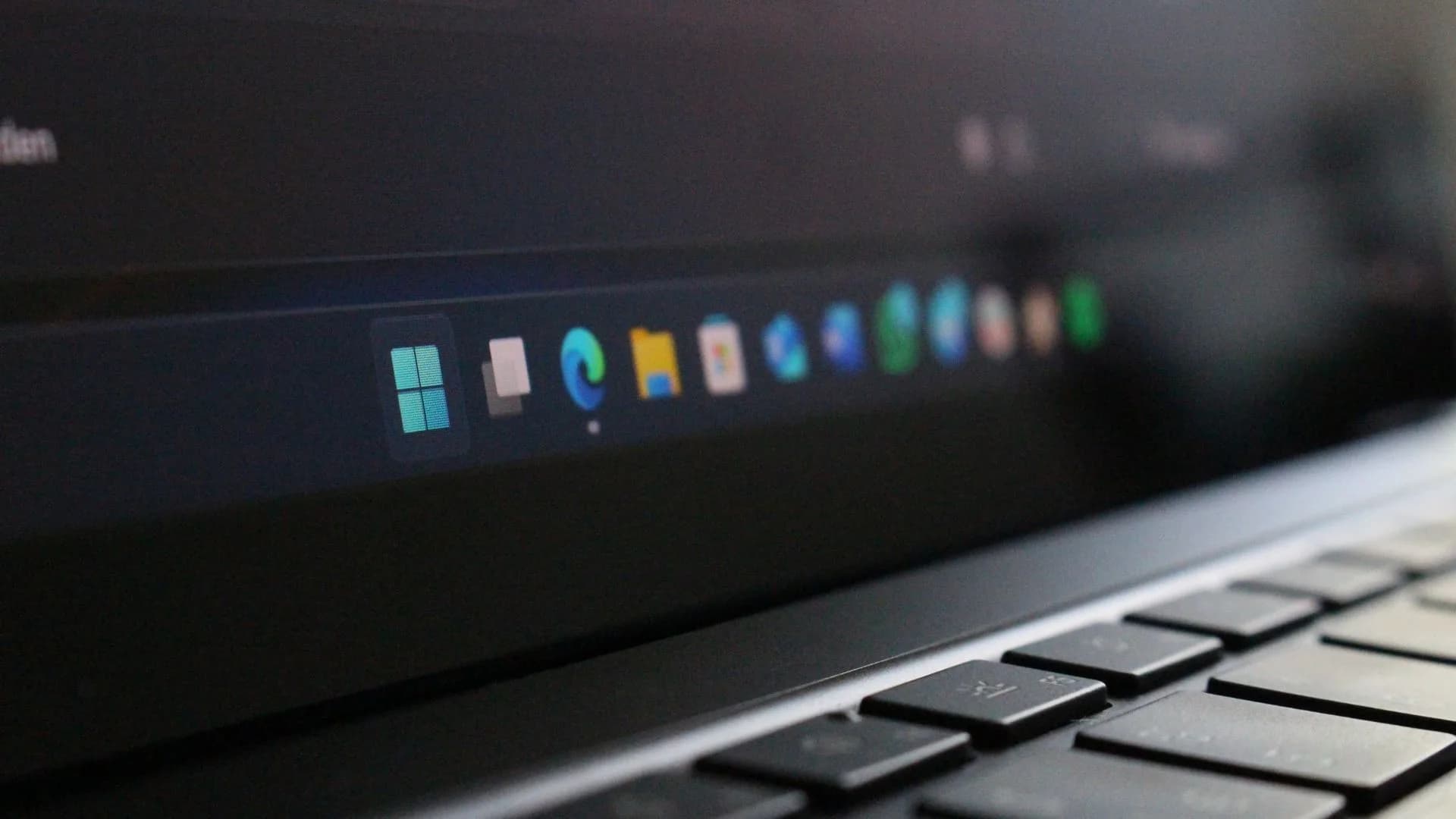
Windows 11 finally lets you move the taskbar again. Microsoft restored the option last month after years of complaints, but changing the position still means opening Settings, navigating to Taskbar settings, and picking a location from a dropdown. A free app called Taskbar Location Options puts the old click-and-drag behavior back on the desktop.
Right-click the taskbar and choose top, left, right, or bottom. Or just drag it there. The app comes from developer Michał Łeptuch and is hosted on GitHub with installation instructions. Windows Central reported the release Thursday.
Installation is not a one-click affair. You download a certificate, unblock the file, run it with PowerShell, then install the app itself. Łeptuch says the process will be smoothed out in future updates. For now, it works. The inability to move the taskbar was one of the loudest regressions when Windows 11 launched in 2021.
Be the first to comment
Join the argument. No password, just your email or a passkey.