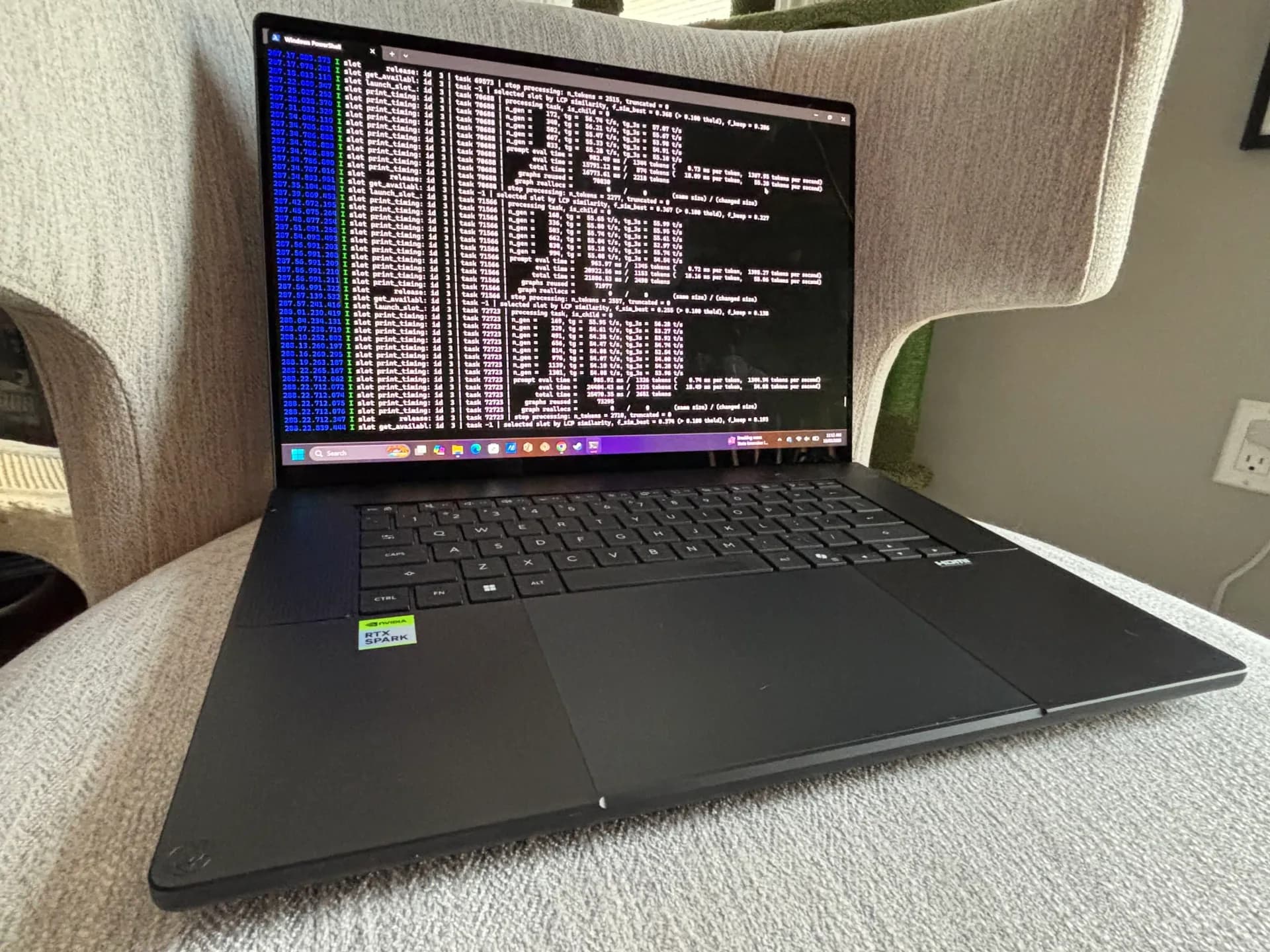
A laptop built around Nvidia's RTX Spark platform pushed past the memory limits of the company's own flagship desktop GPU, according to a test run by XDA Developers on the HP OmniBook Ultra 16. The twist: a locally running AI model wrote the Blender scene that did it.
The OmniBook Ultra 16 that HP sent for the test is the top configuration, and it is not cheap. It lists for $6,229.99 on HP's store, built around Nvidia's 20-core Grace CPU and a 6,144-core Blackwell GPU, the same Nvidia-designed silicon platform, called GB10, that powers the desktop DGX Spark. The two chips share 128GB of LPDDR5X-9400 memory over a 256-bit bus, rated at 300GB/s of bandwidth.
That shared memory pool is the reason RTX Spark laptops keep coming up in conversations about running large language models locally. HP's own pitch leans on exactly that, letting a model like Qwen3.8 Flash Next run entirely on-device. But XDA's writer wanted to see what the memory could do outside AI workloads, and turned to Blender instead.
A city built by an AI, then rendered by the same chip
Rather than build the test scene by hand, the writer had Qwen3.8 Flash Next, a 125-billion-parameter mixture-of-experts model that activates roughly six billion parameters per token, generate it. Running through llama.cpp with Unsloth's IQ4_XS quantization and a 262K-token context window, paired with Mario Zechner's Pi coding agent, the model was given one prompt: build an abandoned futuristic city with roads, industrial structures, vehicles, vegetation and dusk lighting, using Blender's bpy API.
From prompt to first full-resolution Cycles render took about 81 minutes with no further input. The model found Blender on its own, checked that OptiX rendering worked, and wrote roughly 700 lines of Python that can generate a 15-by-15 grid of city blocks spaced 170 meters apart, totaling around 13,600 objects: 24 tower designs, skybridges, 60 vehicles including 15 overturned wrecks, 380 trees, rubble, streetlights, holographic billboards and a fallen 110-meter communications tower. It even picked 18 camera angles by analyzing the scene for landmarks.
At full detail, a single 1080p Cycles render of that city consumed about 49GB of GPU memory, more than an RTX 5090 carries and more than Nvidia's own 48GB RTX PRO 5000 workstation card. Each frame took around 12 minutes with the laptop's fans running flat out.
Why it worked at all
Windows doesn't treat the OmniBook's 128GB as one undivided pool. Nvidia reserves a chunk as a GPU memory "carveout," shown to Windows the way VRAM on a discrete card would be, adjustable up to 96GB through the Nvidia app. The default is 64GB, which the test's render quietly overflowed without the writer noticing until afterward. Overflow beyond the carveout spills into shared memory on the same physical LPDDR5X chips rather than a separate pool, though Nvidia says the dedicated region still benefits from larger memory pages and driver tuning.
None of this was possible on Windows on Arm until Blender added CUDA and OptiX support for RTX Spark hardware in September, landing in the Blender 5.3 beta with unified-memory optimizations built specifically for this class of chip. Earlier RTX Spark Blender benchmarks had been stuck on CPU rendering. Whether that GPU path, and the carveout tuning it depends on, holds up outside one reviewer's test is the next thing to watch as Blender 5.3 moves toward a stable release.
CDFiled by The Computing Desk
Laptops, desktops, processors, graphics cards and the operating systems that run on them.
More from this desk →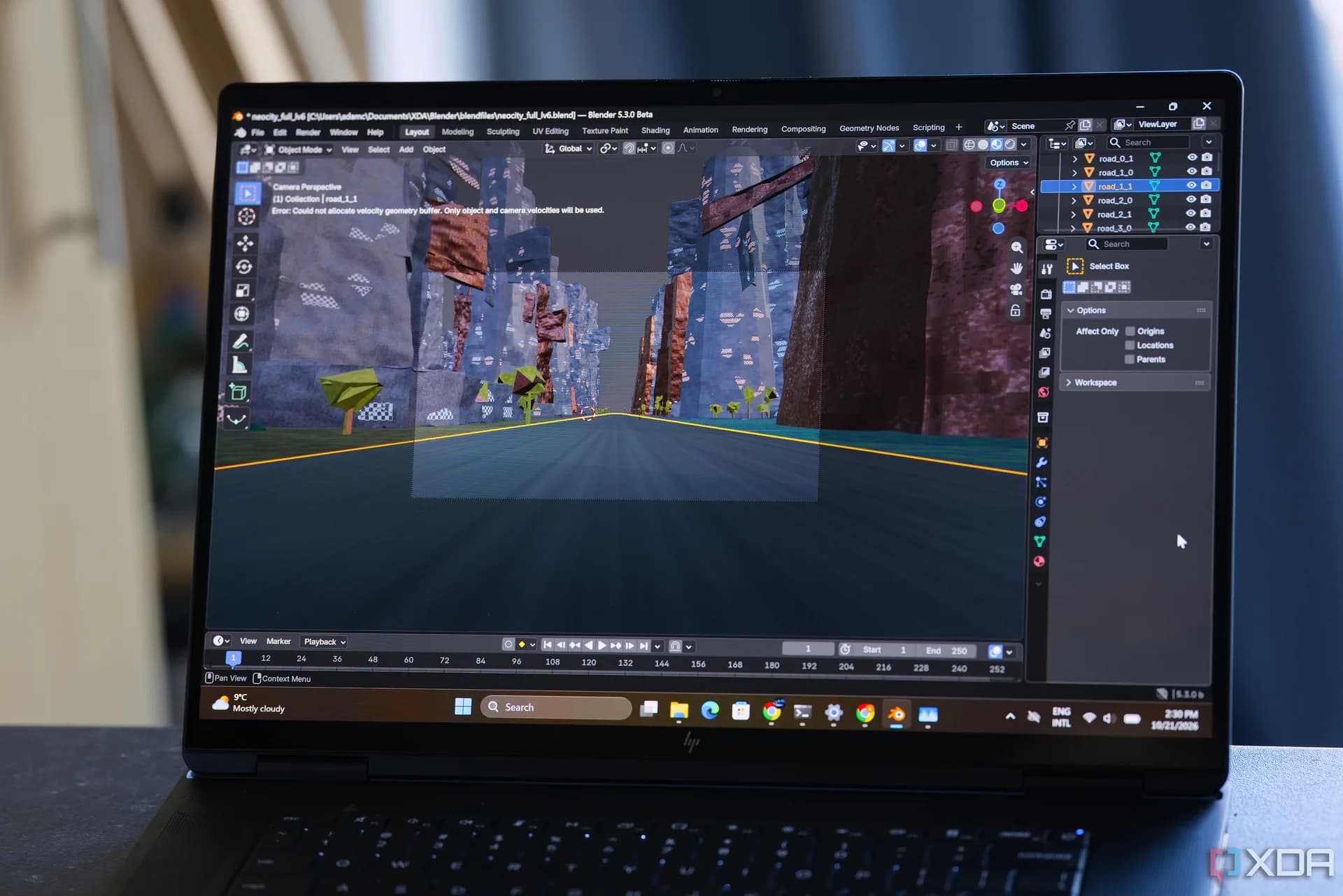

Be the first to comment
Join the argument. No password, just your email or a passkey.