OpenAI rolled out more than 20 updates at its DevDay showcase, placing autonomous background agents and native document editing directly inside ChatGPT. Leading the software slate are Dots, persistent helpers driven by the GPT-6 Astra model, and ChatGPT Space, a centralized setup designed to turn conversational replies into editable collaborative files.
Much of the immediate public attention landed on Dots. Unlike standard chatbots that sit idle until you punch in a prompt, Dots run independently in the background. They do not need you to keep your laptop open or a phone screen awake. They run on remote cloud machines instead. They tap into OpenAI's plugin catalog to communicate with outside software and retain user preferences across sessions. As work progresses on multi-step tasks, the agents send status updates directly to the user.
Autonomous agents are rapidly becoming the industry standard rather than an experimental novelty. Meta deployed its Muse agent just weeks before DevDay, using dedicated cloud infrastructure to trigger actions across external applications. OpenClaw already automates everyday chores across chat apps like WhatsApp and Telegram. Perplexity Computer similarly splits elaborate assignments among specialized agents. Dots package that background autonomy directly inside the existing ChatGPT interface.
Replacing the Clipboard Workflow
While Dots garnered the early hype, ChatGPT Space targets an everyday annoyance: the friction of switching windows. Most people brainstorm or outline in an AI prompt box, only to immediately paste the output into Google Docs, Notion, or another text editor. Space attempts to retain that entire pipeline in one interface through a document format named Pages.
Pages act as editable documents nested right beside your conversations. You can convert an ongoing chat transcript into a Page, refine specific passages, and embed visual elements like charts. The system lets you group drafts into subpages and folders. It also supports real-time group collaboration. Coworkers can share a Page and edit together simultaneously, with each participant deploying their personal ChatGPT account to rewrite sections or draft supporting copy.
Organization does not require manual dragging and dropping. You can instruct ChatGPT to spin up a Space for an assignment and organize related materials automatically. It can also generate subpages on demand. Dedicated search tools, along with Recent and Suggested views, help track down older work.
Other platforms have tackled pieces of this puzzle before. Google's NotebookLM anchors discussions to uploaded reference materials, while Claude Projects and ChatGPT's earlier Projects setup focused on grouping conversational context around a topic. Space shifts the emphasis, putting the finished document and the collaborative editing process right at the center of the screen.
The arrival of Pages and GPT-6 Astra agents highlights where OpenAI wants ChatGPT to live in daily routines. By coupling background autonomy with native document handling, the company is pushing the chatbot beyond simple Q&A prompts and taking aim at the external productivity tools sitting beside it.
ADFiled by The AI Desk
Models, assistants and the companies and chips behind them, reported from what was released and what was claimed, with the difference kept clear.
More from this desk →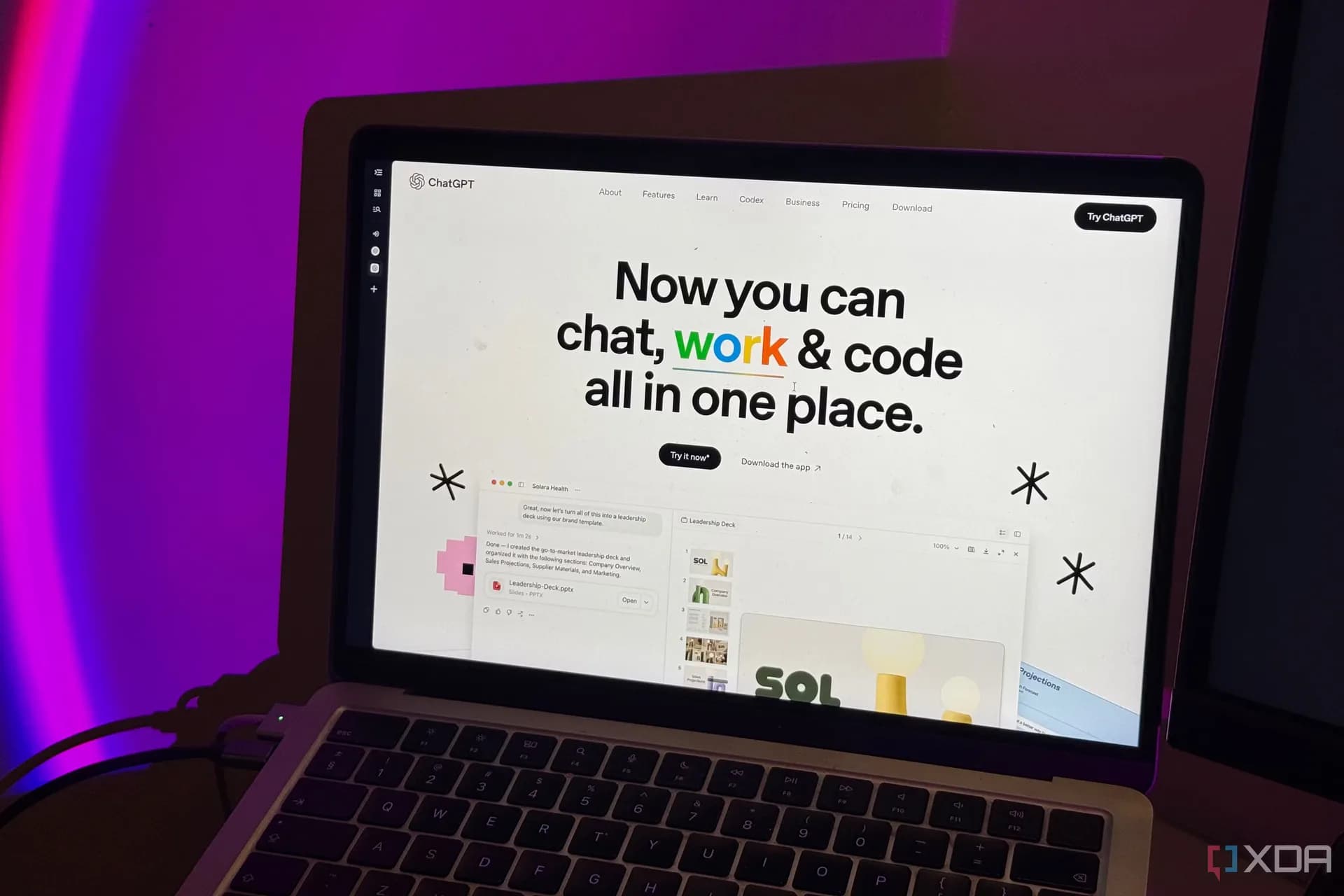

Be the first to comment
Join the argument. No password, just your email or a passkey.