Microsoft has killed the easiest way to skip its Microsoft account requirement during Windows 11 setup — and it did it without fanfare, without documentation, and without warning. As of October 9, clicking the “Learn more” link on the Microsoft account sign-in screen in Windows 11’s Out-of-Box Experience (OOBE) no longer routes users to local account creation.
It now opens the intended privacy page, and dumps them right back at the sign-in prompt when they hit Back. The change was confirmed by Windows Latest using a fresh Windows 11 26H2 ISO pulled directly from Microsoft’s official servers. No new build number. No patch notes.
Just a server-side toggle, flipped quietly. This was the last remaining zero-tech workaround: no Command Prompt, no registry edits, no offline tricks. Just a click. Gone in under a month after surfacing in September.
Microsoft first announced its intent to close local-account bypasses in October 2025, citing ‘improperly configured’ installations as justification. But this latest move targets the most accessible escape hatch yet. The one that required no technical skill at all. Windows 11 Pro still allows domain-join setups on supported builds, and third-party tools like Rufus can prep custom media.
Users can also create a Microsoft account during setup and switch to local later via Settings > Accounts > Your info. But those are workarounds, not defaults. And Microsoft keeps narrowing the gap between ‘optional’ and ‘mandatory’. The Windows 11 26H2 ISO remains available for download, but the path to a clean, local-only install just got steeper.
Microsoft has not commented publicly on the change. The next Windows 11 update rollout is expected in early November.
CDFiled by The Computing Desk
Laptops, desktops, processors, graphics cards and the operating systems that run on them.
More from this desk →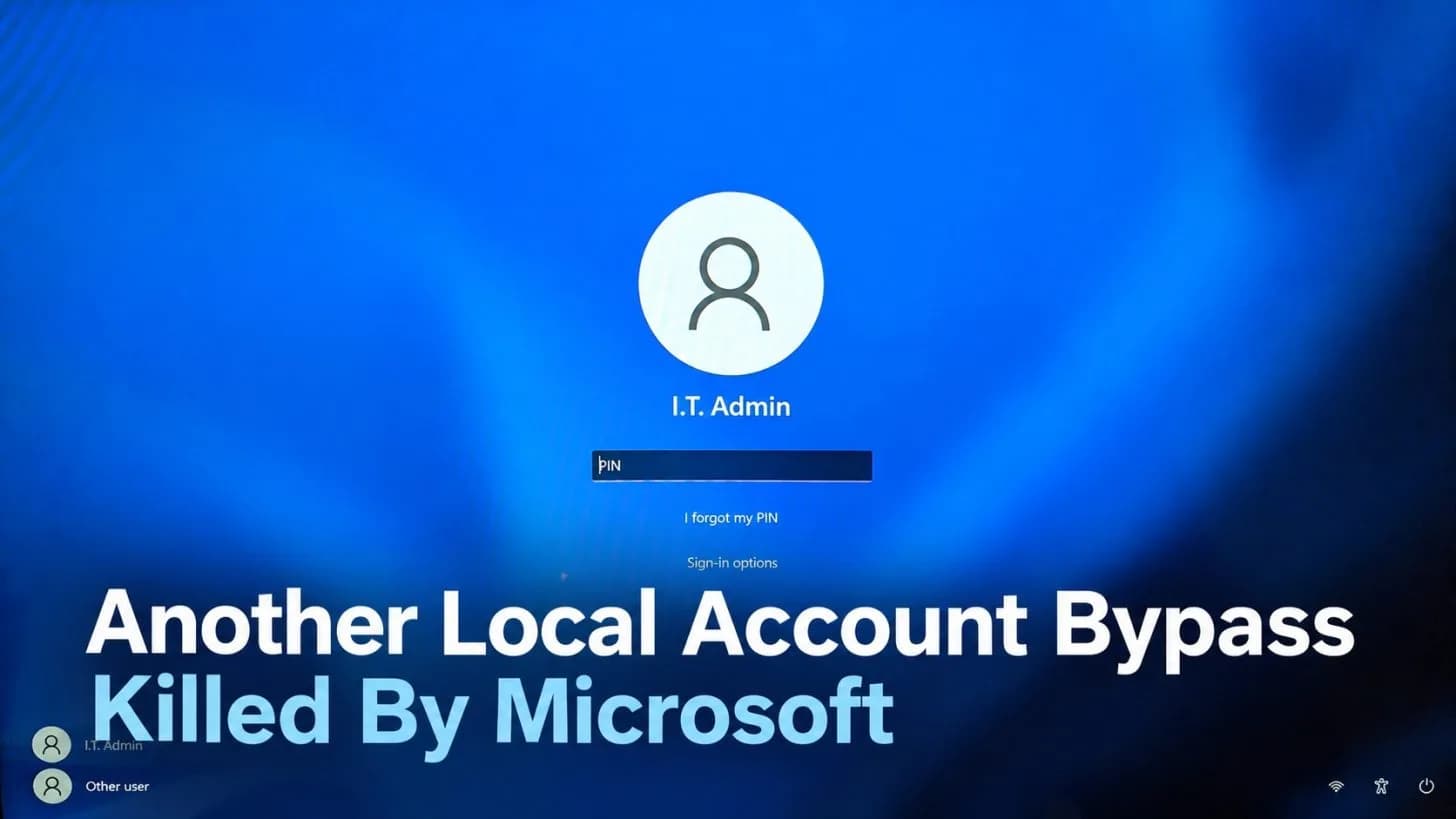

Be the first to comment
Join the argument. No password, just your email or a passkey.