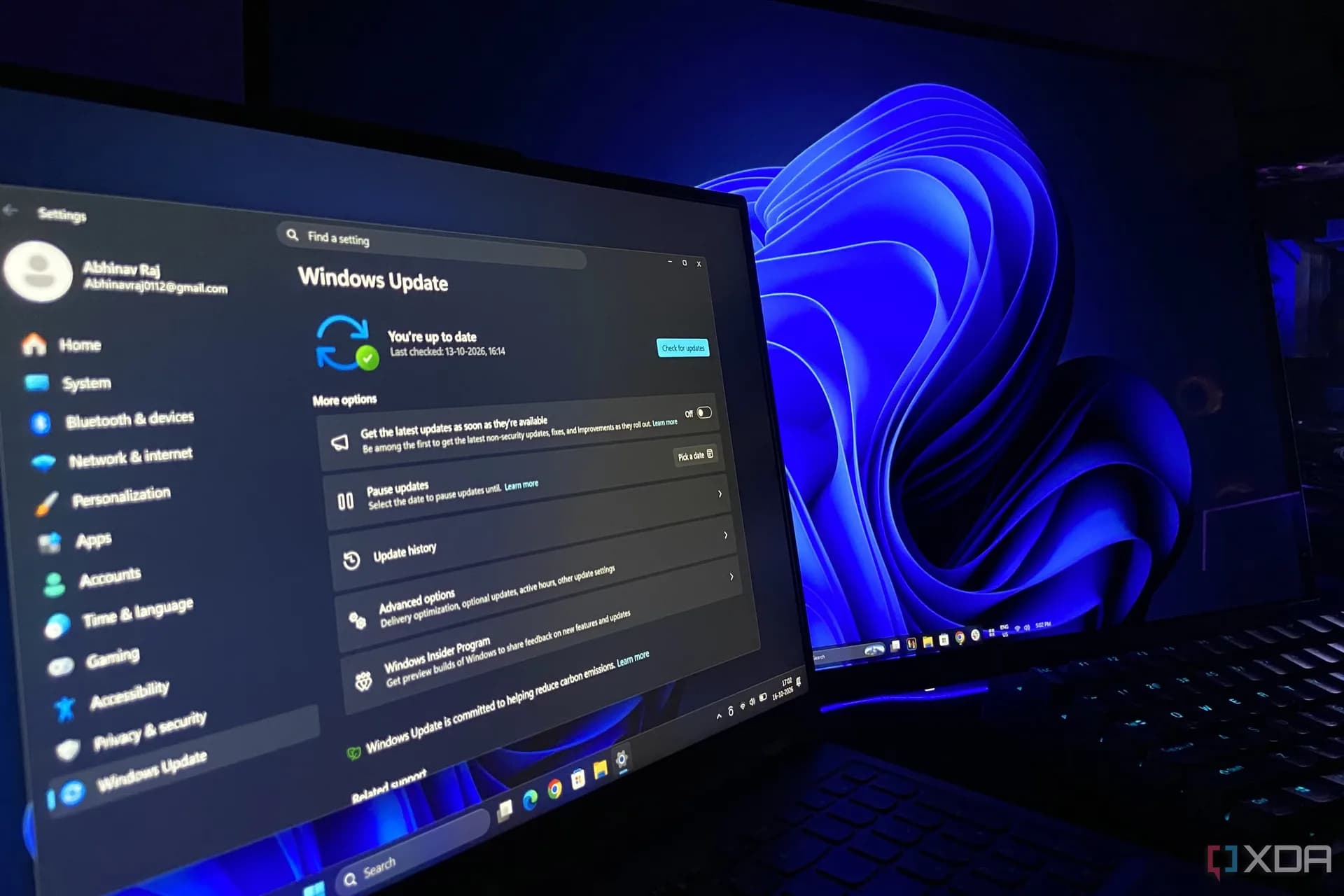
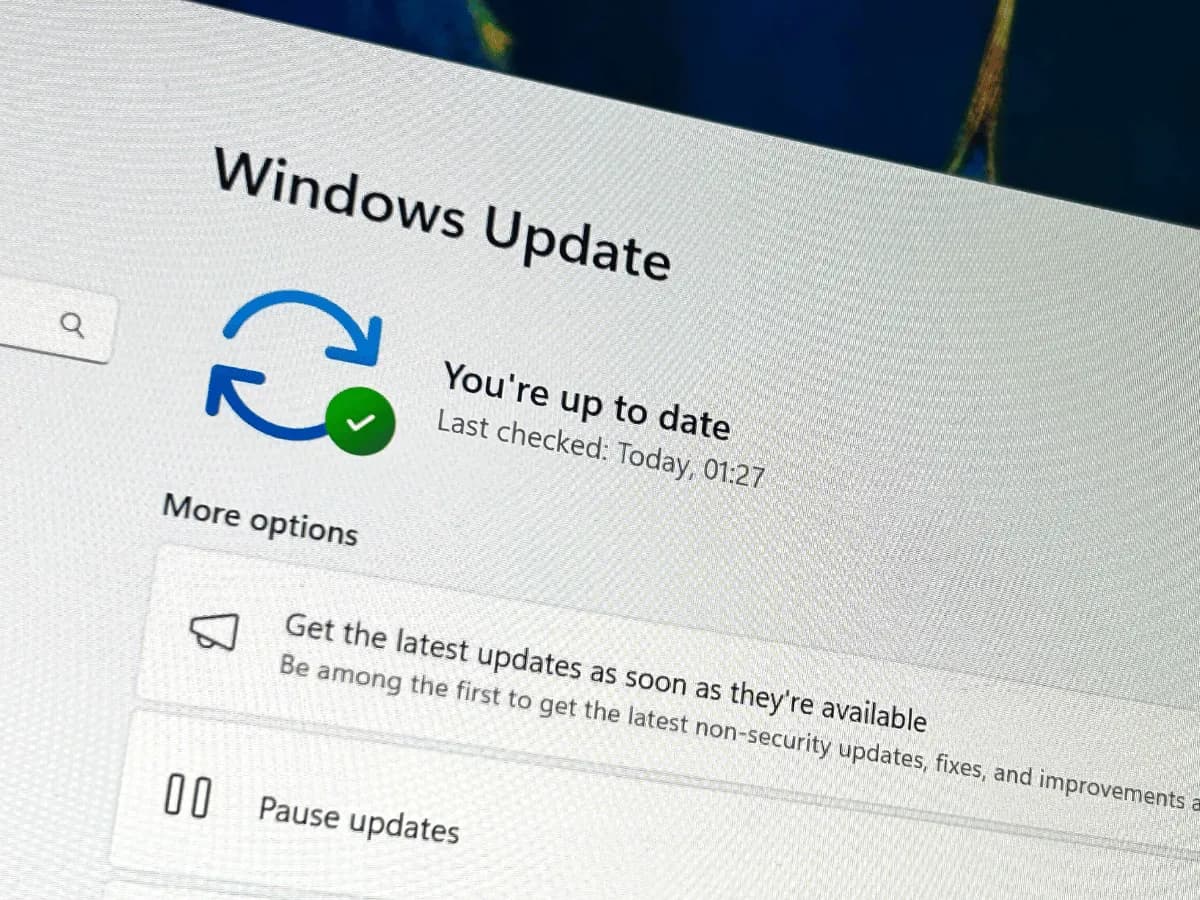
Windows 11 26H2 is installing itself. Since November 18, Microsoft has been pushing the update automatically to personal PCs and unmanaged business devices running 24H2 or 25H2 — no opt-in required. That includes most home laptops and desktops. You don’t have to wait: go to Settings > Windows Update and click Check for updates.
If 26H2 appears, select Download & install now. Or turn on Get the latest updates as soon as they’re available to speed things up further. Managed devices, like corporate laptops, stay under IT control and won’t get it unless admins approve. 26H1, a special preinstalled variant found on some new machines, can’t upgrade to 26H2 at all, per Windows Central. 26H2 isn’t a full reinstall.
It’s an enablement package: features are already baked into recent monthly updates and simply switch on. Installation usually takes minutes. Microsoft says it’s live in the US and globally, no regional rollout delays mentioned. 26H2 support lasts until October 9, 2028, for Home and Pro editions. That’s critical context: 24H2 lost security updates on October 13, 2026.
Anyone still on it is unprotected. 25H2 remains supported until October 12, 2027, so if you’re on that version, you’ve got time. But delaying 26H2 means delaying two years of patches. New features include a unified Windows Search with file previews, indexer-based search from This PC in File Explorer, a brightness boost for Windows Hello face sign-in in dark rooms, and a toggleable new Run dialog (Settings > Windows Update > Advanced options > Optional features).
AI-powered actions in File Explorer, like “summarize this folder” or “find documents about X”, are also part of the release, per Notebookcheck’s earlier coverage. Three known issues remain. First, some older USB Audio Class 1.0 devices fail after upgrading, showing Code 10 in Device Manager and no sound. KB5132061, released November 10, fixes this.
Second, Remote Desktop connections may crash with error 0xC000000D for non-admin users when Administrator protection is enabled, fixed since late October. Third, SQL Server external database connections break in some server environments. No safeguard hold blocks specific hardware, and Microsoft lists no active device exclusions. There’s also a planned restart coming, not a bug, but by design.
Over the next few months, Windows will silently replace Secure Boot certificates. Some devices will reboot once mid-update. This is tied to Microsoft’s 2027 deadline for updated firmware trust policies. Also, there will be no optional preview update in December, only security patches.
Before 26H2 arrives, check your current version: press Win+R, type winver, hit Enter. Install all pending updates first. Then back up critical files, not because the update is risky, but because power loss or disk failure can interrupt any installation. On Windows 11 Home, you can’t block 26H2 permanently, only pause all updates for up to 35 days (and extend that pause repeatedly).
But pausing stops security patches too. That’s dangerous on 24H2 and only justifiable for short-term delay on 25H2. Windows 11 Pro offers a better tool: Group Policy lets you lock the OS to 25H2 while still receiving security fixes. Navigate to Computer Configuration > Administrative Templates > Windows Components > Windows Update > Manage updates offered from Windows Update, then set Select the target Feature Update version.
Remove the policy before October 2027, or you’ll miss the final 26H2 patch cycle. If something goes wrong, roll back within 10 days via Settings > System > Recovery > Go back to the previous version. After that window, it’s a clean reinstall. For most users, the path is simple: update now, install KB5132061, and move on.
Windows 11 26H2 isn’t flashy. It’s functional. And it’s unavoidable, for good reason.
CDFiled by The Computing Desk
Laptops, desktops, processors, graphics cards and the operating systems that run on them.
More from this desk →
Be the first to comment
Join the argument. No password, just your email or a passkey.