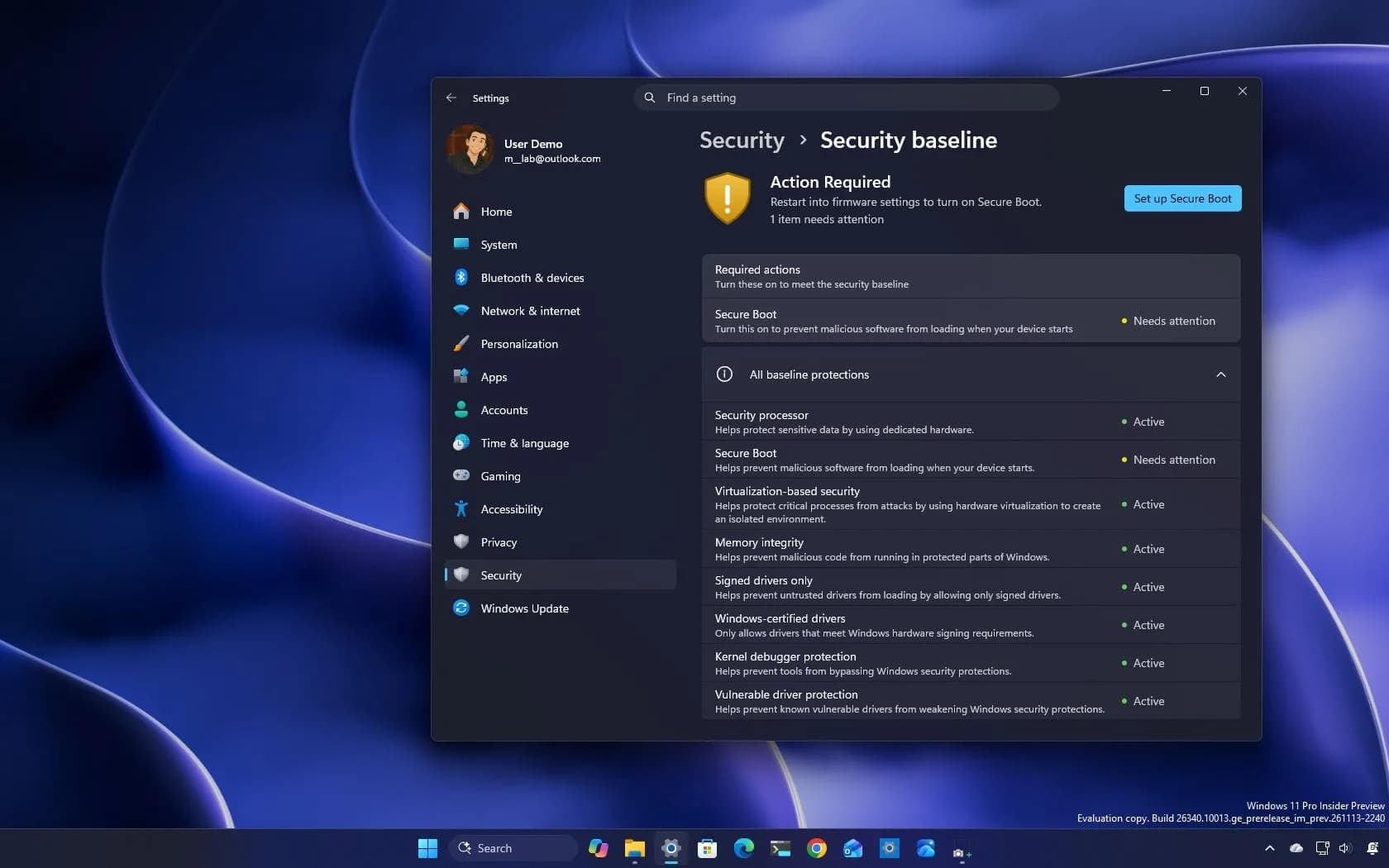
Windows 11 26H2 now lets compatible Bluetooth LE Audio headsets play full-range stereo at 48 kHz while the microphone is active. That’s the core change in Insider Preview Build 26340.10032, released November 20, 2026. No more automatic downmix to mono or narrowband distortion when you start speaking in Teams, Discord, Copilot Chat, or voice dictation.
But — and it’s a big one, this only works end-to-end with LE Audio hardware and drivers. Bluetooth Classic headsets are excluded entirely. So are PCs that ship with Bluetooth LE radios but lack LE Audio support in firmware or drivers. Microsoft says those require OEM updates, not just Windows patches.
And even then, the feature rolls out via Controlled Feature Rollout: not every Insider sees it right away. Stable Windows 11 users won’t get it until Microsoft announces a broader release, and it hasn’t. Not yet. Not publicly. The setting lives under Settings > System > Sound > [Bluetooth device] > Output settings > Format when the microphone is active.
Options include Mono (1 channel), Super Wideband Stereo (24 kHz), and the new 48 kHz stereo option. Microsoft warns that if distortion or dropouts happen, users should revert to Mono. It also notes that enabling Mono audio system-wide under Settings > Accessibility > Audio will block the stereo option entirely.
This isn’t a driver update you install manually. It’s baked into the OS build, and it depends on three things lining up: Windows 11 26H2, an LE Audio–capable PC (with updated OEM drivers), and an LE Audio headset that supports 48 kHz playback during bidirectional audio. Notebookcheck confirms the build number, date, and scope.
No pricing. No launch window. No stable rollout date. Just a working prototype, live, limited, and conditional.
The same build also adds a People widget tied to Phone Link or WhatsApp, richer Windows Search results for definitions and currency conversions, File Explorer search filters for file type and date, and a WinRE rebuild process that pulls from cumulative updates instead of requiring separate recovery image updates. Beta and older-channel builds dropped the same day, including 26H1 and Future Platforms variants, but none carry this audio fix.
Task Manager’s CPU speed readout is broken in this build, per Microsoft’s own known issues list. So yes, the muffled-call problem is finally being solved. But no, your AirPods Pro 2, Sony WH-1000XM5, or Jabra Elite 10 won’t benefit. Not unless they’re LE Audio models, and your laptop’s Bluetooth stack actually supports them.
Which most don’t. Yet.
CDFiled by The Computing Desk
Laptops, desktops, processors, graphics cards and the operating systems that run on them.
More from this desk →
Be the first to comment
Join the argument. No password, just your email or a passkey.