Windows 11 users reporting jerky, stuttering mouse movement in games — especially during camera panning in titles like Star Wars: The Old Republic, Final Fantasy XIV, and The Division 2, now have a confirmed root cause: a Windows-level bug, not faulty hardware. Microsoft has acknowledged and patched it in the October 2026 security update, KB5127648, released October 13, 2026.
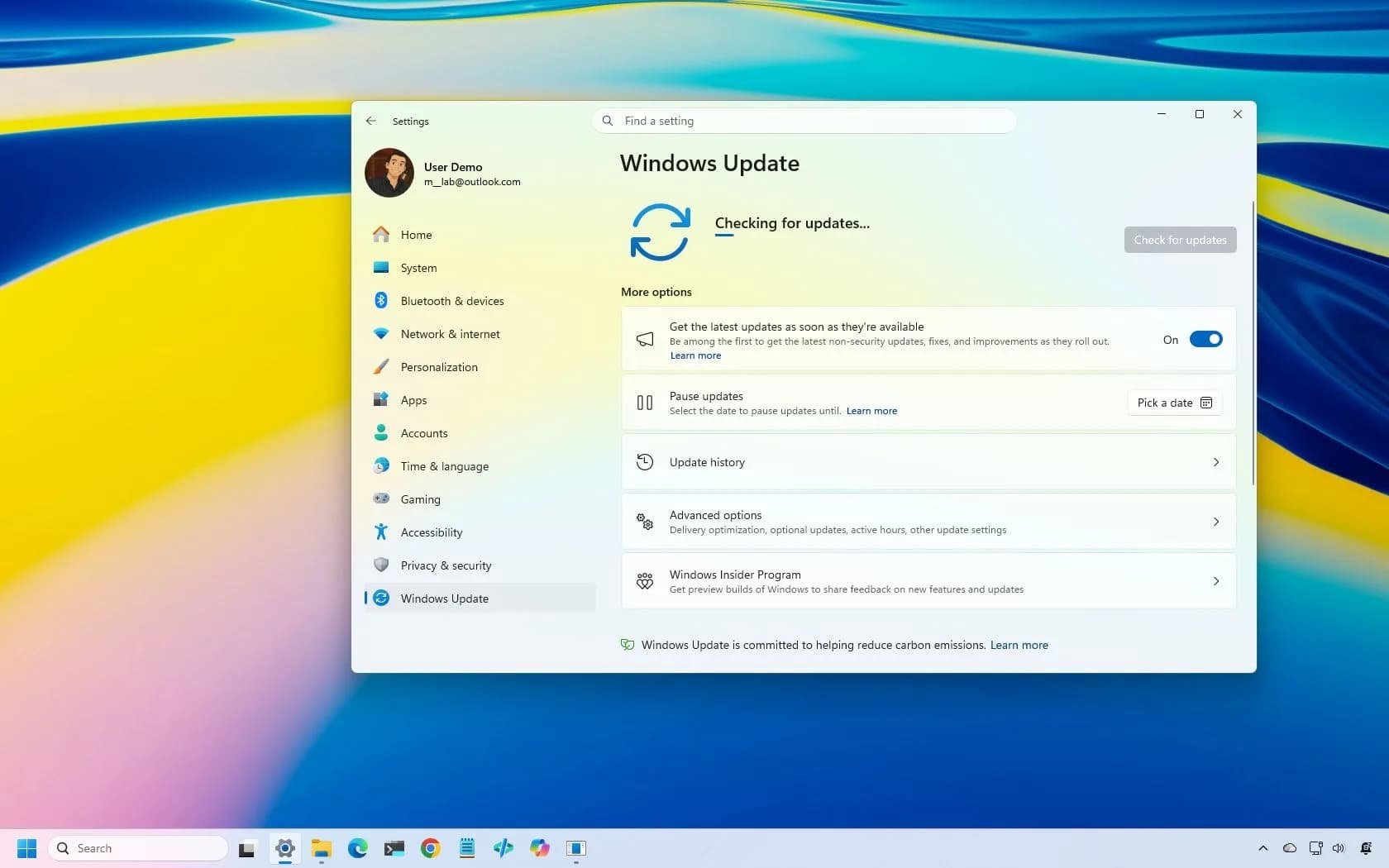
The fix is live for Windows 11 24H2, 25H2, and 26H2. It’s not in any prior optional preview, including September’s. The patch notes list it plainly under “Gaming”: “This update fixes an issue that could cause mouse input to stutter in some games.” No game names, no scope, no technical explanation.
Just confirmation. That’s rare. Microsoft rarely calls out gaming-specific regressions so directly. The update bumps 26H2 to Build 26300.9711, 25H2 to Build 26200.9711, and 24H2 to Build 26100.9711.
If Windows Update hasn’t pushed it yet, it’s available manually via the Microsoft Update Catalog. But don’t assume the patch solves everything. Users who installed KB5127648 and still see stutter should rule out other culprits first: outdated USB or GPU drivers, wireless interference, overly aggressive polling rates (especially on high-end mice), G-Sync/Adaptive Sync timing mismatches, or, critically.
USB docks. A Kensington dock user reported flawless mouse behavior on a Dell laptop alone, but severe jitter when connected to external monitors via the dock. That’s a known hardware-layer conflict, not a Windows regression. This isn’t the first time mouse stutter has flared across Windows 11 versions.
Similar reports surfaced in February 2025 on the Microsoft Q&A forum tied to 24H2. And the June 2026 SWTOR and FFXIV complaints predate this fix by months, meaning many gamers spent weeks troubleshooting mice, drivers, and settings before learning the OS itself was at fault. So yes: if your mouse jumps, lags, or pans uncontrollably mid-game, check your build number first.
Then install KB5127648. Then unplug the dock. Then try a different USB port. Then lower the polling rate.
Then update everything else. Because Microsoft fixed the bug. But didn’t fix the frustration it caused.
CDFiled by The Computing Desk
Laptops, desktops, processors, graphics cards and the operating systems that run on them.
More from this desk →

Be the first to comment
Join the argument. No password, just your email or a passkey.