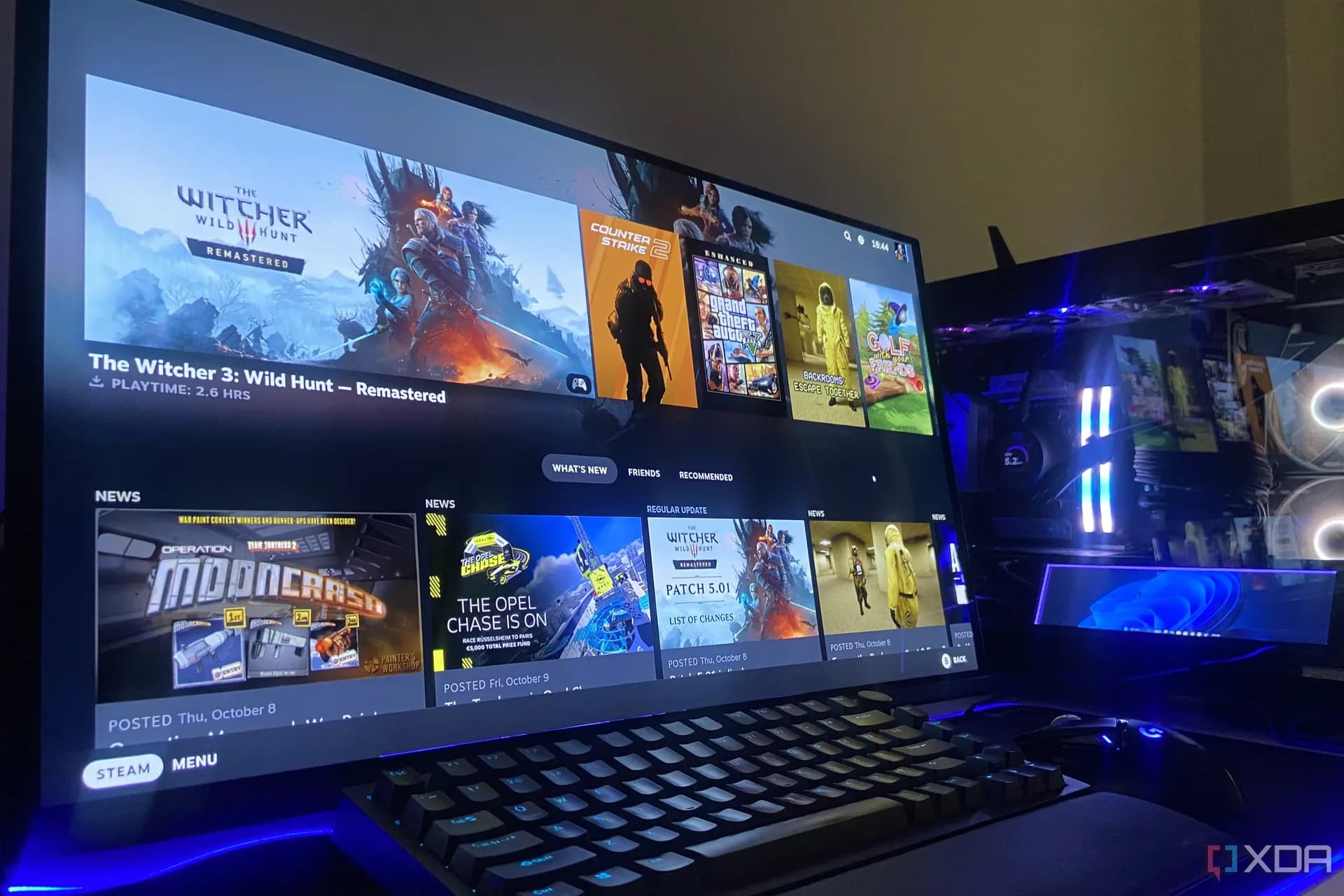
Windows 11’s Dev Drive — a feature buried in Settings, undocumented in marketing, and officially reserved for developers, is now being repurposed by users to cut game load times, slash shader compilation delays, and speed up asset streaming in titles like Backrooms: Escape Together.* The setup costs nothing. It requires no new hardware. And it runs on any internal PCIe Gen 4 NVMe SSD. The same drive most gamers already have.* But it does require Windows 11, ReFS formatting, and a willingness to treat a virtual hard disk like a trusted storage zone.* XDA Developers confirmed the effect: first-launch shader compilation dropped from minutes to under two minutes. Subsequent launches took less than one second, so fast the screen couldn’t be captured.* On the same physical SSD, an NTFS install still showed persistent shader compilation screens.* That’s not benchmarked latency. It’s observed behavior. Consistent across multiple tries, tied directly to how Windows handles file I/O on a Dev Drive.* Two things make it faster: Microsoft Defender shifts to asynchronous background scanning instead of blocking every file open, and fewer filesystem filters sit in the I/O path.* Both changes are automatic when the volume is marked “trusted”, which it is, by default.* Setting it up takes five minutes.* Go to Settings > System > Storage > Advanced storage settings > Disk & volumes > Create Dev Drive.* Pick “Create new VHD”, name it, set location (e.g., C:), size (50GB sufficed for a Steam library on a laptop), and choose VHDX + Dynamically expanding.* Then select the unallocated space, assign a drive letter, format. And it appears in File Explorer as a ReFS volume tagged “Dev Drive.”* Important limits apply.* External drives, USB sticks, portable SSDs. Are blocked outright.* Only internal disks qualify.* And because the drive is trusted by default, users must vet what lands on it: malware or compromised tools won’t trigger real-time scans.* This isn’t a Windows 11 Pro exclusive.* It ships with all editions of Windows 11, Home, Pro, Enterprise. As long as the device meets the OS requirements.* No extra license, no upgrade fee, no subscription.* Microsoft built Dev Drive for source control repos, build caches, and CI/CD pipelines.* But its underlying optimizations, ReFS + reduced antivirus overhead + filter-light I/O. Happen to align tightly with how modern games stress storage: thousands of small files, rapid reads, shader cache churn, texture streaming.* So yes: Windows 11 Dev Drive is now a stealth gaming accelerator.* Not marketed. Not benchmarked. Just quietly working, if you know where to look.* It rolls out globally with Windows 11 24H2 and later.* No regional pricing. No launch date to track.* It’s already there. Waiting in Settings.*

Windows 11 Dev Drive for Games: How to Use It to Speed Up Loading
It’s not in the ads. It’s not in the specs sheet. But Windows 11’s Dev Drive cuts game load times — and it’s free.
The Computing Desk · (4 hours ago)

Reported from
How this story was made
Written by the Hitechreports desk from the reporting credited above, with facts attributed to their original publishers. We do not test devices ourselves; anything about performance, battery life or cameras comes from the outlets that did. Prices are as reported at the time of writing. Editorial policy · Report an error
Filed by The Computing Desk
Laptops, desktops, processors, graphics cards and the operating systems that run on them.
More from this desk →Read next
More Laptops & PCs →
Windows 11 23H2 ends support November 10: Enterprise, Education, and IoT editions cut off from security updates
Windows 11 23H2 Enterprise, Education, and IoT Enterprise editions lose security updates on November 10, 2026 — the final patch day for that version across all remaining supported SKUs.

Xbox Series X price soars to $1,600 as shortages cripple availability and exclusives
Xbox Series X price soars to $1,600 in parts of Europe as stock vanishes — and Microsoft’s exclusive game push hits a wall.

Microsoft Trims Windows 11 Lock Screen Clutter and Patches Crashes
Microsoft rolled out Windows 11 Insider Preview Build 26220.9606 to the Beta Channel, slimming down lock screen widgets to prioritize weather while tackling a persistent media crash tied to msmpeg2ac3dec.dll.
Be the first to comment
Join the argument. No password, just your email or a passkey.