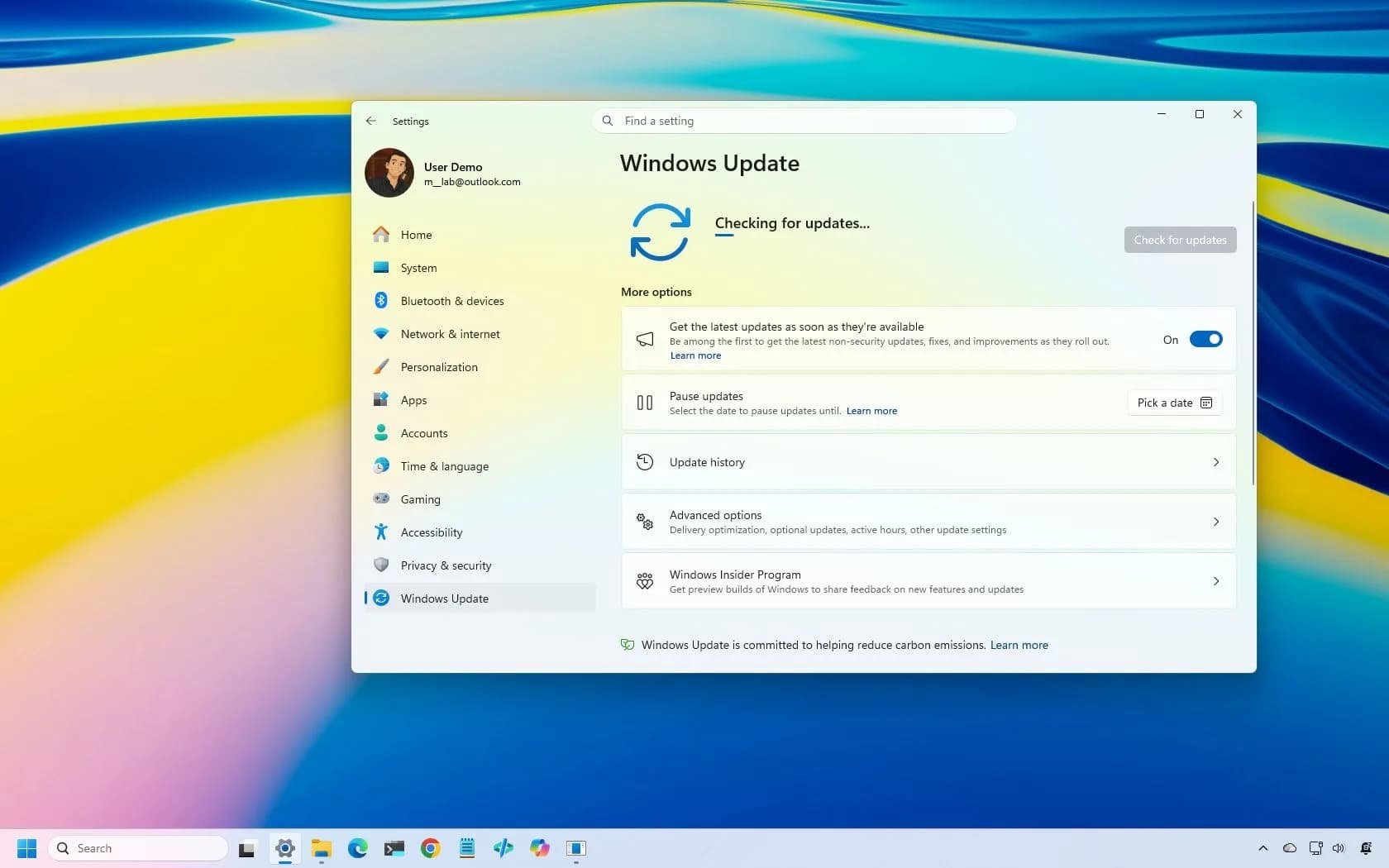
KB5127648 — Microsoft’s October 2026 Windows 11 security update, breaks Smart App Control on some devices running Windows 11 version 24H2 or later. The feature, which blocks untrusted apps using Microsoft’s app intelligence and code integrity checks, becomes grayed out and non-toggable if it was previously turned off. Devices where Smart App Control was already enabled remain unaffected and stay protected.
No fix is available yet. Microsoft has published registry and Group Policy workarounds for IT administrators only. The issue does not affect end users who never disabled the feature. It also does not impact Windows 11 versions earlier than 24H2.
The problem appears alongside two other confirmed post-update bugs: Remote Desktop failures for non-admin users when ‘Administrator protection’ is on, and lingering Always On VPN issues tied to September’s updates. A separate black-screen and Explorer crash bug. First seen after August’s rollouts, has now been resolved. Microsoft says the KB5127648 advisory has been updated with the Smart App Control note.

Be the first to comment
Join the argument. No password, just your email or a passkey.